Oracle ERP Procurement 26A
Low

Feature Enablement
Redwood Features
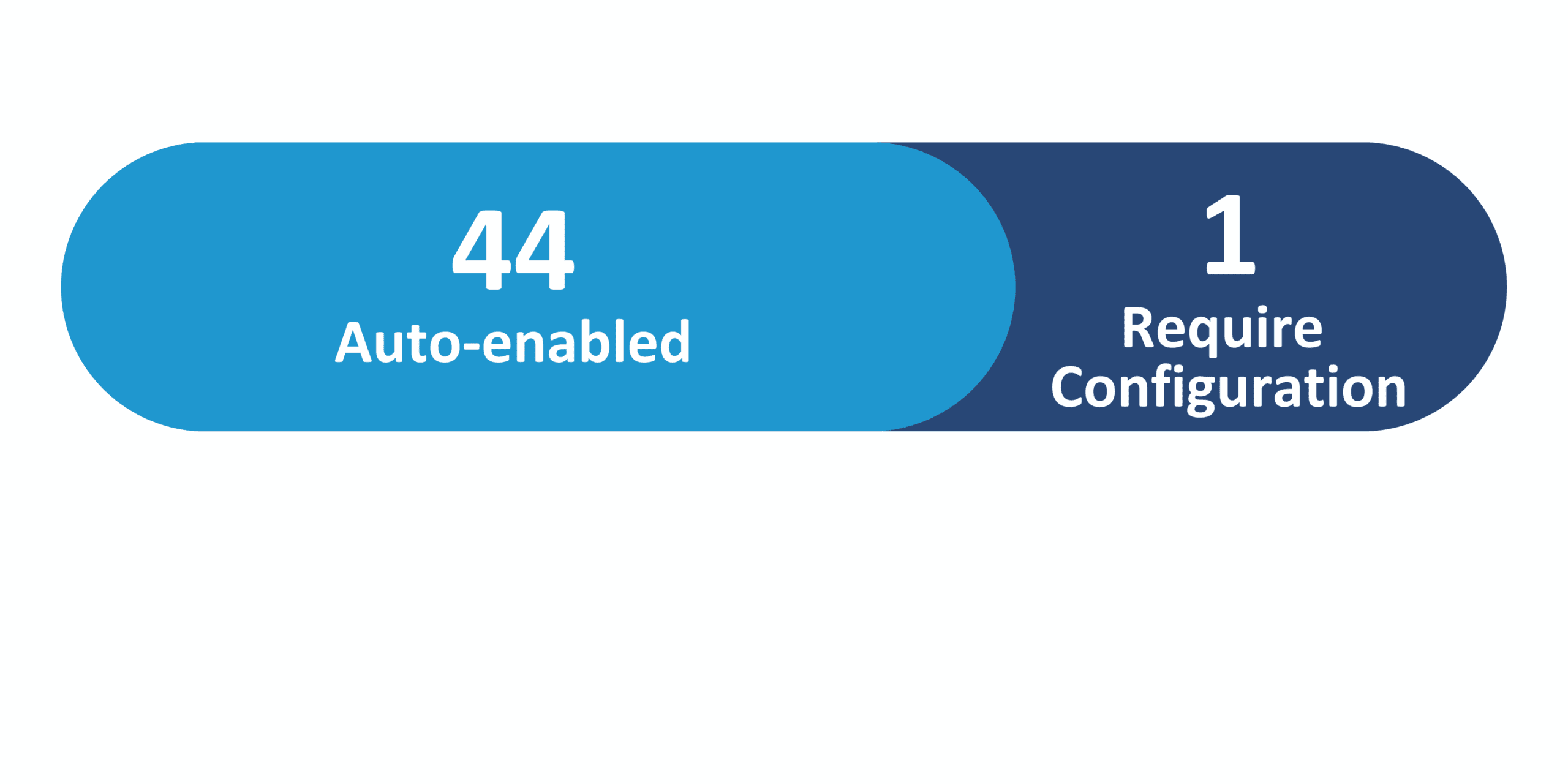
26A Update Features Covered:
1. AI Agent: External Purchase Prices Errors Resolution Assistant
Quick Notes:


Use the External Purchase Prices Errors Resolution Assistant to review and summarize errors that you encounter when you import external purchase prices from external applications. It can also suggest resolutions for the errors and guide you on how to fix them.
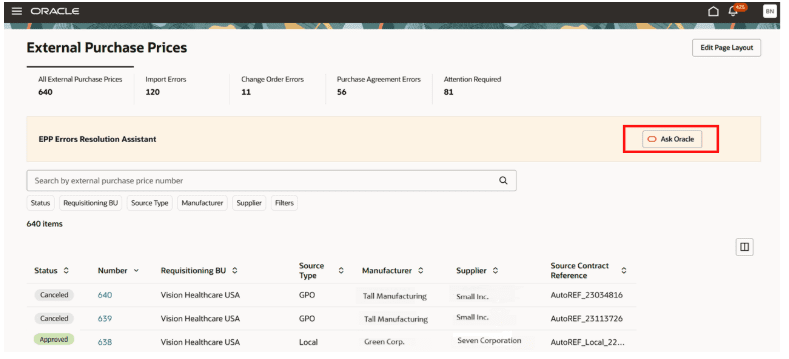
You can launch the assistant by clicking Ask Oracle from the External Purchase Prices landing page after it is enabled. (Refer to Steps to Enable section).
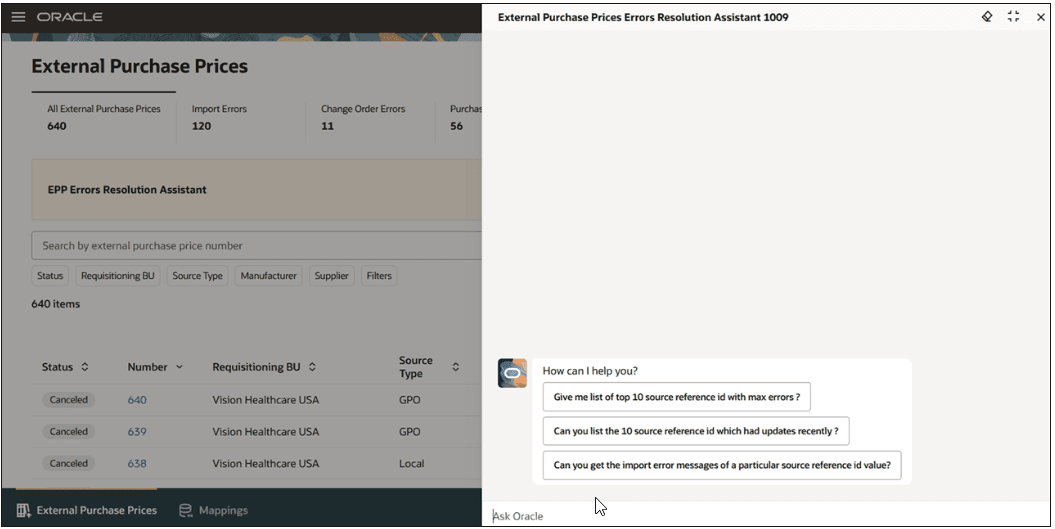
On the External Purchase Prices Resolution Assistant drawer, you’ll see predefined prompts such as Give me list of top 10 source reference id with max errors, Can you list the 10 source reference id which had updates recently, and so on. You can use these prompts or ask the assistant a question of your choice.
You can use the External Purchase Prices Errors Resolution Assistant to understand the possible causes and resolutions for Import errors. If the import error is due to a missing mapping, the agent can help to create the mapping if the required details are provided. The agent can also resubmit the Import External Purchase Prices scheduled process after the issues are fixed. Additionally, the agent also provides a deep link to directly navigate to a particular external purchase price header or to the mappings.
The agent enables pricing and contract managers to quickly identify issues and receive actionable, prioritized resolution suggestions. When errors result from missing setups, the agent offers a seamless option to create the necessary setups and reprocess affected records, eliminating manual navigation and repetitive tasks. This results in a substantial reduction in error resolution time, minimizes the risk of delays in contract data updates, and greatly enhances the user experience. Ultimately, this innovation helps ensure accurate and timely purchase agreements, supporting uninterrupted procurement of critical healthcare supplies.
Steps to Enable:
To enable permission groups for roles, take these steps:
- In the Setup and Maintenance work area, search for the Manage Administrator Profile Values task using the search link in the Tasks panel tab.
- Search for the Enable Security Console External Application Integration (ORA_ASE_SAS_INTEGRATION_ENABLED) profile option and set the Site profile level to Yes.
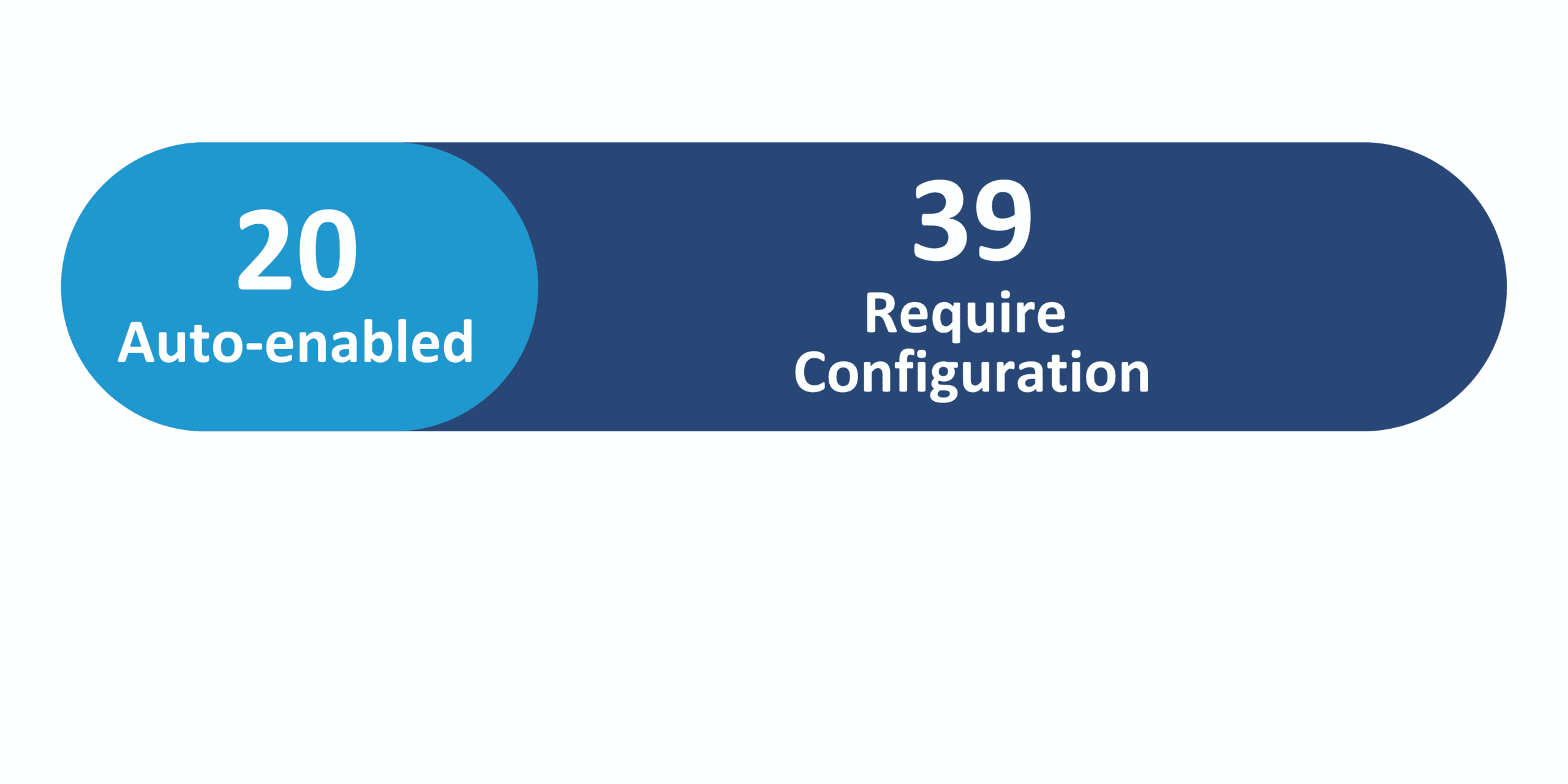
2. Procurement – Redwood
Quick Notes:
The Procurement updated for Redwood in 26A are:
- Redwood: Contract Advisor AI Agent
- Redwood: Create and Manage Procurement Contracts
- Redwood: Search and Manage Contracts from List Page
- Redwood: Release a Purchase Order from a Contract That Fulfills Requisition Demand
- Redwood: Configure Search Views for Purchase Orders, Purchase Agreements, and Process Requisitions
- Redwood: Create Purchasing Documents with Compliance Checklists
- Redwood: Notify Buyers of Requisition Lines Reassigned to Them
- Redwood: Process Requisition Lines into Supplier Contracts
- Redwood: Summarize Purchase Agreement Attachments with Generative AI in Approval Notifications
- Redwood: Acknowledge Purchase Agreements and Change Orders
- Redwood: Capture Supplier Discounts on Purchase Orders
- Redwood: Create Purchase Agreement Changes as a Buyer
- Redwood: Create Purchase Agreement Changes as a Supplier
- Redwood: Create Purchase Orders with Credit Lines
- Redwood: Create and Edit Purchase Orders Requiring Special Handling
- Redwood: Create and Edit Purchase Orders for Complex Services with Progress Payment Schedules
- Redwood: Create and Edit Purchase Orders with Retainage Terms
- Redwood: Rebuild Transaction Accounts on Purchase Orders
- Redwood: Review Purchase Agreement Change and Revision Histories
- Redwood: Review the Changes to Contract Terms in Purchase Orders
- Redwood: Update Requisition Lines from a Catalog When Processing Lines as a Buyer
- Redwood: Add External Cost Factors
- Redwood: Add Line Details with Spreadsheet
- Redwood: Add Lots and Groups
- Redwood: Apply Internal Cost Factors
- Redwood: Award Negotiation
- Redwood: Create Purchasing Documents from Award
- Redwood: Evaluate and Score Responses as Team Members
- Redwood: Manage Contract Terms in Negotiations
- Redwood: Manage Default Line Attributes
- Redwood: Manage Public Negotiation Abstracts
- Redwood: Manage Sealed Negotiations
- Redwood: Respond to Large Negotiations
- Redwood: Respond to Requirements for Supplier Profile Attributes
- Redwood: Update Schedule for Approved Negotiations
- Redwood: Uptake Latest Question Revision in Requirements
- Redwood: Use Composite Scoring in Response Evaluation
- Redwood: View Supplier Details
- Redwood: Configure Supplier Registration Custom Content
- Redwood: Manage Supplier Profile