Oracle HCM Absence Management 26A
Low

Feature Enablement
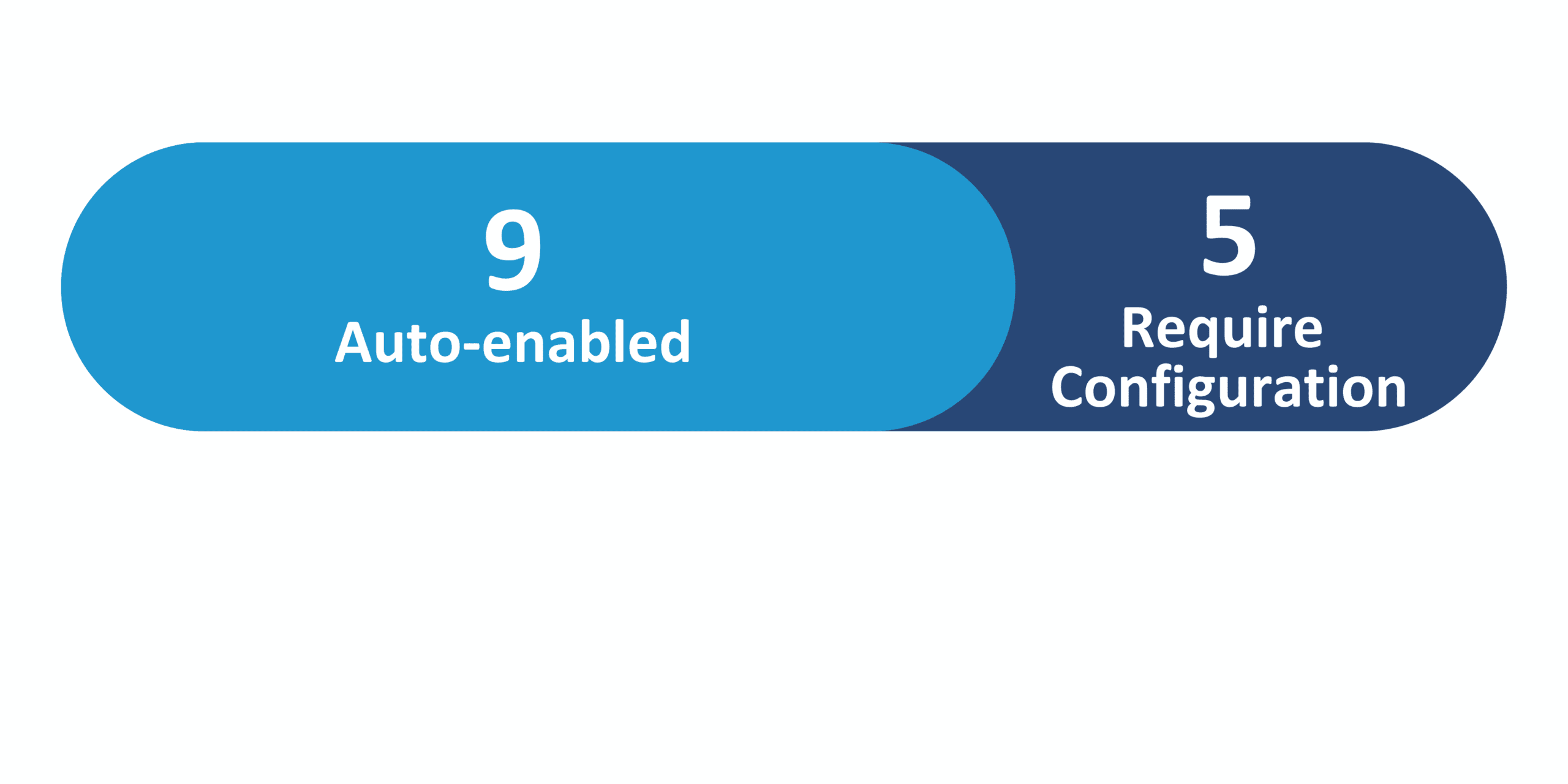
Redwood Features
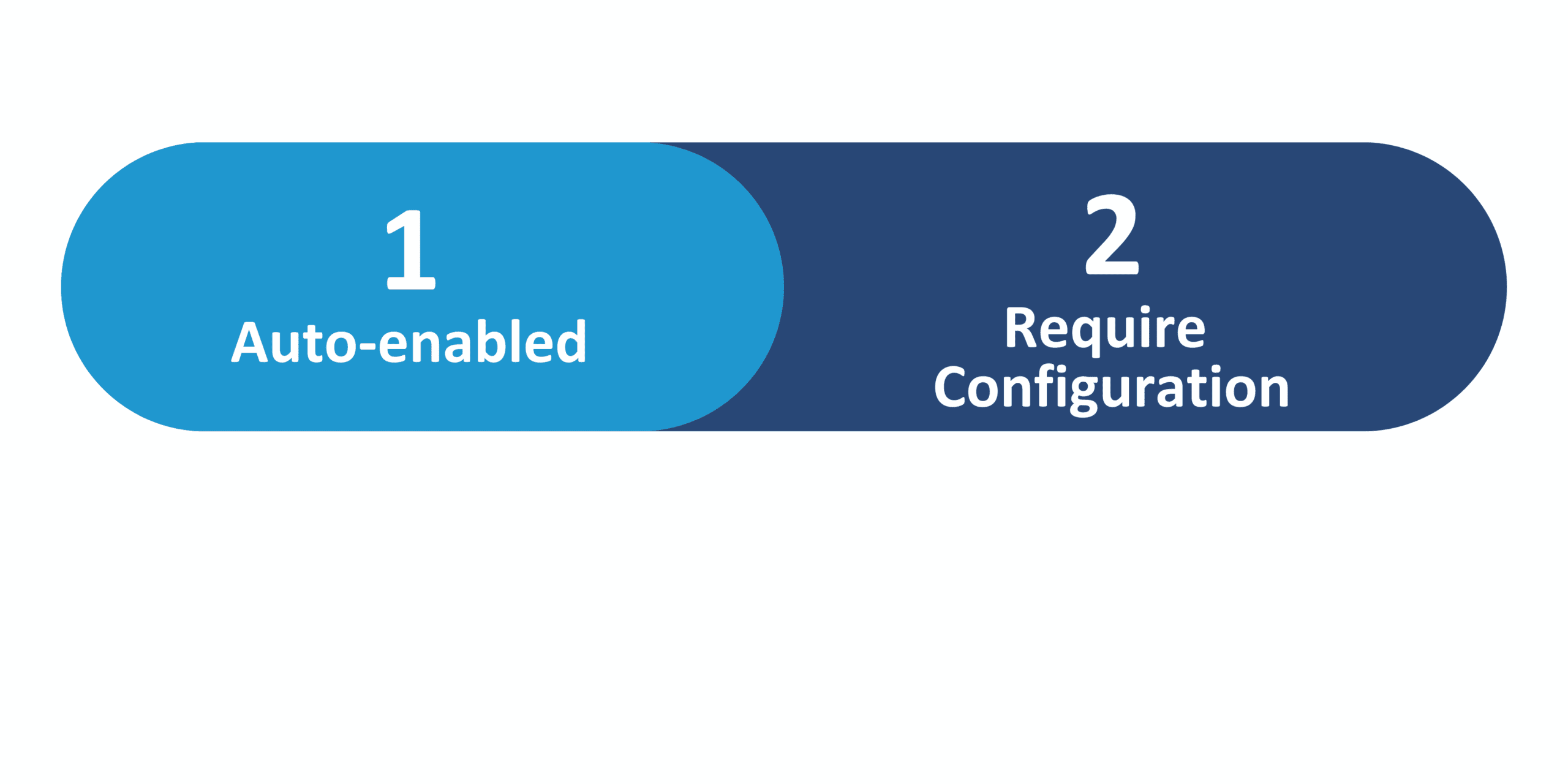
26A Update Features Covered:
- Redwood Experience
- Generative AI
- Absence Approvals and Scheduling Conflicts
- Absence Rules Honored on Time Card
- Editing Absences with WFM Scheduling
- HCM Redwood Calendar Extensibility Enhancements
1. Redwood Experience
Redwood is Oracle’s next-generation, unified user interface, built to enhance the overall user experience. While the Classic UI is still available for existing customers, Oracle strongly recommends transitioning to Redwood to take full advantage of the latest innovations – particularly those driven by Generative AI.
2. Generative AI
As you explore unlocking business value with Generative AI, take advantage of newly available AI Agents across key Oracle Cloud modules, such as Core HR, Onboarding, Recruiting, and Talent Management. These AI Agents support elevated decision-making, minimize manual tasks, and streamline daily operations – enabling your teams to work more productively and efficiently.
3. Absence Approvals and Scheduling Conflicts
Quick Notes:


Absences now provide real-time visibility of absences records on the manager’s published team schedule through event conditions – created, approved, and withdrawn absences – to immediately flag any scheduling conflicts.
4. Absence Rules Honored on Time Card
Quick Notes:
Users can no longer make changes to locked absences on the timecard. Additionally, users must provide all required absence fields before submission to ensure all necessary details are captured from the start. These enhancements will lead to reduced errors and maintained consistency between absence setup rules and the timecard.
5. Editing Absences with WFM Scheduling
Quick Notes:
Absences are part of the published schedules with WFM Scheduling. Edits and extensions to an absence are reflected on the published schedule and any shifts that overlap with an absence will be reassigned.
6. HCM Redwood Calendar Extensibility Enhancements
Quick Notes:
Work Schedules calendar can be tailored so each shift displays an event title with the specific attribute most relevant to your organization and your team (i.e. job profile name, shift name, shift type, shift category, department name, or location name). This enhancement lets managers and workers quickly identify important shift details, for claimed and scheduled shifts, when reviewing the schedule.
Steps to Enable: Me > Time and Absences > Calendar, and in Visual Builder Studio, select the attribute you want displayed as the Event Title for all relevant shifts.