Oracle HCM Common Cloud 26A

Low

Feature Enablement
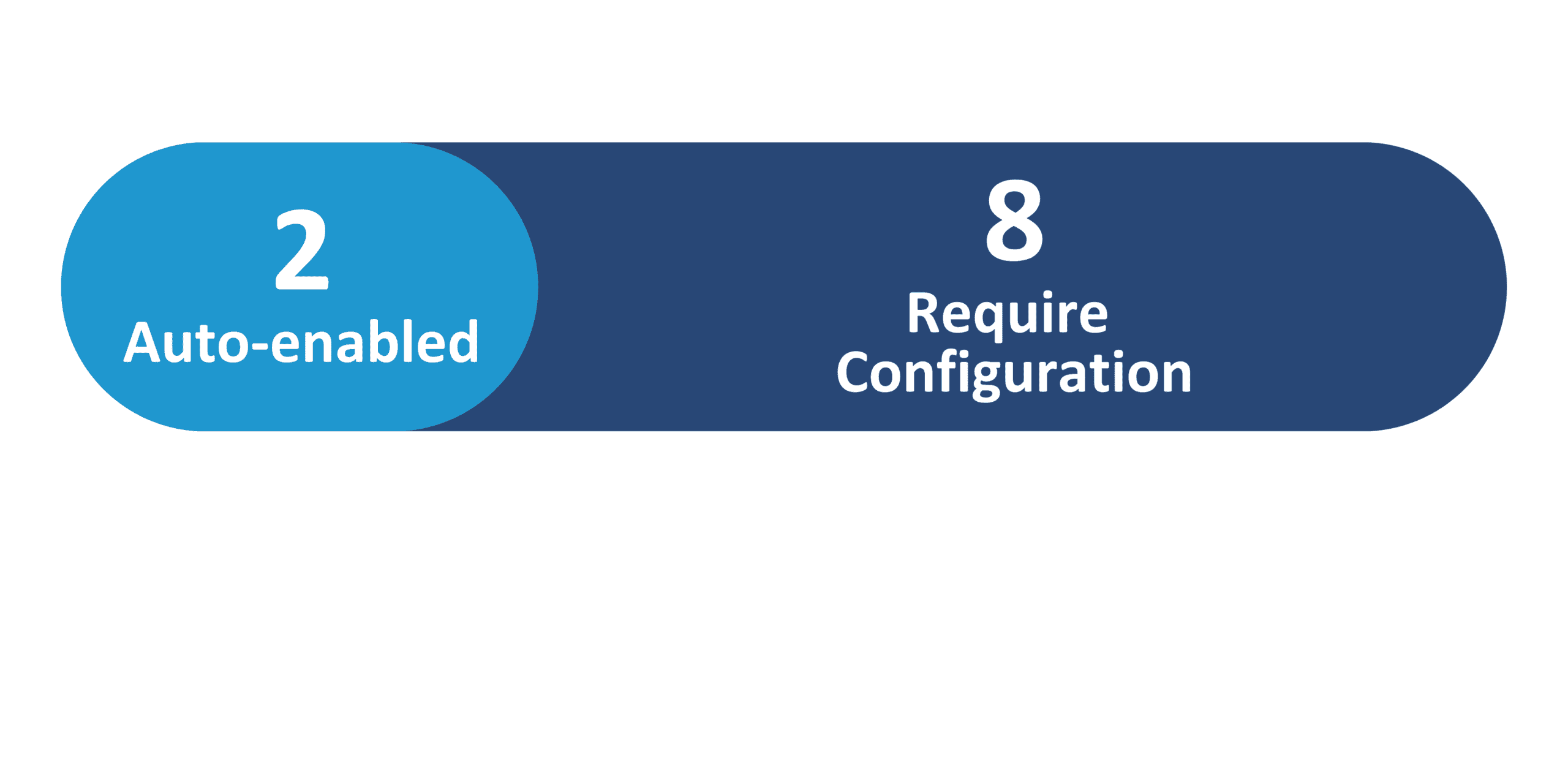
Redwood Features
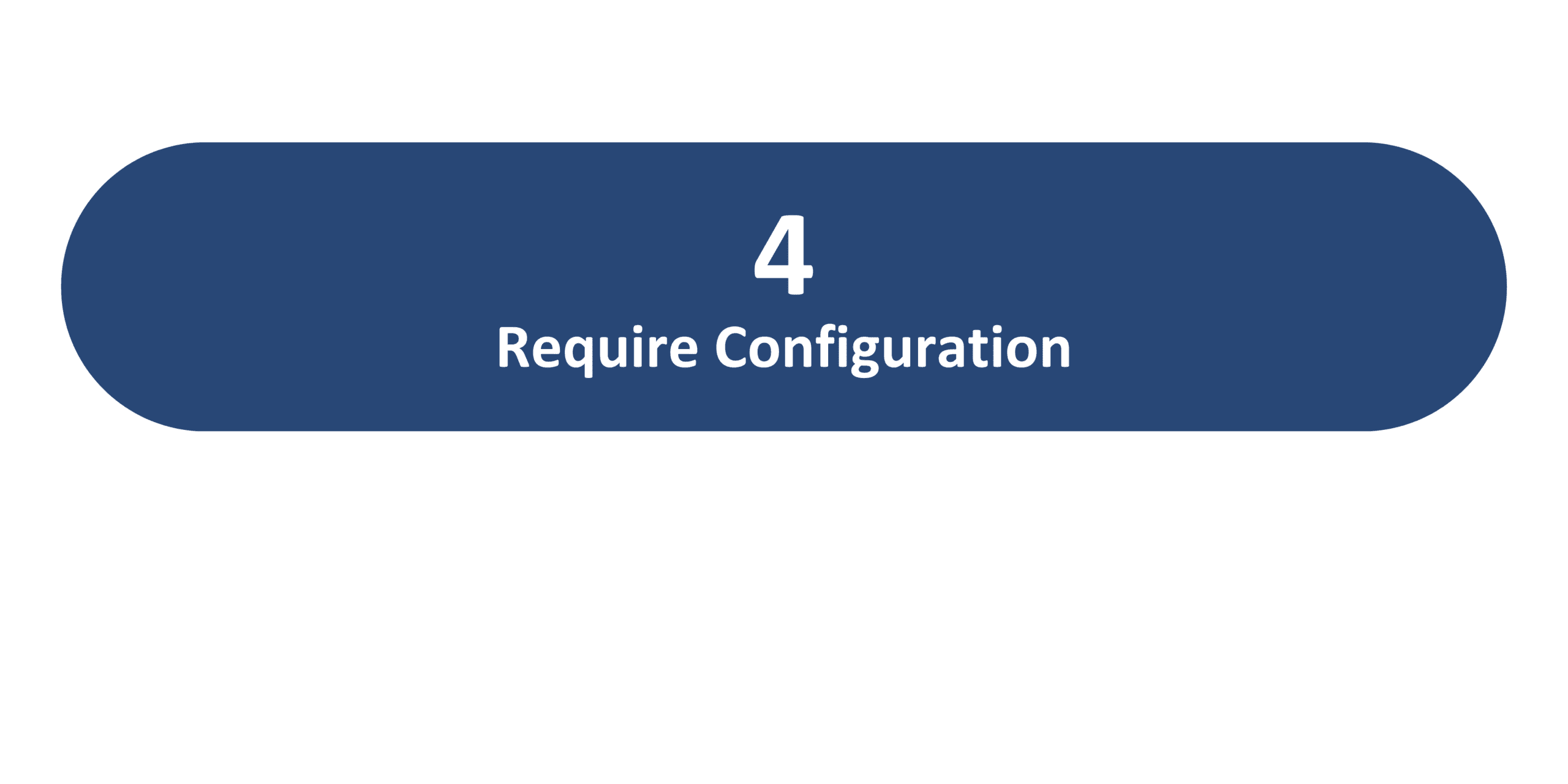
Generative AI Features
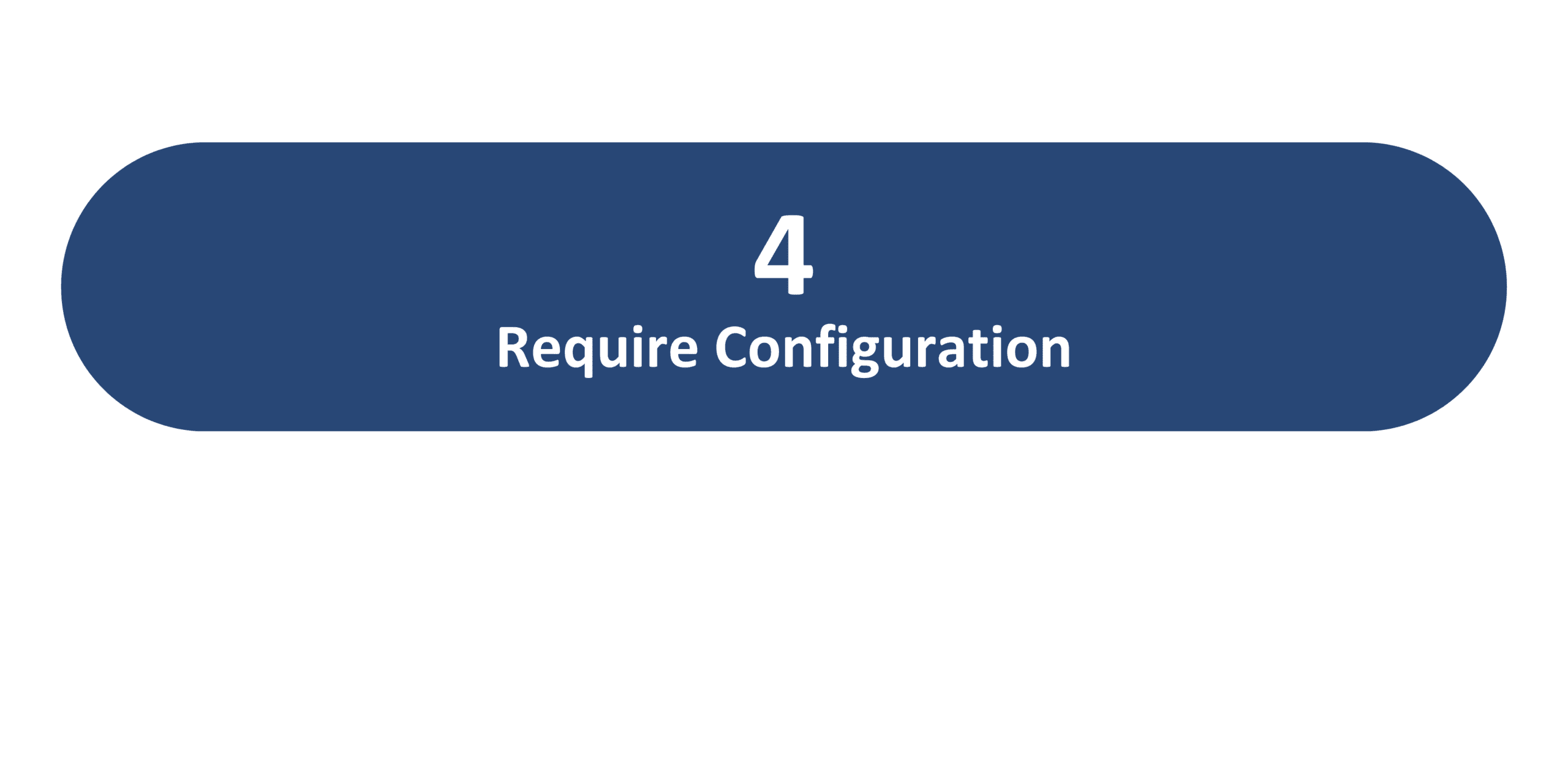
26A Update Features Covered:
- Redwood Experience
- Generative AI
- Redwood Experience for HCM Data Loader
- Redwood Experience for Role Mappings
- Business Object Enhancements
1. Redwood Experience
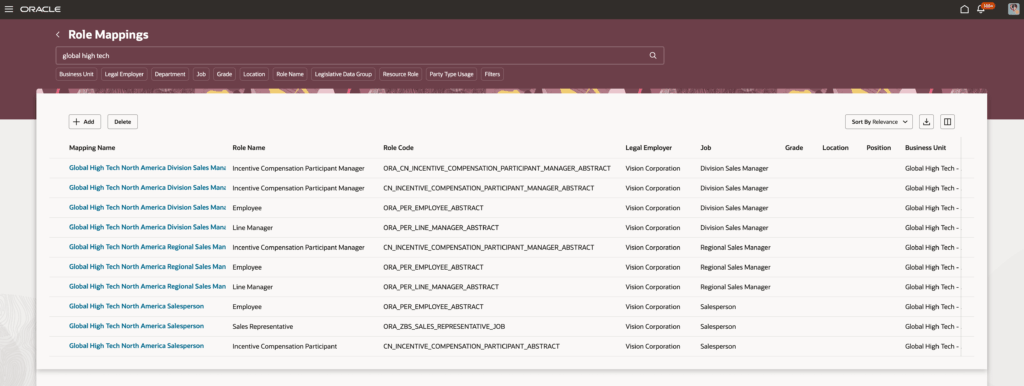
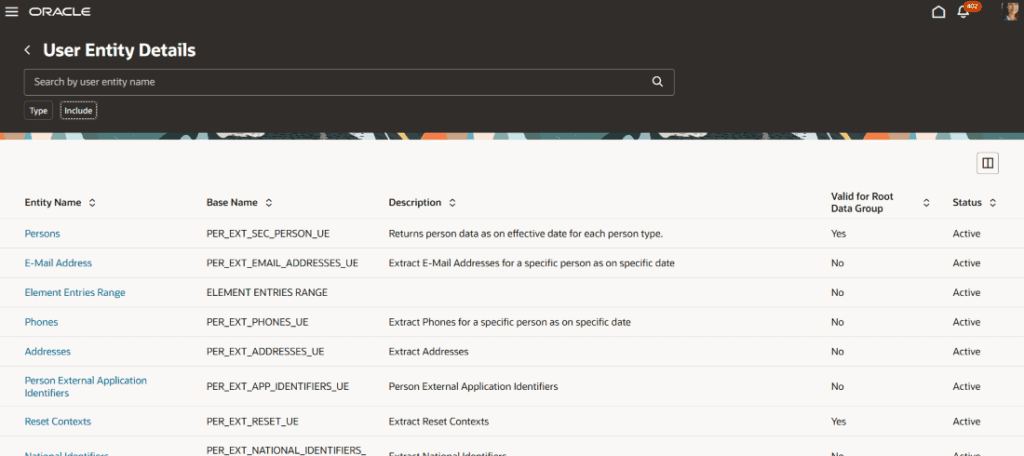
Oracle continues to upgrade HCM Common applications to the new Redwood UI in the 26A release. Some notable pages receive their Redwood upgrades, including the View Business Objects page within the Data Exchange work area and the Role Mappings pages. The HCM Extracts work area additionally receives the new User Entity Details page, allowing users to easily search for and review entity details and database items.
2. Generative AI
As part of Oracle’s continued mission to develop its Generative AI services, the 26A release brings enhancements to the Employee Concierge and Manager Concierge AI agents’ capabilities. The Employee Concierge subagents – including the Leave and Absence Analyst, Benefits Analyst, Compensation Advisor, and Payslip Analyst – are enhanced to better utilize documents, including company policies, to deliver more tailored support. In addition to document retrieval, the Manager Concierge additionally receives enhancements to its analytical services and deep link capabilities.
3. Redwood Experience for HCM Data Loader
Quick Notes:


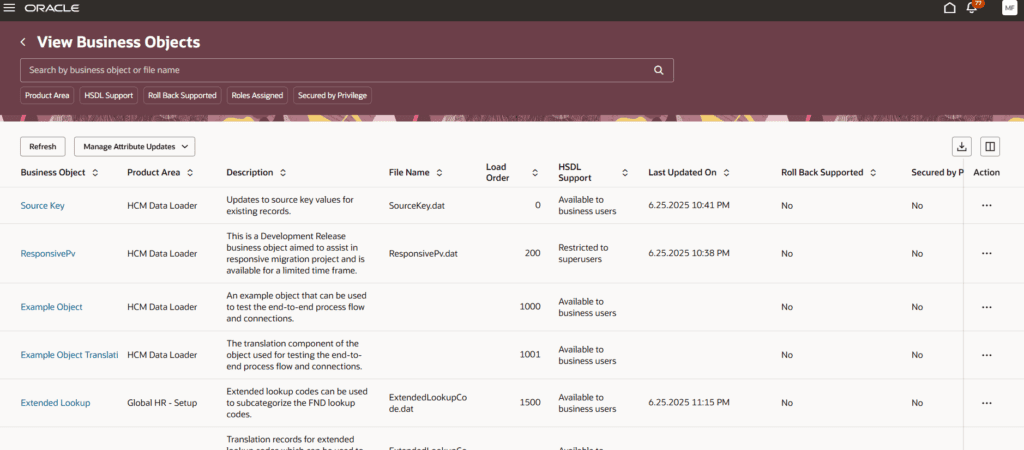
The View Business Objects page within the Data Exchange work area is now available in Redwood, focusing on streamlining navigation and improving the page’s organization and performance.
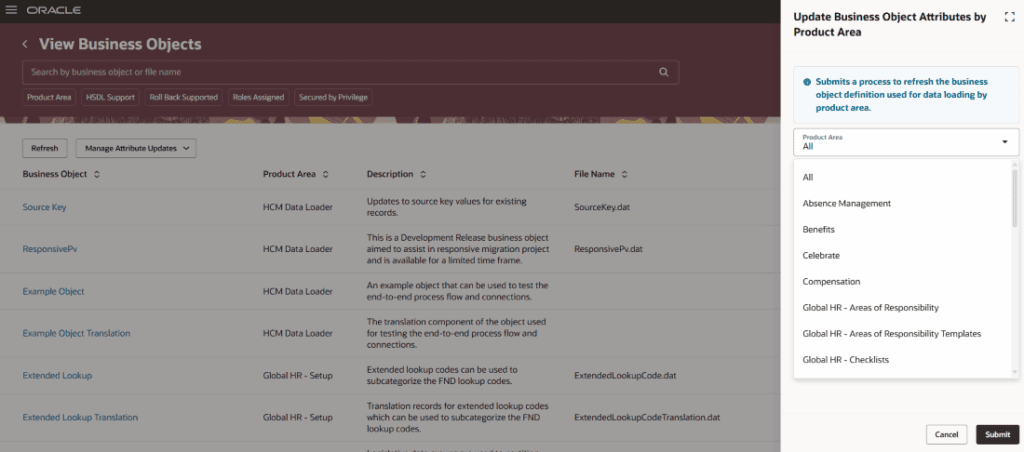
Users can search for and review the various business objects supported by HCM Data Loader and HCM Spreadsheet Data Loader. The page offers multiple functionalities, including viewing and updating business objects by Product Area, viewing roles that have bulk-loading access to a business object, and reviewing objects’ parameters and post processes.

4. Redwood Experience for Role Mappings
Quick Notes:
The new Redwood experience for Role Mappings makes it easier and more intuitive for users to create, review, and monitor role mapping.
Role mapping allows businesses to define relationships between users’ roles within the organization and the data access they need for that role. These role mappings can then be provisioned automatically or manually to the users who meet those conditions, based on the business’s needs.

5. Business Object Enhancements
Quick Notes:
The 26A release introduces new business objects and attributes while updating and decommissioning others, impacting areas such as tax withholding, checklist templates, and worker employment terms.