Oracle HCM Human Resources Cloud 26A

Medium

Feature Enablement
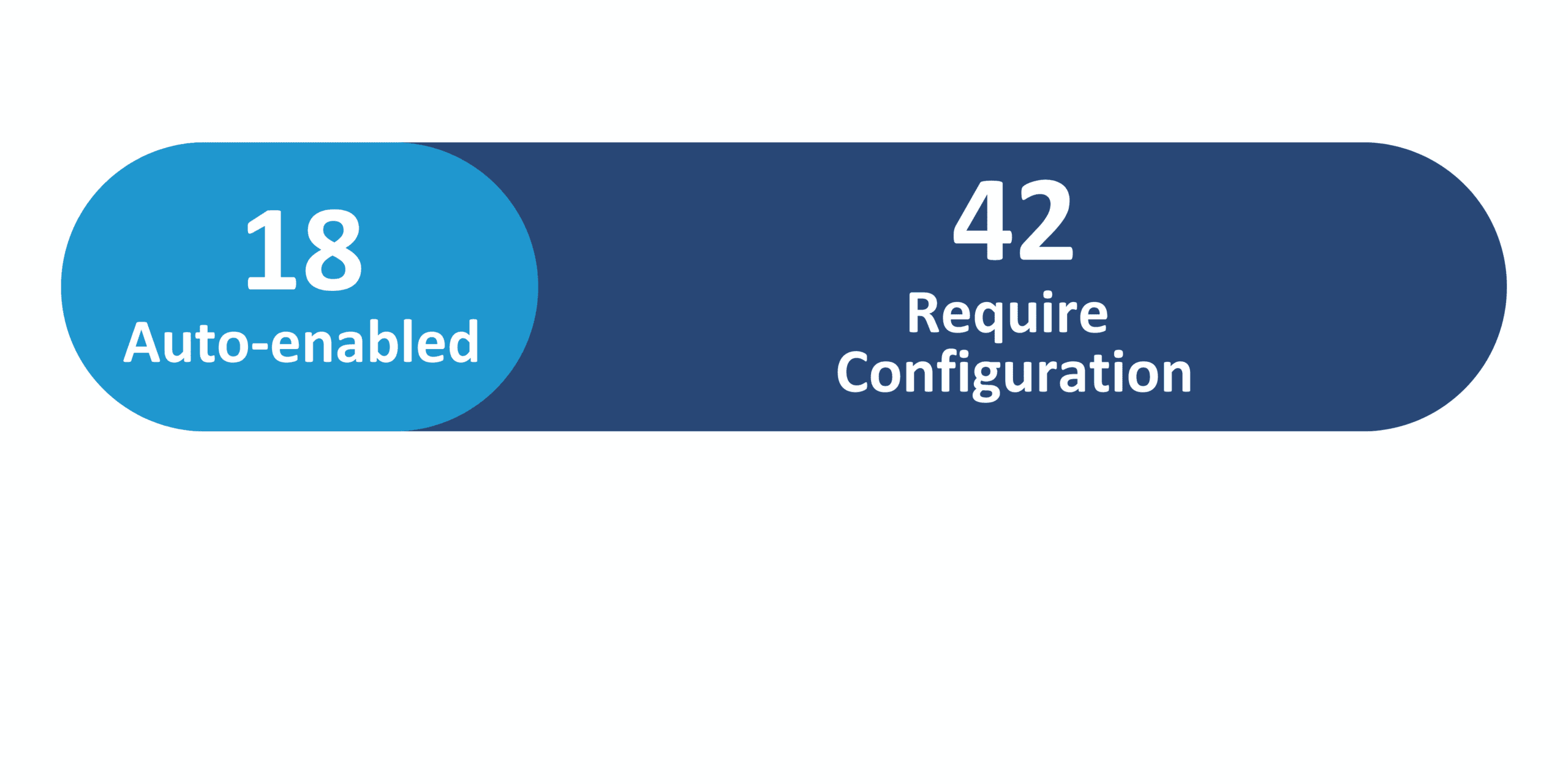
Redwood Features
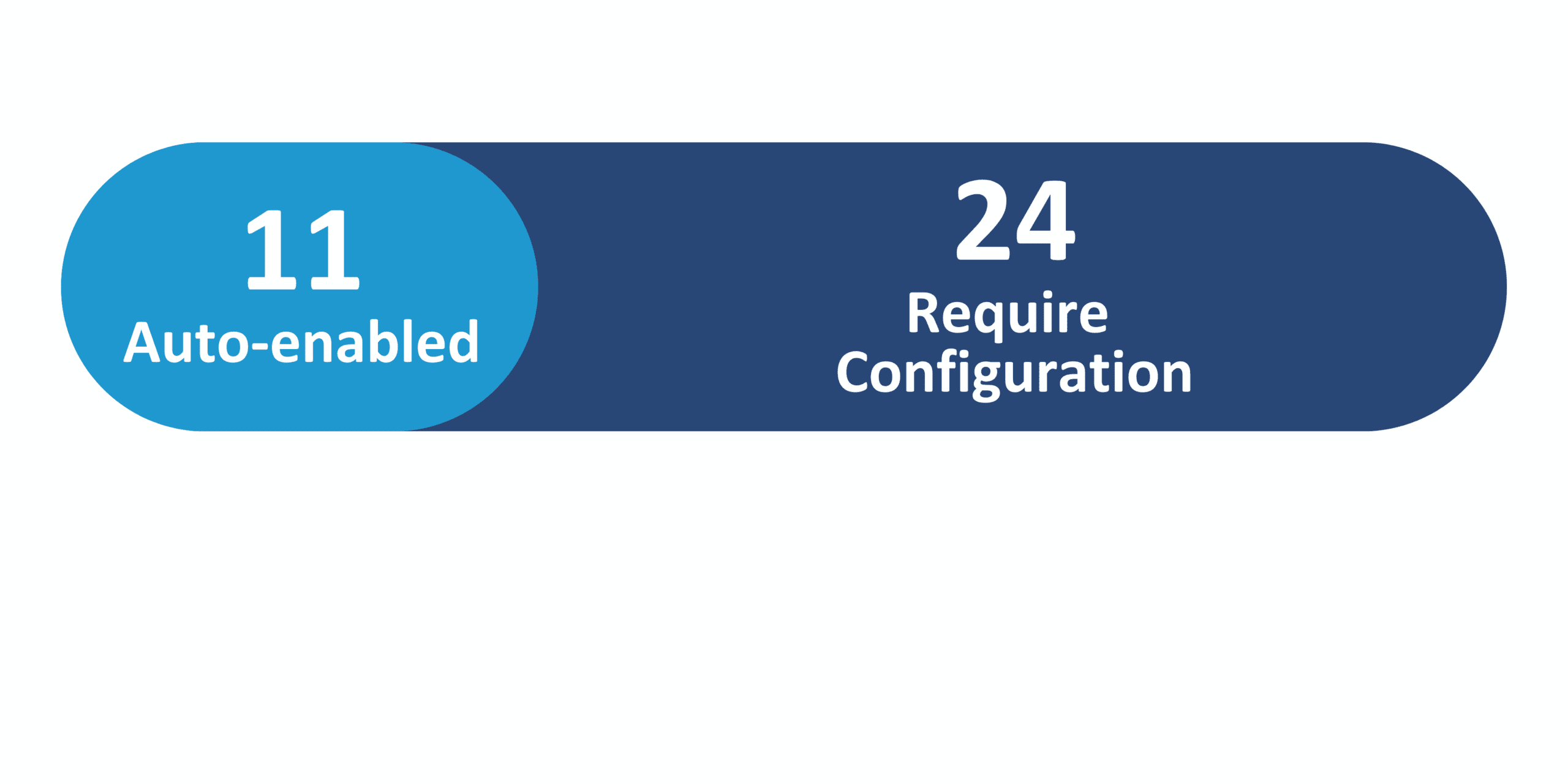
Generative AI Features

26A Update Features Covered:
- Redwood Experience
- Generative AI
- Redwood Mass Download of Document Records Supports Selecting Pending and Terminated Workers
- Enhanced Control with Page Properties in Redwood Employment Processes
- Ability to Make Payroll Fields Read-only in Redwood Employment Processes
- Display of Empty Fields in Redwood Employment Information and Employment Details Pages
- New Redwood Process to Request Assignment Change For Workers
1. Redwood Experience
Oracle continues to develop the capabilities of new and existing Redwood pages in the 26A release, focusing on expanding businesses’ abilities to modify pages to suit their individual needs. Enhancements include expanded business rule support, new properties for existing pages, streamlined searches and filters, and more configurable fields. Users can expect more flexibility when editing certain Redwood pages and an overall improvement to these pages’ efficiency and organization.
2. Generative AI
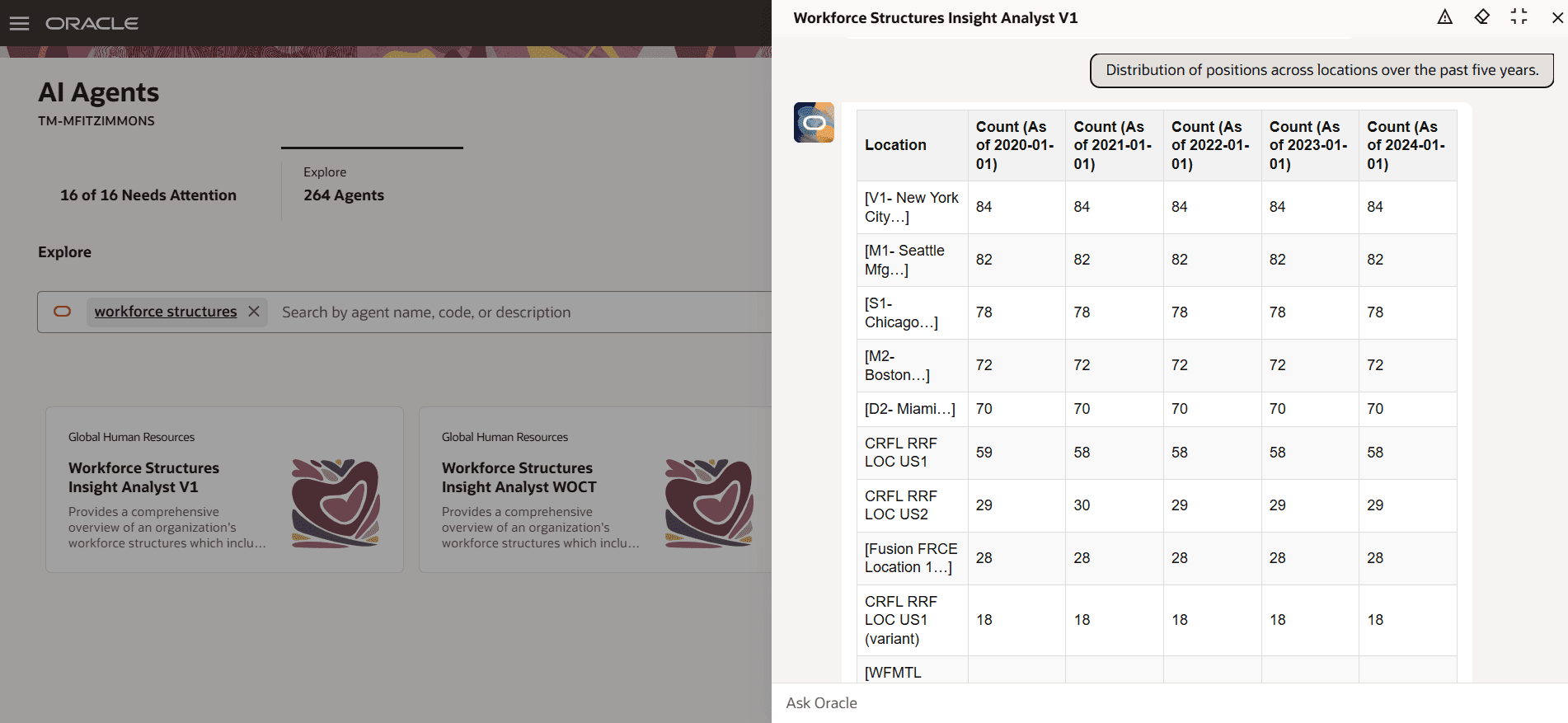
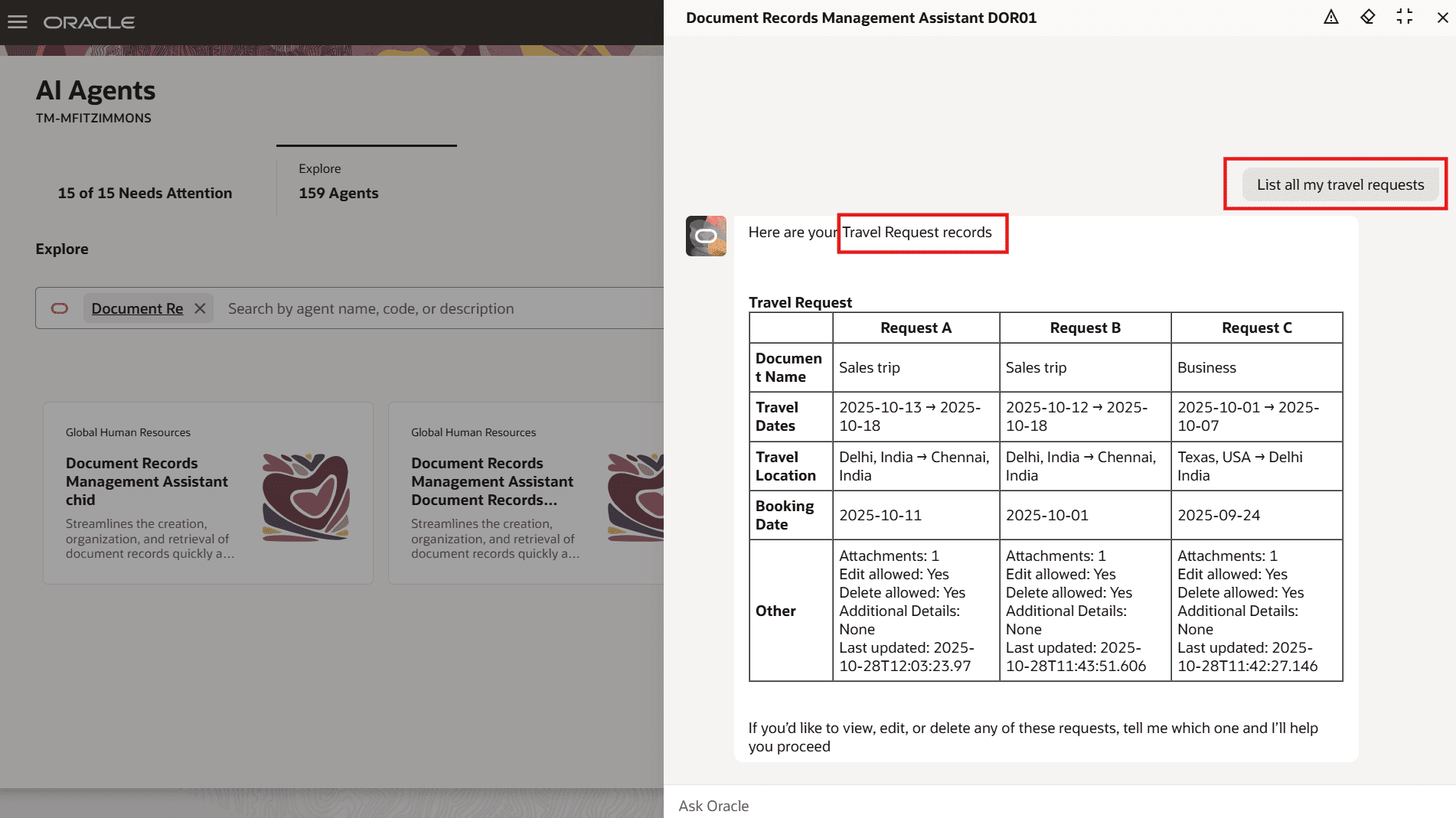
As part of Oracle’s continued mission to develop its Generative AI services, the 26A release introduces new AI features and enhances existing agents. Users can now configure AI assistants across multiple Human Resources applications to streamline gathering and analyzing data and aid in certain actionable processes. The Jobs Assistant can generate a new job within Oracle after receiving a job name and job code, while the Workforce Structures Insight Analyst can pull, analyze, and present workforce data from a variety of user inputs.
3. Redwood Mass Download of Document Records Supports Selecting Pending and Terminated Workers
Quick Notes:



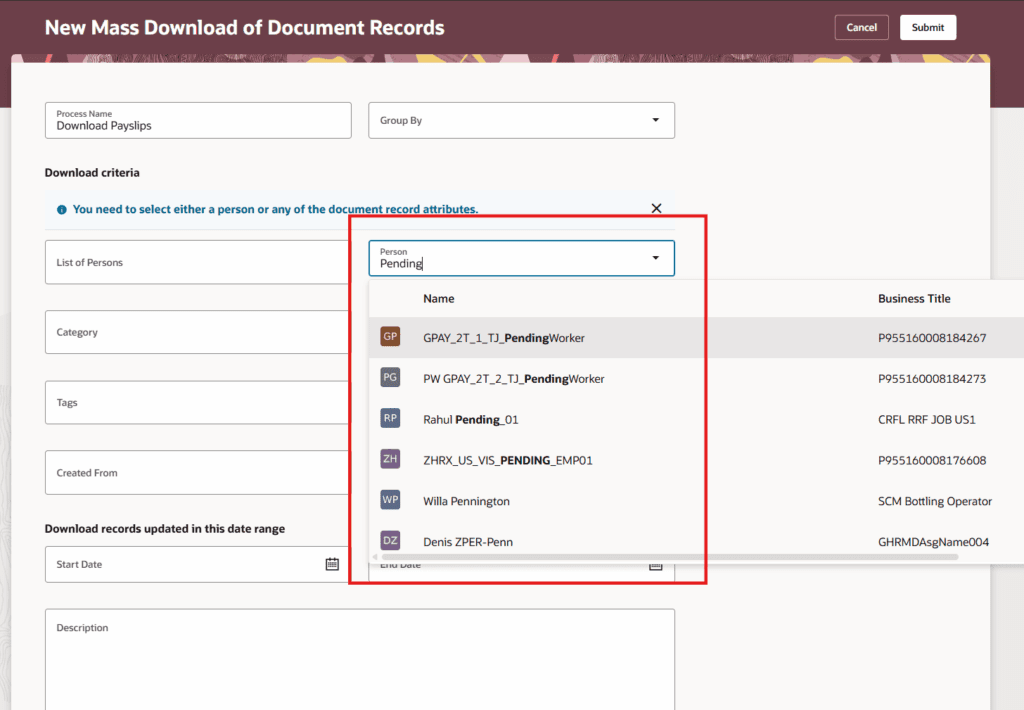
The Redwood Mass Download of Document Records page has added pending and terminated assignments to the Person list of values (LOV), allowing users to include these records when mass downloading.
This enhancement allows users to select all of a worker’s assignments when mass downloading document records for them.
4. Enhanced Control with Page Properties in Redwood Employment Processes
Quick Notes:
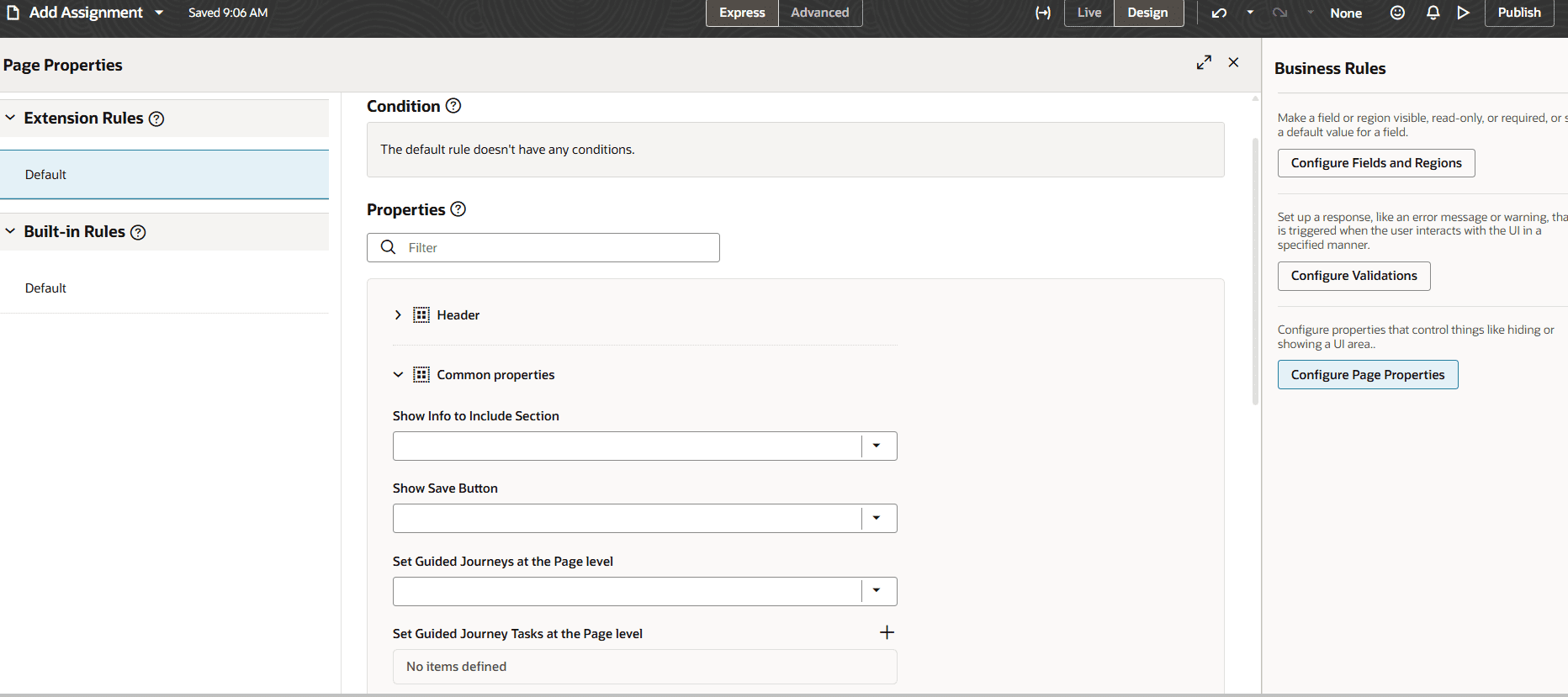
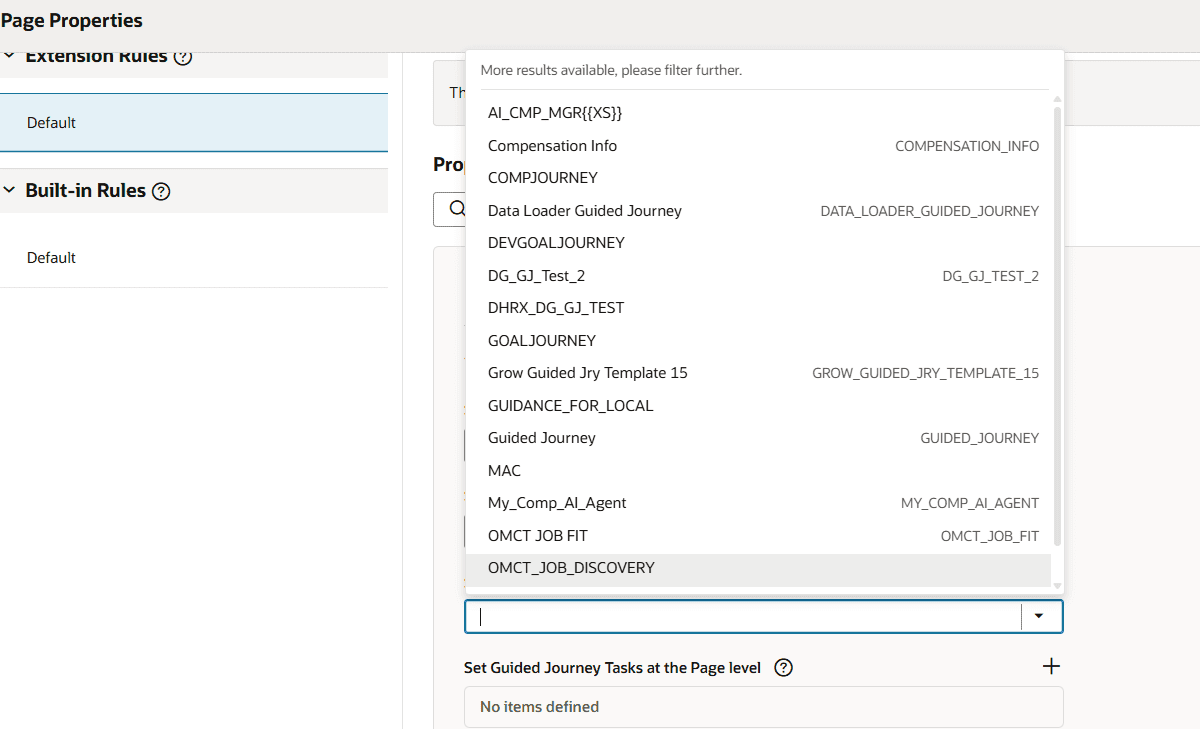
You can now define which page properties are conditionally applied to the logged-in user based on that user’s security access for all employment processes using the Configure Page Properties feature. This enhancement builds on previous updates to similar conditional page property configuration. Guided Journey codes and the Info to Include page properties will additionally be displayed as a list of values (LOV).
This enhancement expands flexibility to personalize what end users see to meet organization policies and needs.
5. Ability to Make Payroll Fields Read-only in Redwood Employment Processes
Quick Notes:
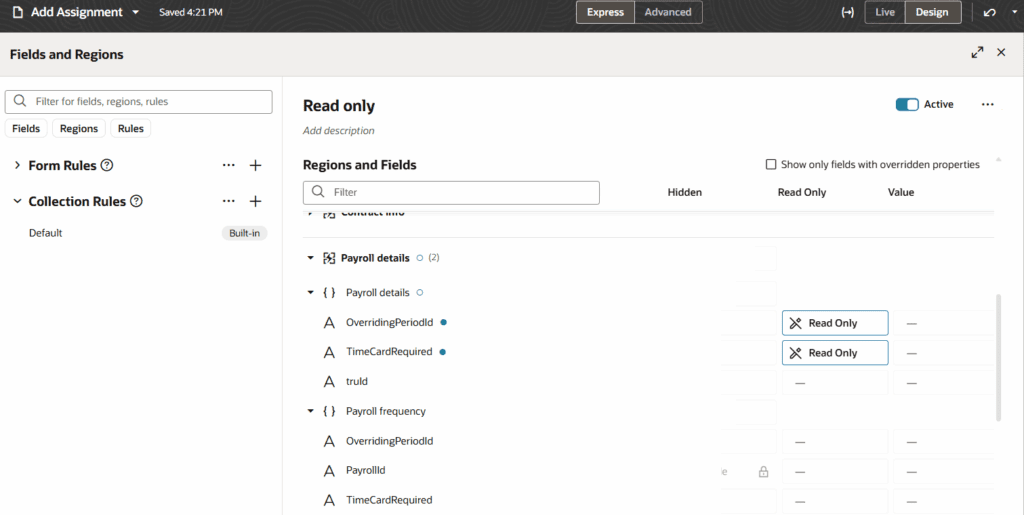
Businesses can now mark payroll fields as read-only for certain employment processes, including Add Assignment, Change Assignment, Promote, and Transfer. These fields can be toggled using the Visual Builder Studio (VBS) and selecting Configure Fields and Regions under Business Rules for the process.
This enhancement gives businesses greater flexibility and control over what data administrators are able to change during the employment process.
6. Display of Empty Fields in Redwood Employment Information and Employment Details Pages
Quick Notes:
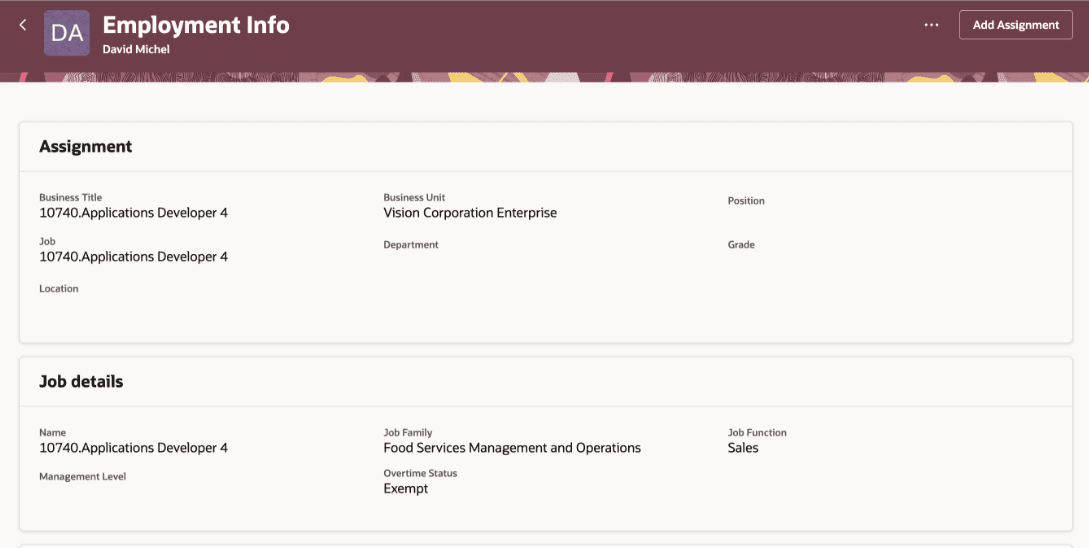
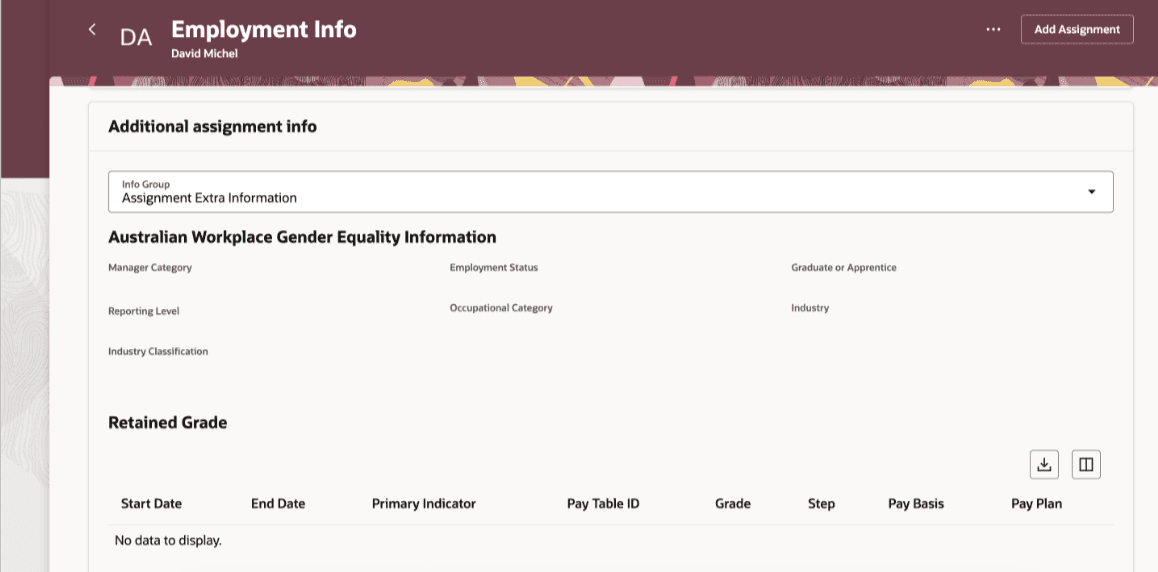
Configured fields with empty values will now be visible on the Redwood Employment Information and Employment Details pages. These fields were previously not shown if the values were empty even if business rules were set to make them visible.
This enhancement ensures that employment information is displayed as desired based on business rule configuration and is kept consistent across similar areas of the application.
7. New Redwood Process to Request Assignment Change For Workers
Quick Notes:
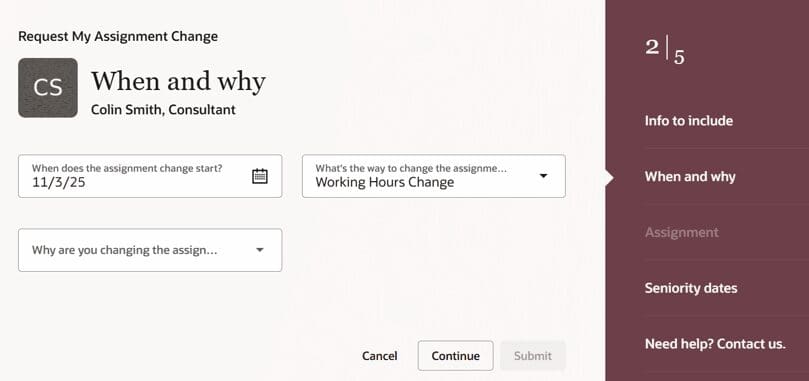
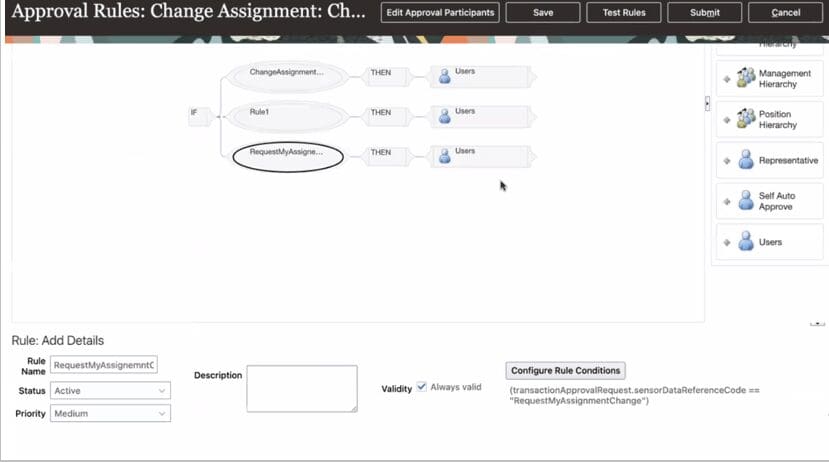
Employees can now use the Request My Assignment Change feature to request assignment changes for the Change Location and Change Working Hours action types. When this feature is enabled, employees have the ability to initiate an update to their assignment to reflect a new change in their location or working hours. This process leverages the existing approval workflow of Change Assignment but can be modified.
This self-service feature reduces employee dependency on HR or a manager to initiate the assignment change, cutting the manual administrative workload and allowing employees to better track their requests.