Oracle HCM Learn Cloud 26A
Low

Feature Enablement
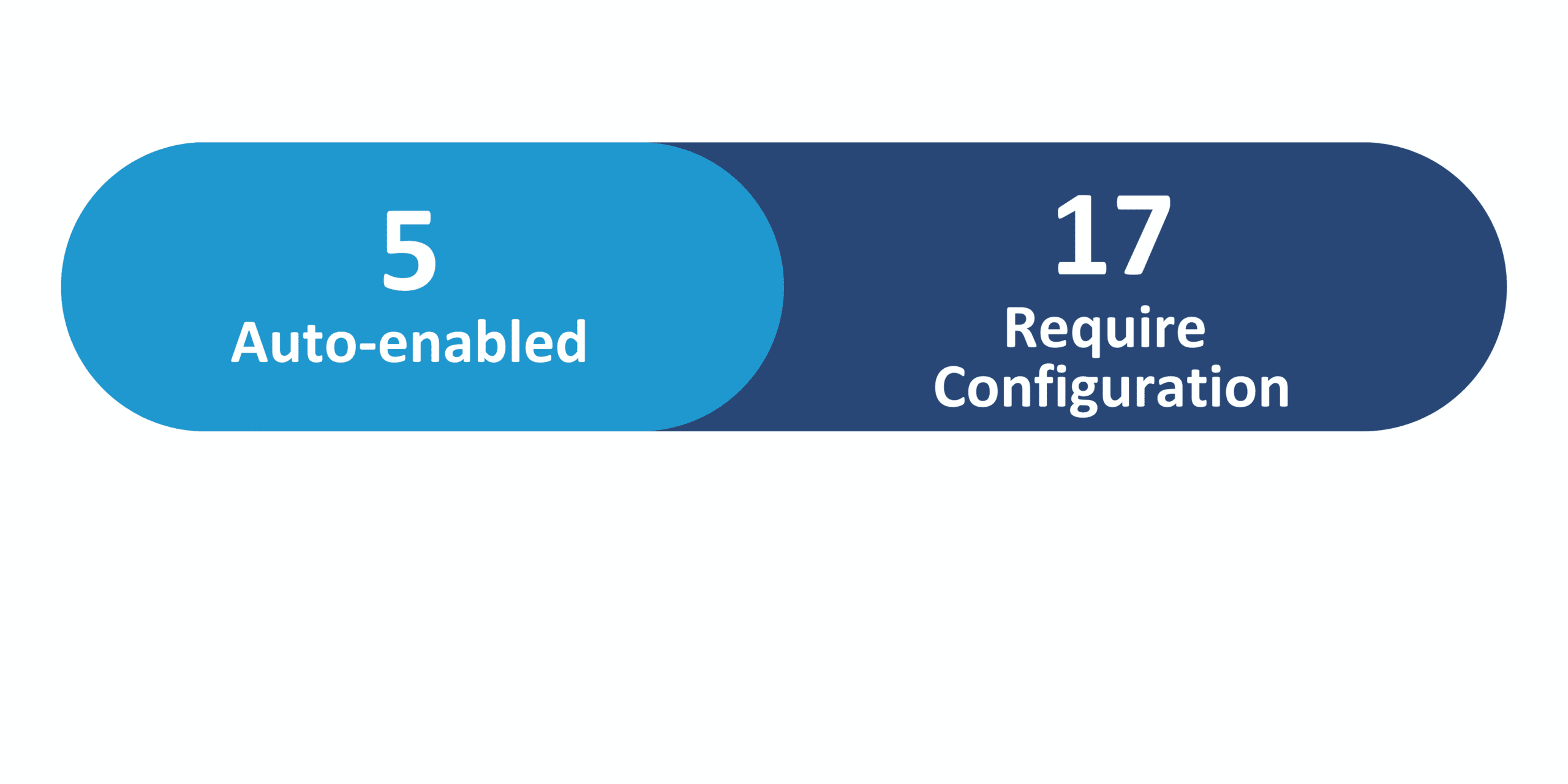
Redwood Features
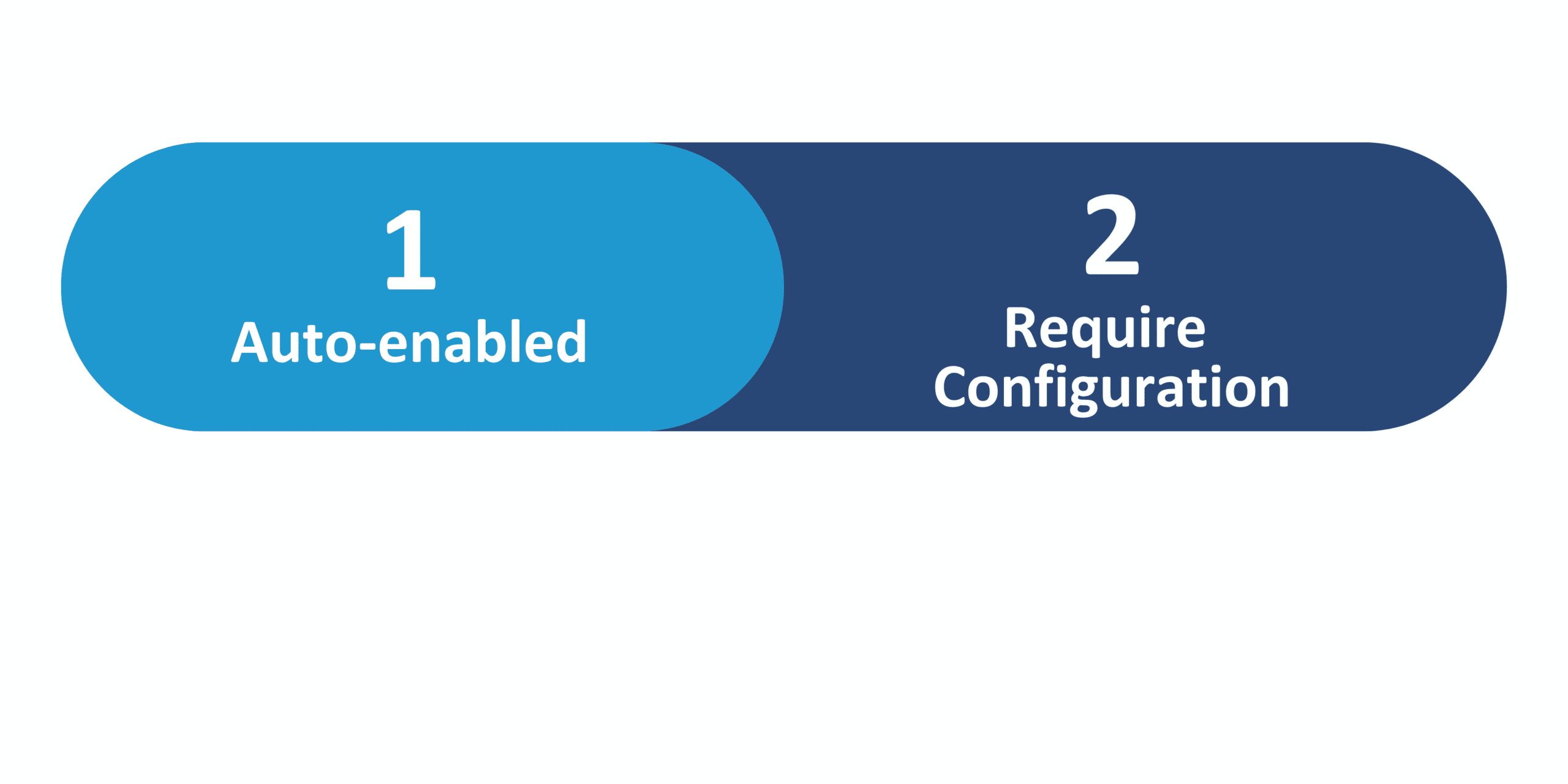
Generative AI Features
26A Update Features Covered:
- Redwood Experience
- Generative AI
- Introducing Redwood Course Management
- Introducing Redwood Assignment Management
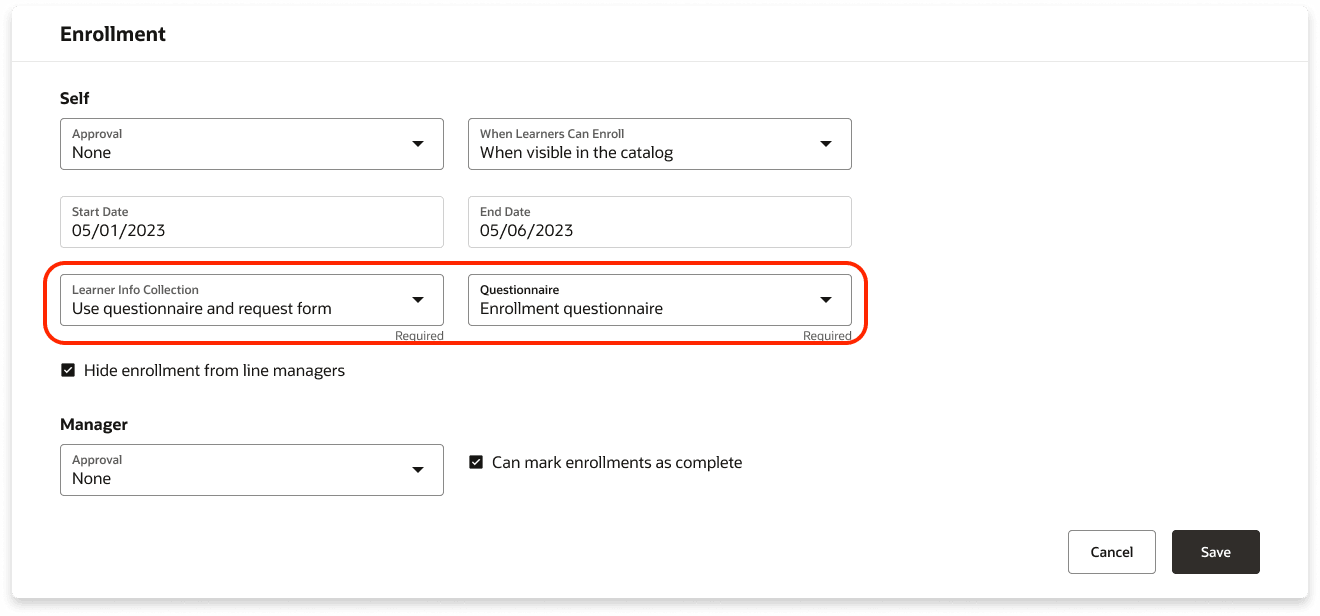
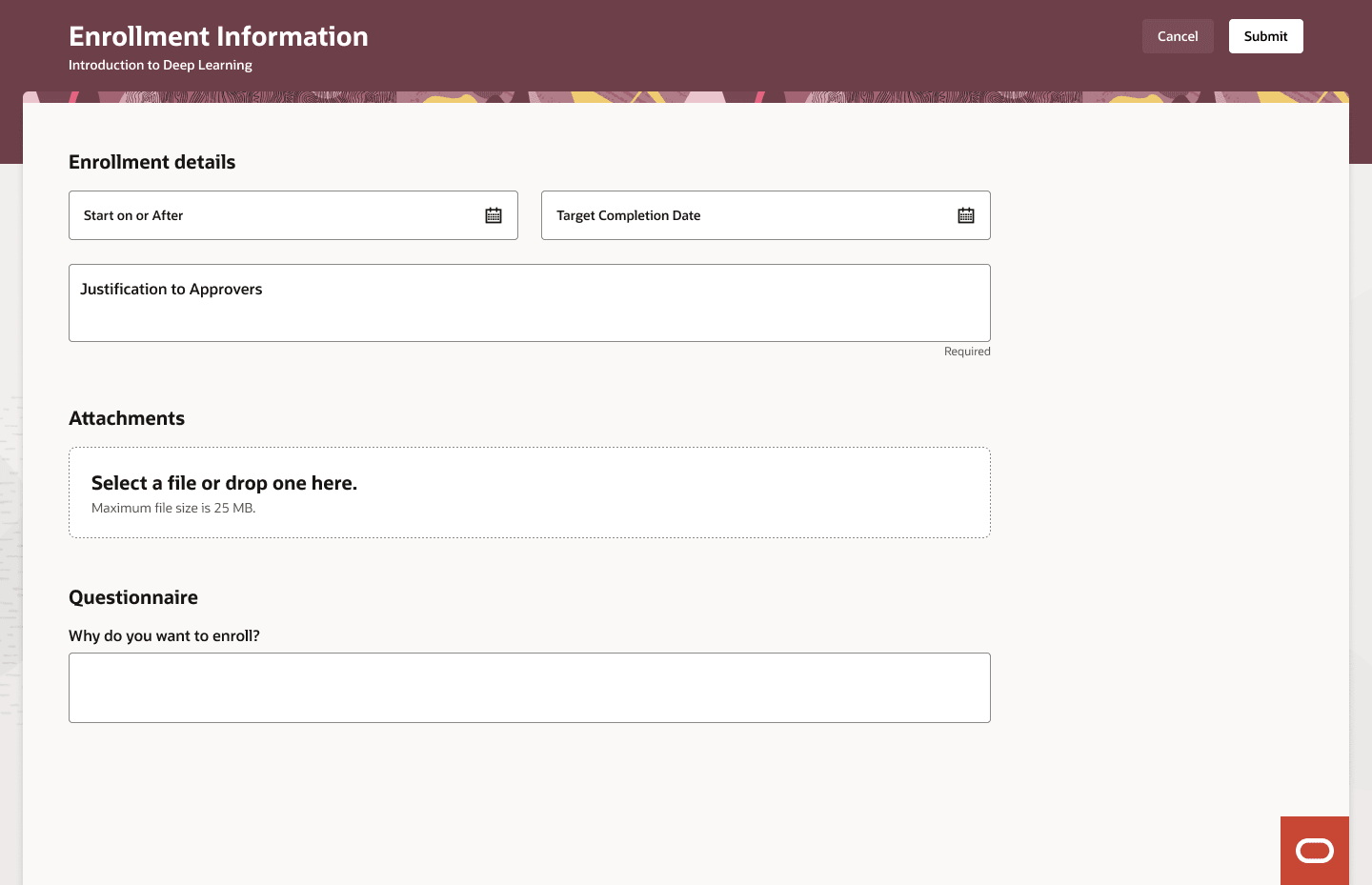
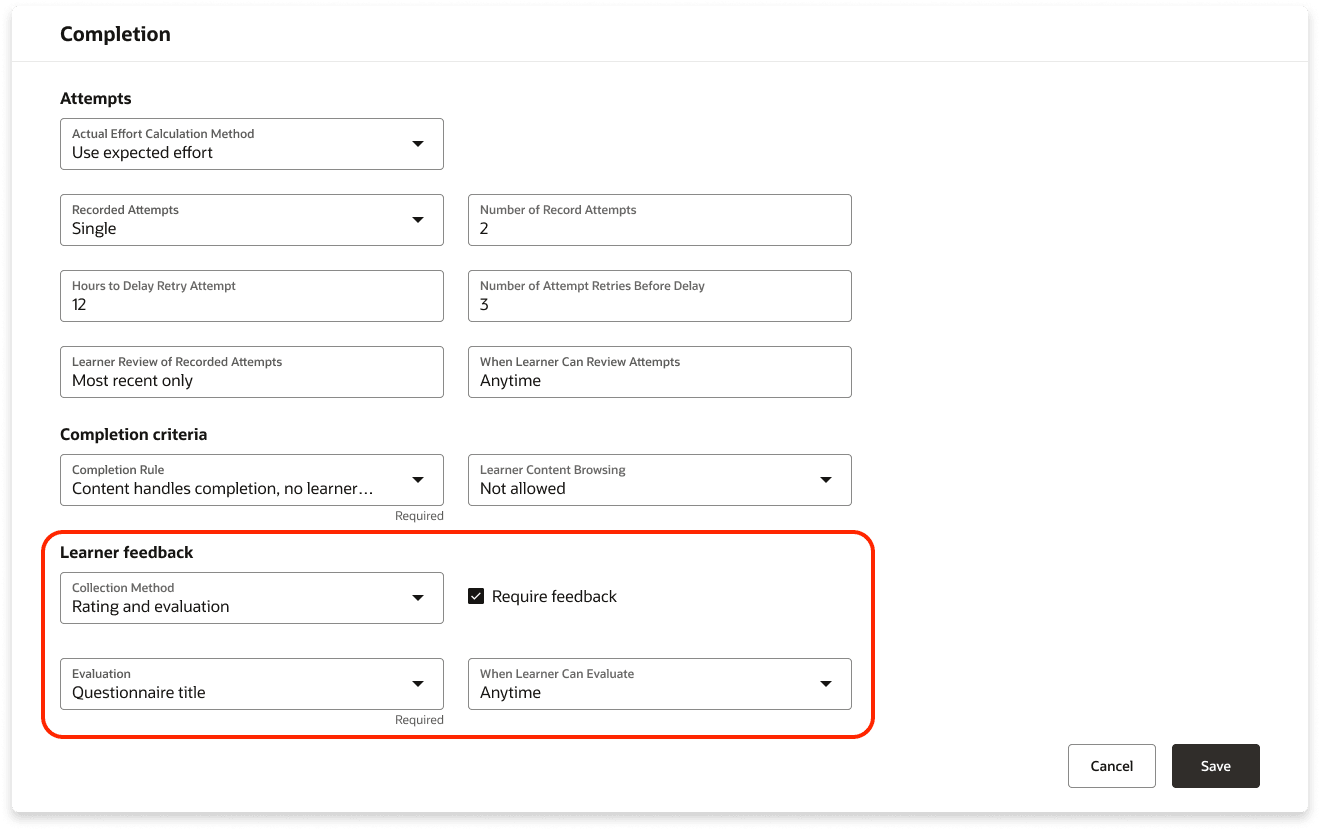
- Self-Paced Learning: Enrollment Form, Evaluations, and Feedback
1. Redwood Experience
The Oracle HCM Learn Cloud 26A update advances the shift to Redwood by delivering a fully modernized experience for both learners and administrators. Key enhancements include a redesigned Redwood interface for course and assignment management, streamlined creation workflows, stronger audience targeting, improved tracking, and richer learner-facing course pages with skills, comments, and ratings. Together, these updates modernize the UI, simplify administration, reduce manual effort, and set the foundation for a fully Redwood-based Learning environment in upcoming releases.
2. Generative AI
Oracle HCM introduces three generative AI–powered skill suggestion enhancements that significantly improve relevance, flexibility, and consistency across talent, skills, and learning experiences. First, generative AI enhances skill suggestions for jobs, positions, requisitions, gigs, capability guides, and the Job Skills Enrichment Agent, delivering more contextual and accurate skills with the flexibility to choose predictive AI, generative AI, or customizable AI agents. Second, the Skills Center now combines recommender algorithms and generative AI to suggest skills based on role popularity, career interests, peer trends, skill gaps, and non-skill profile attributes, with recurring recommendation profiles for greater control. Third, generative AI improves skill suggestions for learning items and the Learning Skills Enrichment Agent, aligning skills more precisely to learning titles and descriptions. Overall, these updates lead to a more intelligent, customizable, and context-aware generative AI, enabling better skill accuracy, improved talent development, and stronger alignment between roles, skills, and learning.
3. Introducing Redwood Course Management
Quick Notes:


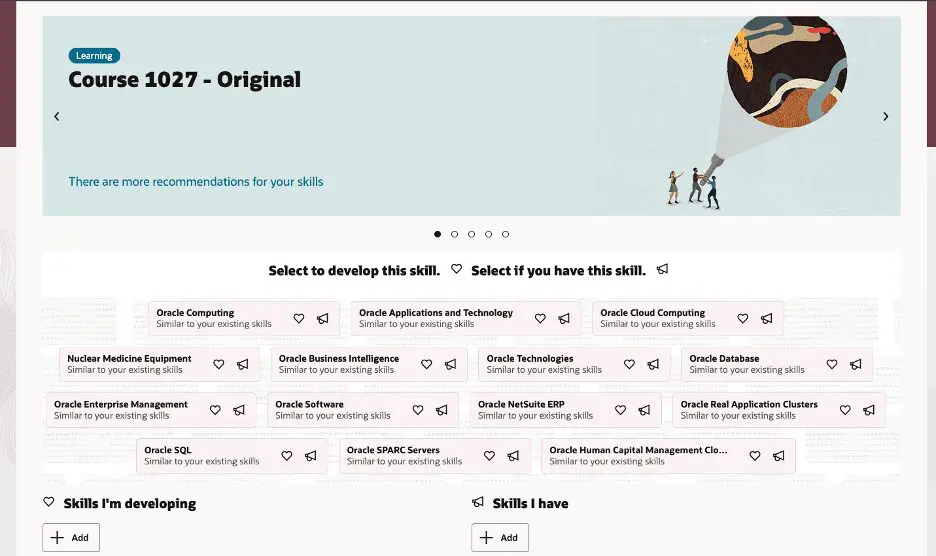
The update introduces the Redwood course creation and management experience to Oracle Learning, delivering a modern, visually refined interface and streamlined workflows for both learning specialists and learners. Learning specialists benefit from organized, step-by-step course creation with grouped management tabs, a unified view of all offerings and events, precise access and catalog controls, configurable completion and renewal rules, built-in alerts, and generative AI to create consistent course descriptions. Learners gain an improved course browsing experience with clearer content details, skills and outcomes visibility, interactive ratings and discussions, and enhanced engagement overall. Together, the Redwood experience reduces errors, saves time, and enables more personalized, efficient course management and a richer learning journey.
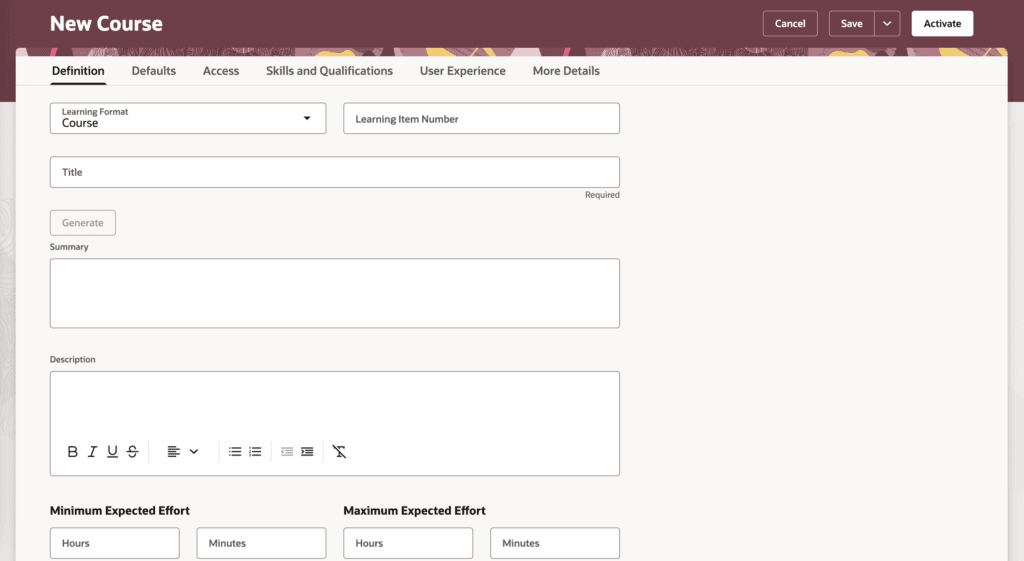
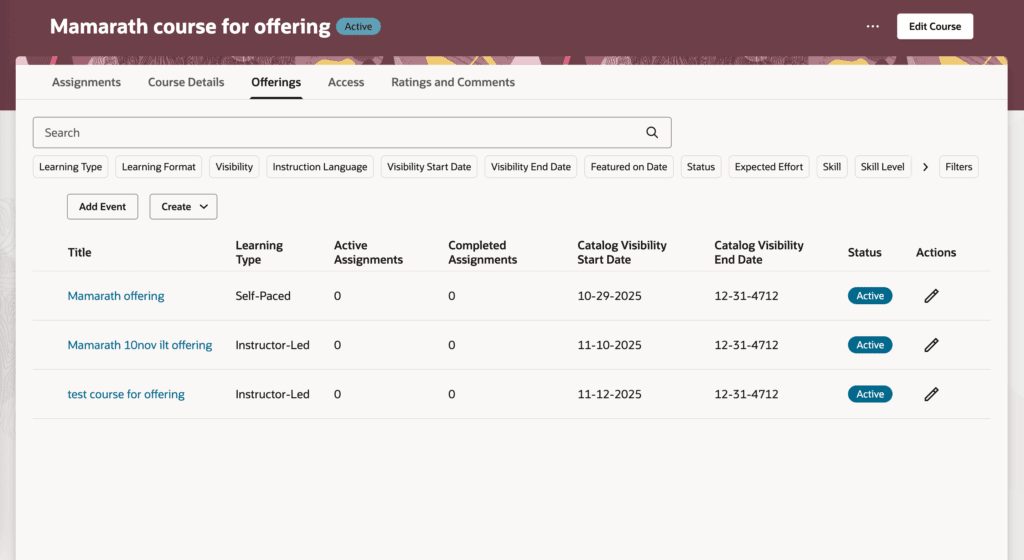
Steps to Enable: To set up this feature enable self-paced learning and assignment management. Then set up unified learning catalog admin and access control. Then enable Redwood Assignment Management. Then set the site level value to Yes for the ORA_WLF_ENABLE_REDWOOD_COURSES profile option.
4. Introducing Redwood Assignment Management
Quick Notes:
The Redwood assignment management experience modernizes learning assignment creation, management, and tracking by providing learning specialists with a unified, rules-driven approach to both voluntary and required learning. Through learning assignment profiles, specialists can define flexible audiences, control assignment lifecycles, manage capacity and waitlists, enforce prerequisites, and prevent duplicate or invalid assignments using robust business rules. Redesigned Redwood pages for assignment profiles, learning assignments, and assignment details deliver advanced filtering, configurable views, visual insights, and on-demand processing, while a new Assignments tab centralizes visibility and actions across learning and events. Overall, the experience reduces manual effort, improves accuracy and compliance, and enables more precise, scalable learning delivery aligned to organizational needs.
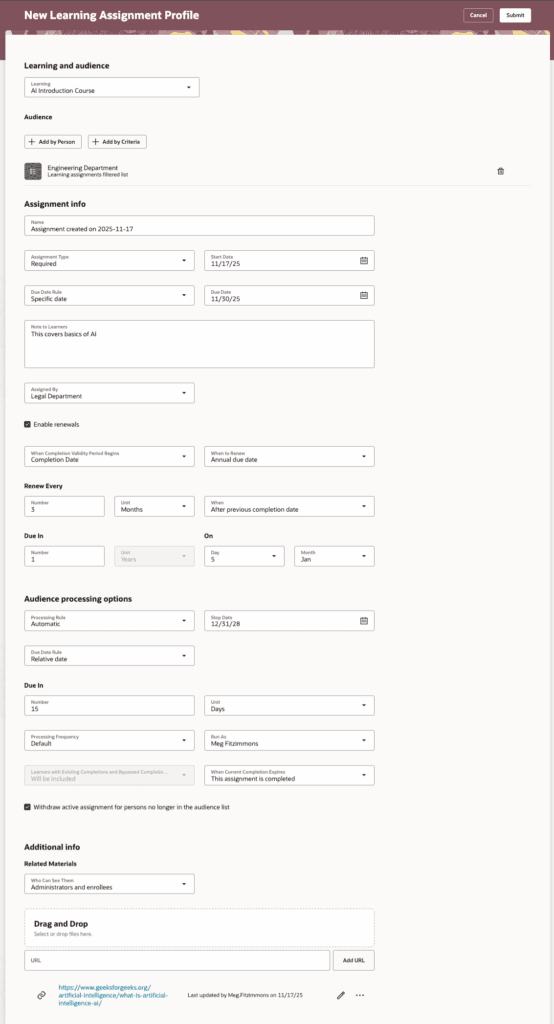

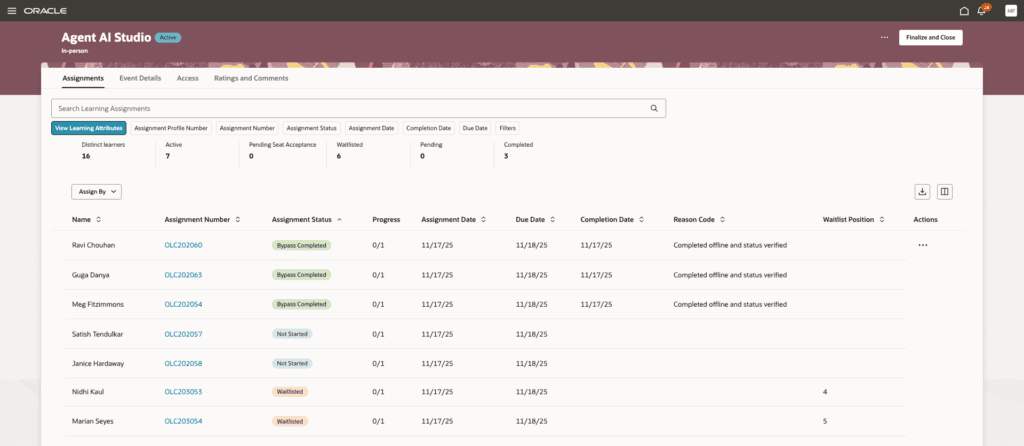
Steps to Enable: To set up this feature first enable self-paced learning. Then set up the unified learning catalog admin access control. Then set the site-level or user-level profile value to Y for the ORA_WLF_ASSIGNMENTS_REDWOOD_ENABLED profile option. Lastly, run the ESS job to create index definition and preform initial ingest to OSCS process.
5. Self-Paced Learning: Enrollment Form, Evaluations, and Feedback
Quick Notes:
This update enhances self-paced learning enrollment by allowing learning specialists to collect required learner information through configurable questionnaires, request forms, or both directly during enrollment. Administrators can control when and how information is gathered, as well as encourage or require learner feedback through evaluations and ratings, with clear rules on submission timing and completion requirements. Integrated indicators, reminders, and warnings ensure learners understand feedback expectations, while the seamless Redwood interface maintains a smooth enrollment experience. Overall, the functionality provides greater control, improved data collection, and deeper insight into learning effectiveness without adding friction for learners.