Oracle HCM Talent Management Cloud 26A
Low

Feature Enablement
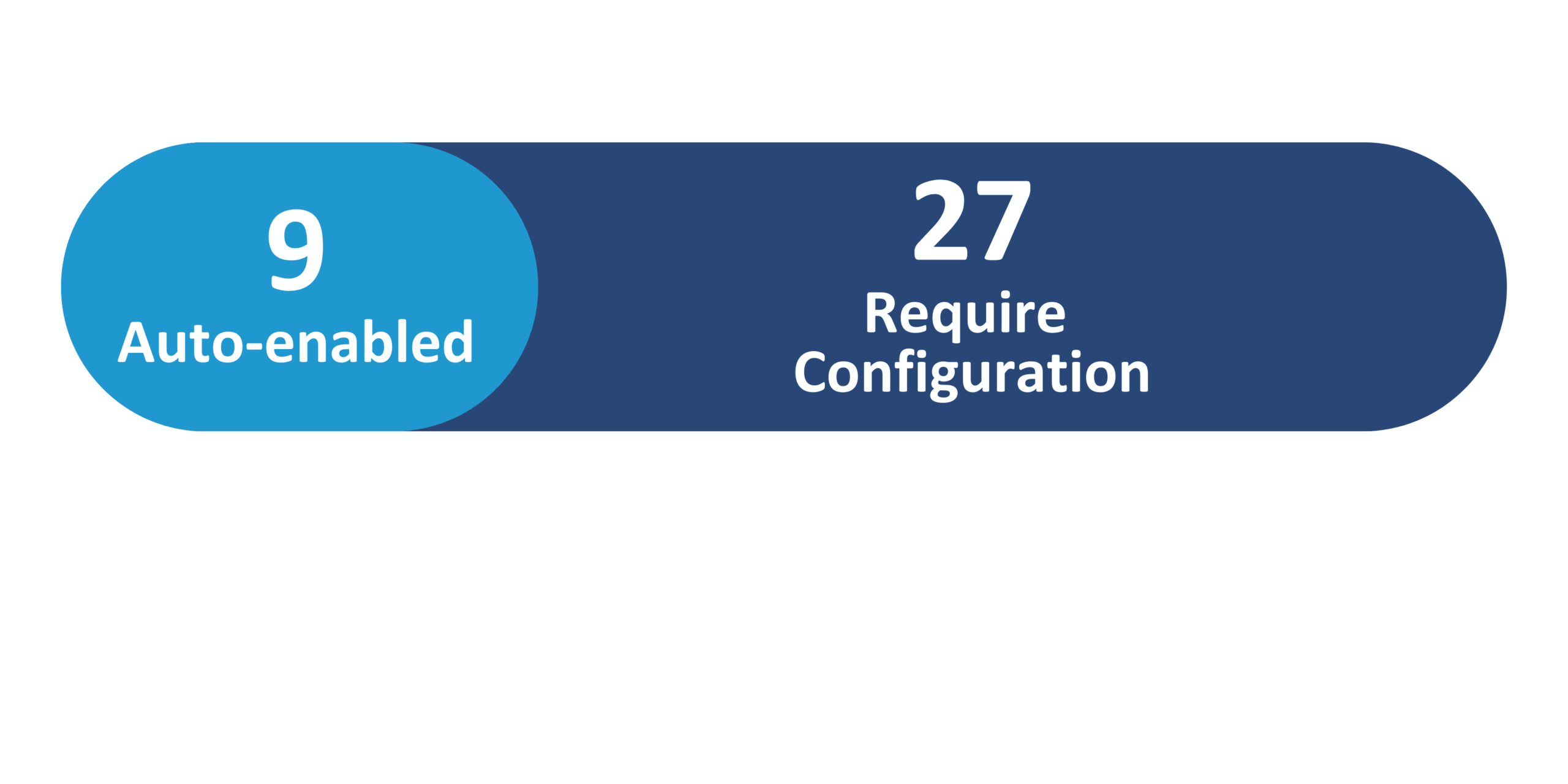
Redwood Features
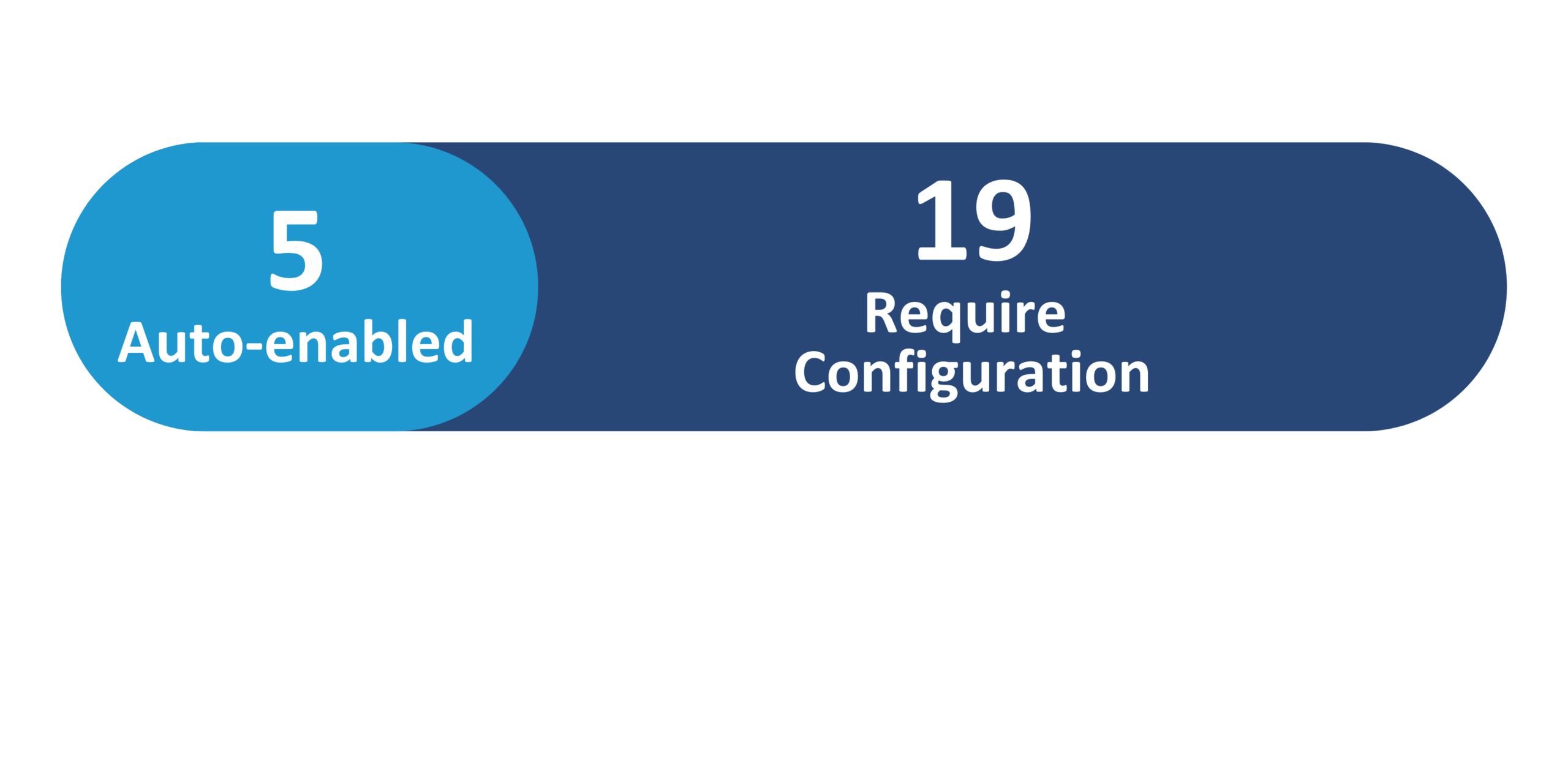
Generative AI Features
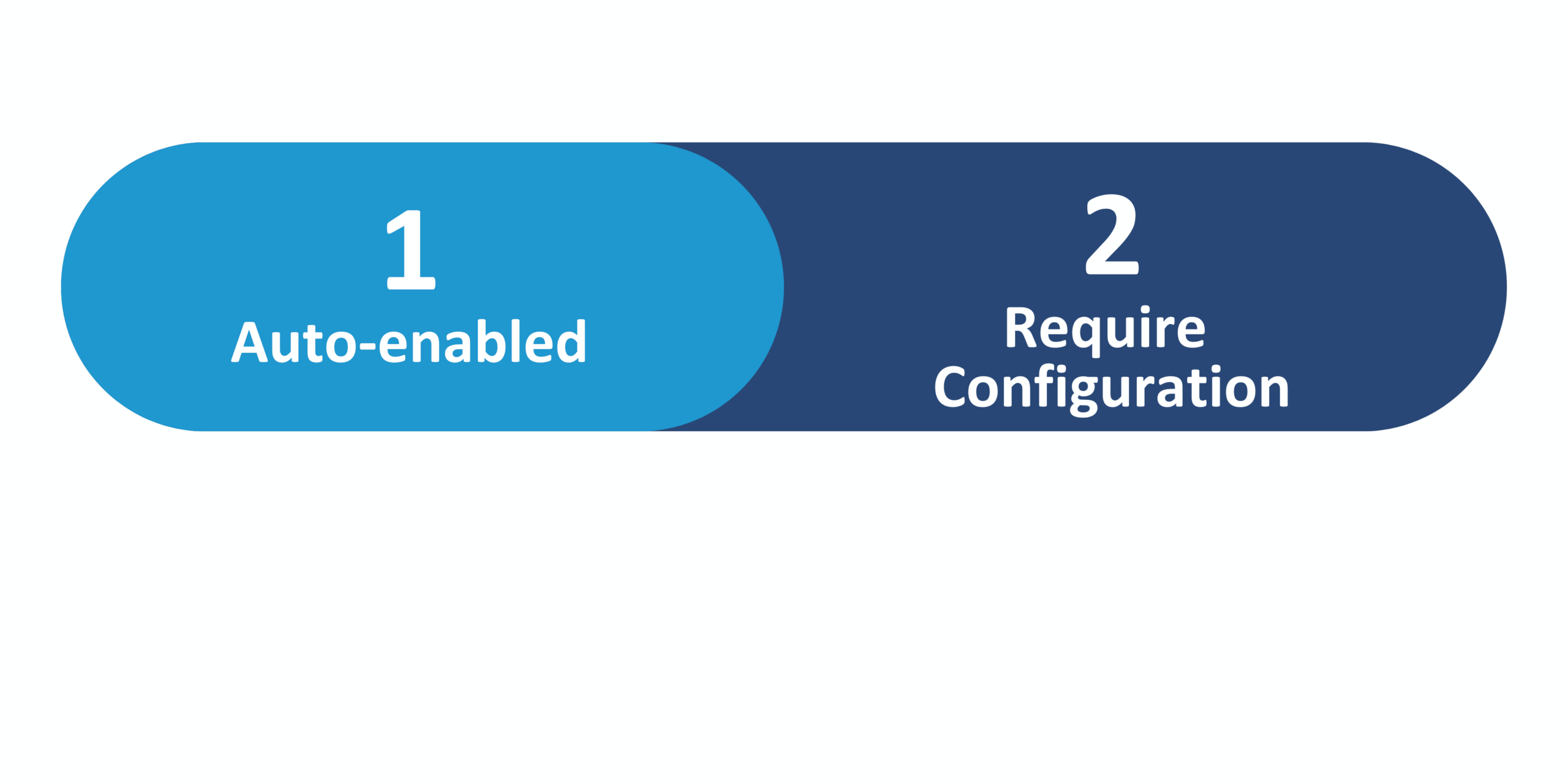
26A Update Features Covered:
- Redwood Experience
- Generative AI
- View Skill Suggestions for Career Roles, Job Requisitions, Gigs, and Role Guides Using Generative AI
- Employee Goals Assist Agent
- Selection of Goals and Employees Enhancement
- AI Assist In Check-In Pages
- Talent Review Meeting Dashboard – View Succession Plans and Talent Pools in Panels
1. Redwood Experience
Oracle continues expanding Redwood in the 26A Talent Management release with enhancements that simplify goal, feedback, performance, and talent review processes. Feedback management is improved through greater visibility controls, defaulted settings, and enhanced participant selection to help maintain consistency and oversight. Goal management includes panel-based goal creation and viewing, clearer alignment and source information, enhanced goal sharing, and nudges that link directly to the Goals Center. Performance and skills experiences are streamlined by surfacing contextual feedback and dynamic skills within performance documents, while Talent Review and Succession updates introduce richer dashboards and panel-based access to succession plans and talent pools.
2. Generative AI
Oracle enhances Generative AI in the 26A Talent Management release with features that help users work faster and make better use of skills, goals, feedback, and check-ins. AI-driven skill suggestions are enhanced to provide more relevant and contextual recommendations when creating or updating job profiles, role guides, requisitions, gigs, and skills enrichment, with flexibility to opt into generative AI. Employees can also use an AI-powered Goals Assistant to view, create, and update performance and development goals through a conversational experience. Additional AI features summarize feedback and assist with check-in preparation, helping employees and managers focus on meaningful conversations instead of manual review.
3. View Skill Suggestions for Career Roles, Job Requisitions, Gigs, and Role Guides Using Generative AI
Quick Notes:


HR and talent teams can now view enhanced skill suggestions powered by generative AI when creating or updating job profiles, role guides, requisitions, and gigs. These AI-driven suggestions are more relevant than previous predictive suggestions, helping ensure roles and opportunities are aligned to the right skills. Organizations can choose whether to continue using predictive AI or opt into generative AI, providing flexibility while supporting a more skills-based talent strategy.
Steps to enable:
- Set the ORA_HRT_SKILL_SUGGESTIONS profile option to Next Generation to use generative AI skill suggestions, or Next Generation with Workflow Agents for advanced customization
- If enabling generative AI, run the Create Summaries Using Generative AI scheduled process as required
4. Employee Goals Assist Agent
Quick Notes:
Employees can now use an AI-powered Goals Assistant to view, create, and update performance and development goals through a conversational experience in the Goals Center. The assistant understands natural language questions and provides role-based information within existing security permissions, making it easier to get quick answers and take action without navigating multiple pages. This feature helps employees stay on top of their goals while saving time and reducing manual effort.
Steps to enable:
Set the following profile options to Y:
- ORA_ASE_SAS_INTEGRATION_ENABLED
- ORA_HCM_VBCS_PWA_ENABLED
- ORA_PER_GUIDED_JOURNEYS_SETUP_REDWOOD_ENABLED
- ORA_PER_AGENT_TASK_TYPE_GUIDED_JOURNEYS_ENABLED
5. Selection of Goals and Employees Enhancement
Quick Notes:
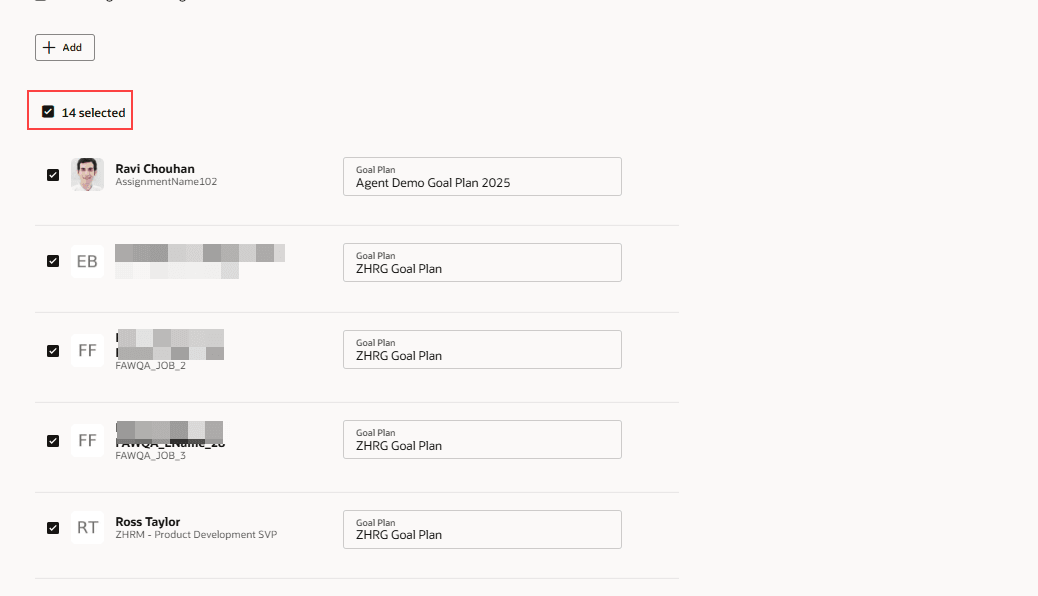
Managers and HR specialists can now select all goals or all employees at once when performing actions such as assigning, sharing, deleting, or canceling goals. This enhancement simplifies bulk goal actions by eliminating the need to manually select individual goals or team members. By making mass updates faster and easier, this feature helps reduce administrative effort and improves efficiency in goal management.
Steps to enable:
- Enable the Redwood Performance Documents and Goals Center using the ORA_HRA_PERFORMANCE_DOCUMENTS_AND_GOALS_REDWOOD_ENABLED profile option.

6. AI Assist In Check-In Pages
Quick Notes:
Employees and managers can now use the AI Assist button on check-in pages to help draft and organize check-in notes. AI Assist provides suggestions based on previous check-ins, employee and job information, and existing comments, making it easier to prepare for meaningful conversations. This feature helps users clearly capture progress, goals, and discussion points while reducing the time spent preparing for check-ins.
Steps to enable:
- This feature is auto-enabled.
- Administrators can optionally control visibility of the AI Assist button for managers and employees using page properties.

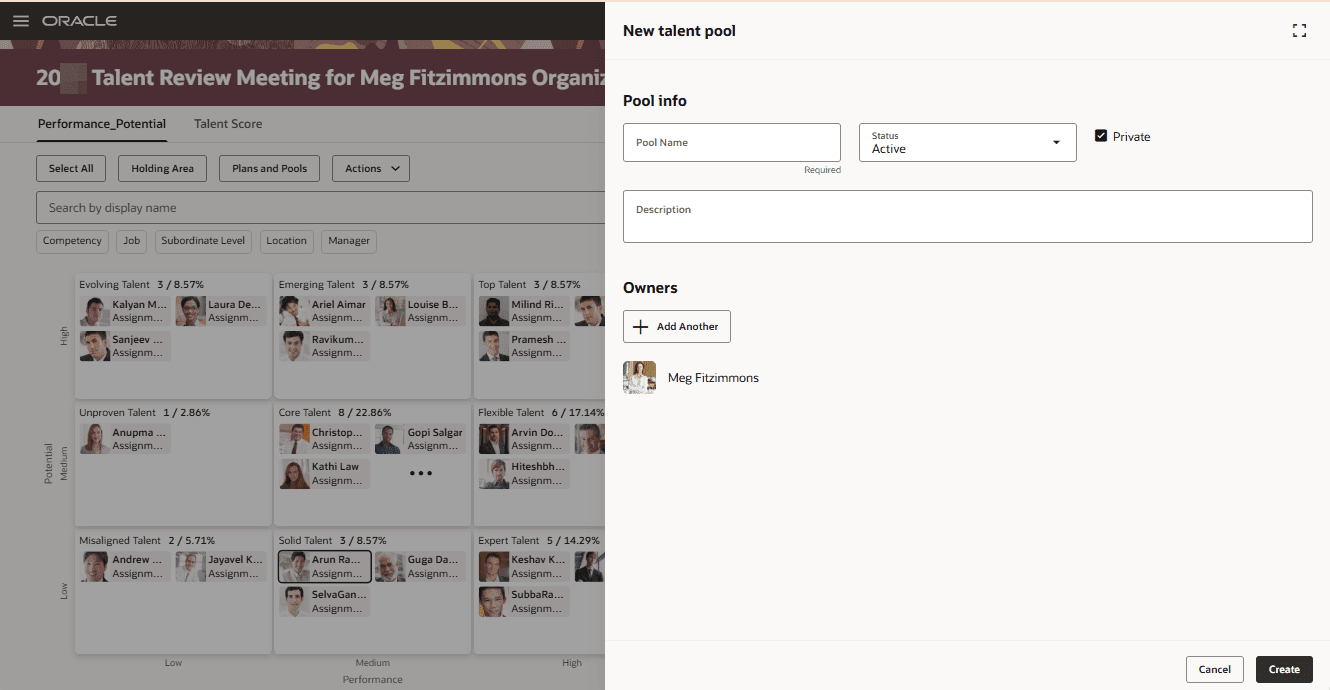
7. Talent Review Meeting Dashboard – View Succession Plans and Talent Pools in Panels
Quick Notes:
During Talent Review meetings, users can now create, add, and view succession plans and talent pools directly within panels on the Talent Review Meeting Dashboard. This update eliminates the need to navigate to separate pages and keeps all related actions within the context of the meeting. By reducing navigation and keeping key information in one place, this enhancement helps Talent Review meetings run more smoothly and efficiently.
Steps to enable:
- Enable the Redwood Talent Review, Dashboard, Succession Plans, and Talent Pools profile options.