Oracle HCM Update 25D: Human Resources
Medium

Feature Enablement
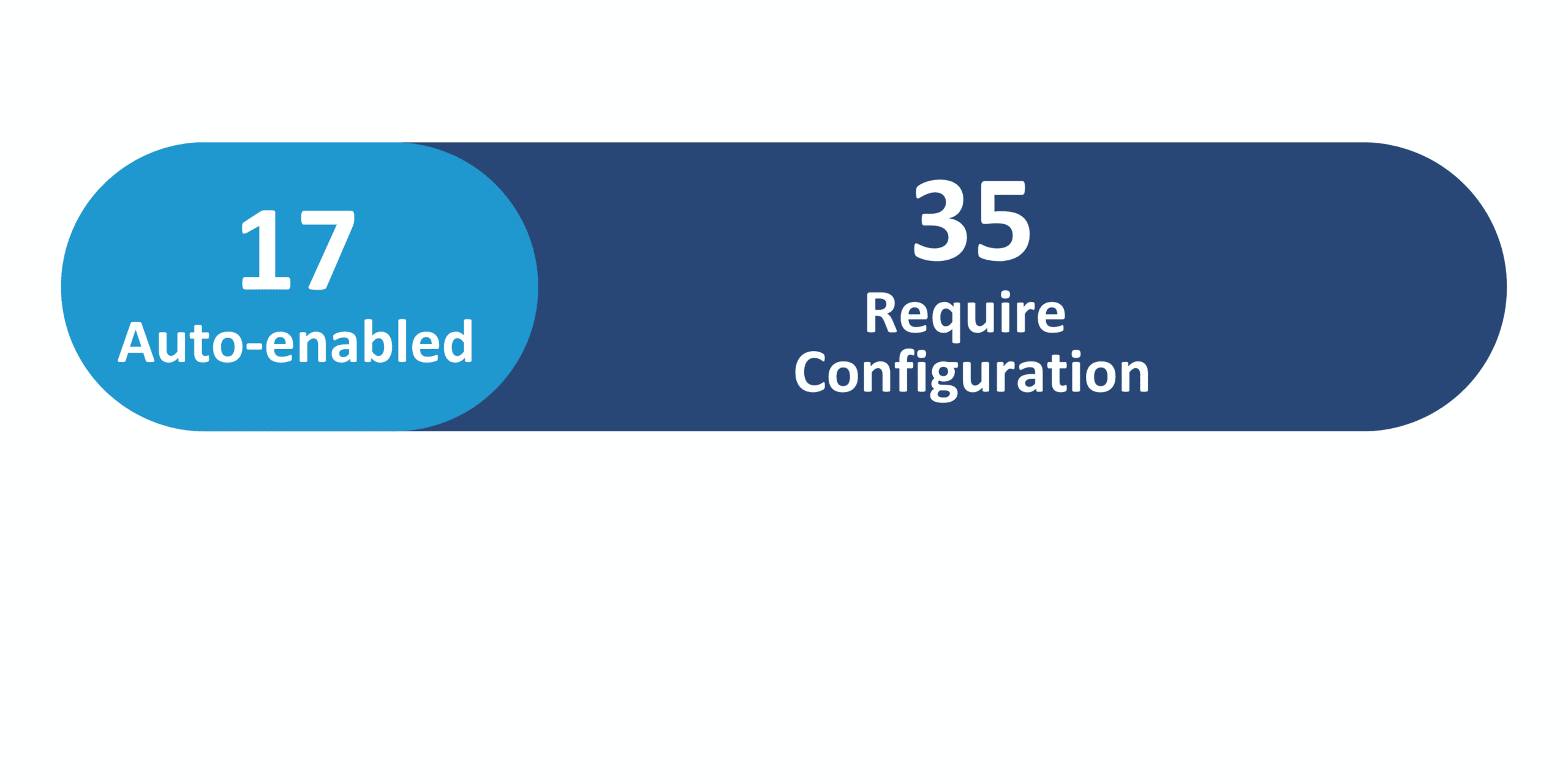
Redwood Features
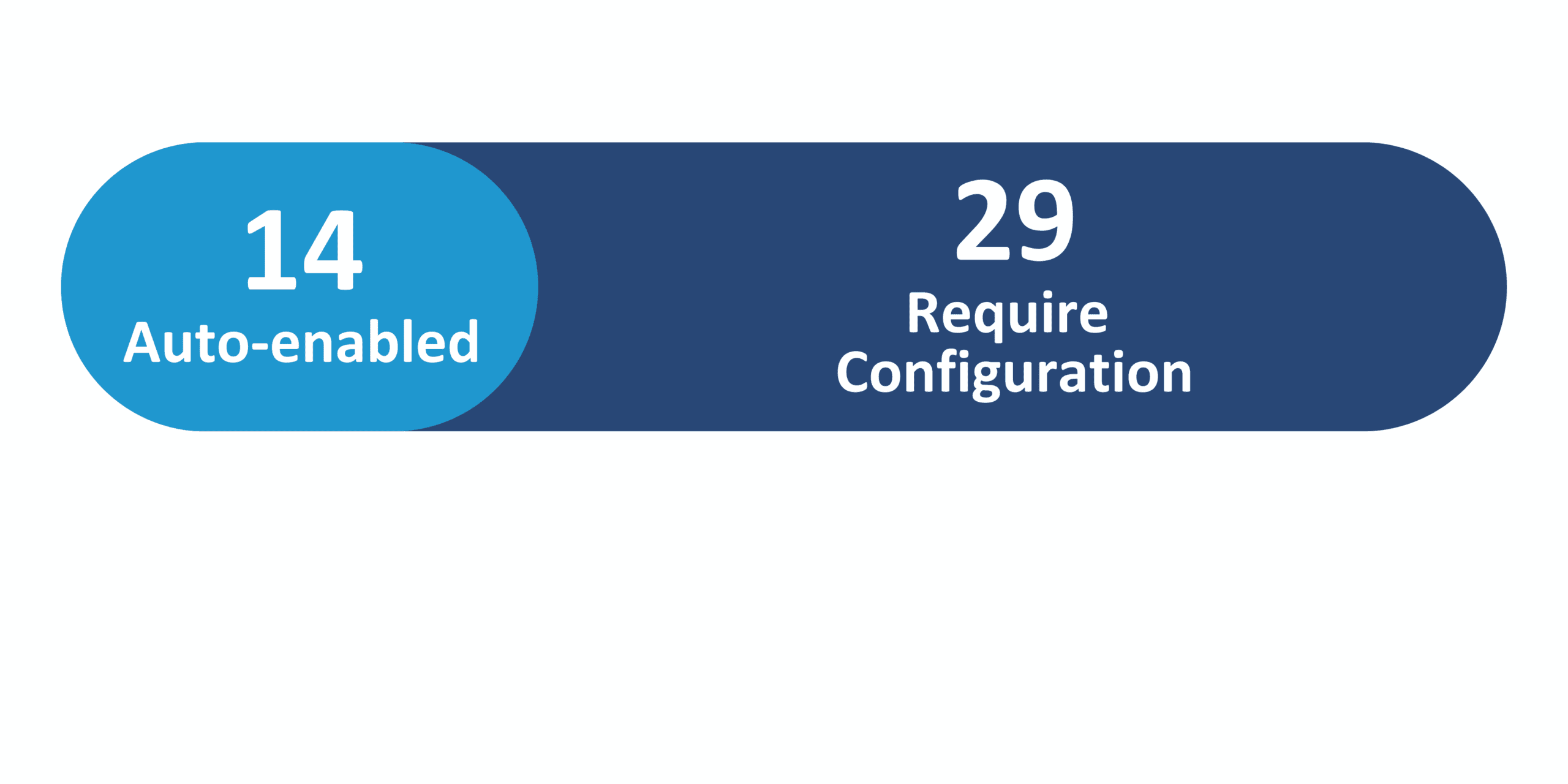
Generative AI Features
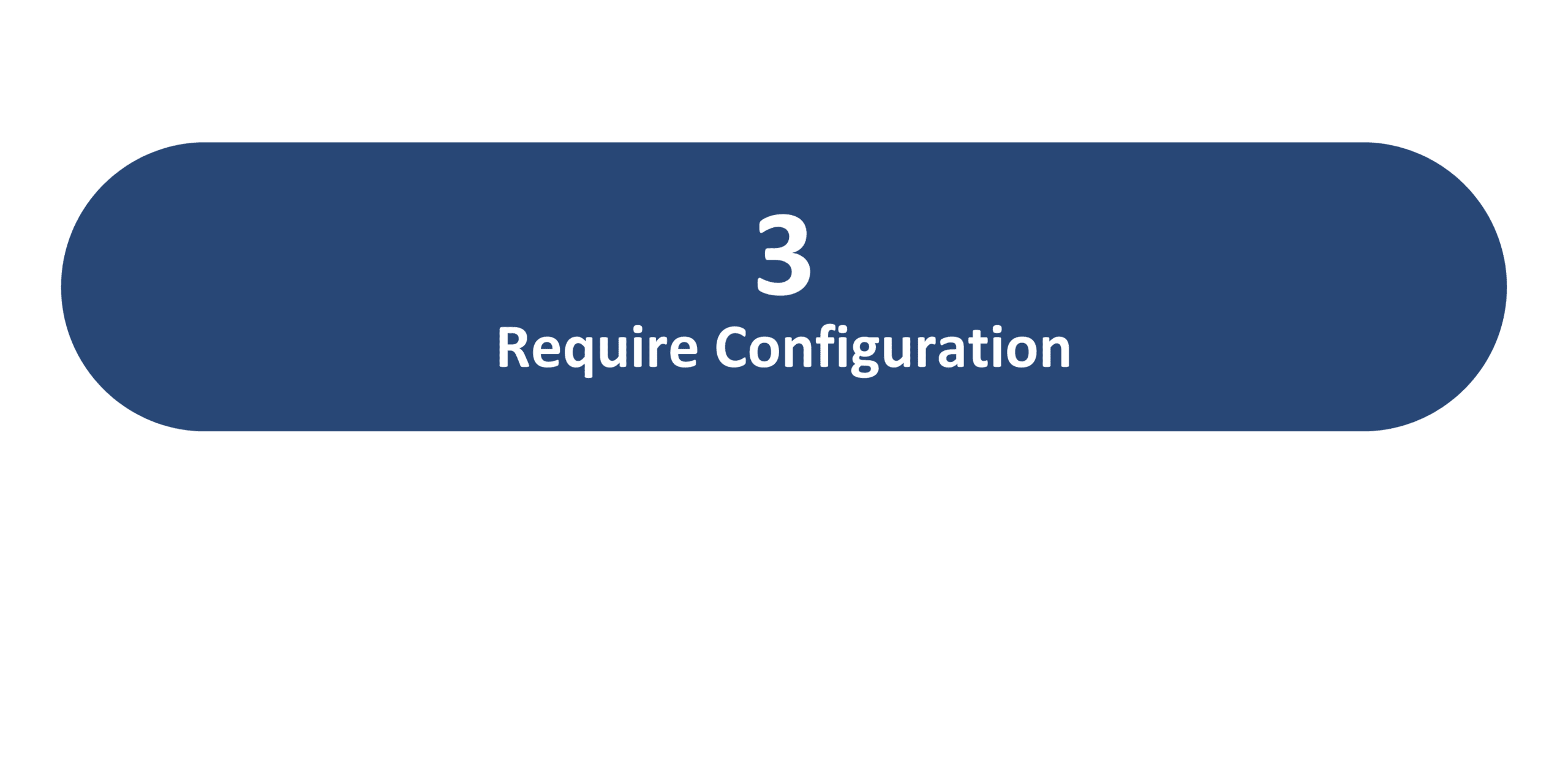
25D Update Features Covered:
- Redwood Experience
- Generative AI
- Associate Job Subfamilies with a Job Family
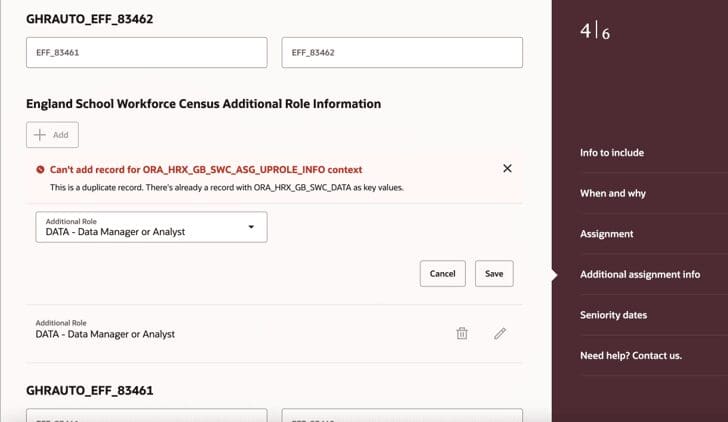
- Enhanced Redwood Style Notifications for Employment Flows
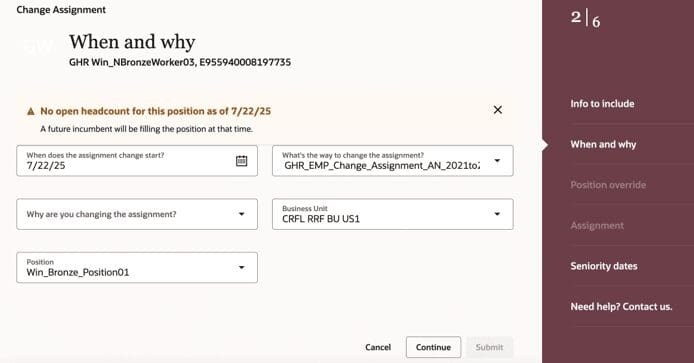
- Enhancements to Redwood Employment Update Process
1. Redwood Experience
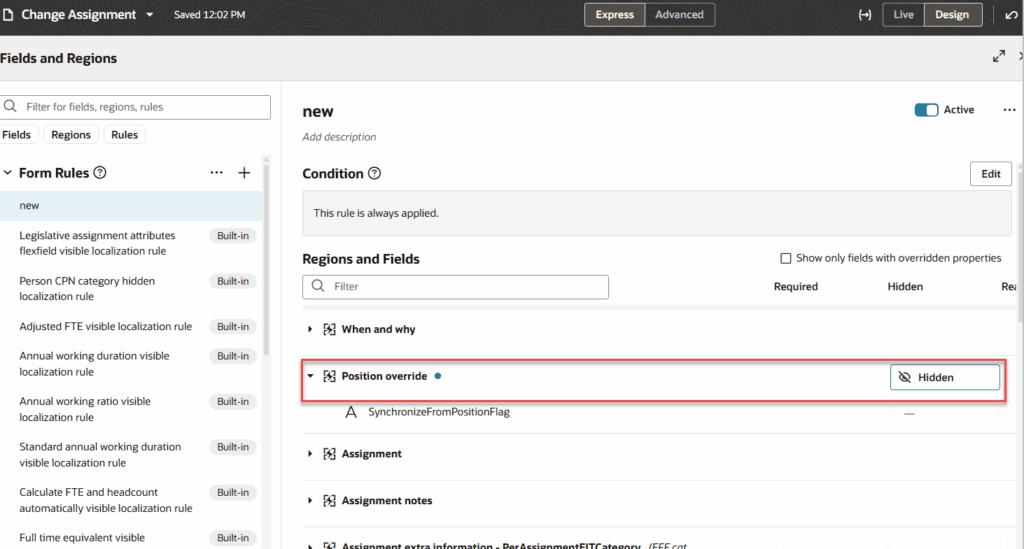
Oracle is continuing to enhance capabilities within existing and new Redwood supported pages. This 25D release improves Redwood pages through additional page properties, increased business rule components, and net new configuration features. Users will have even more flexibility adjusting and modifying Redwood pages to meet their business needs. Also, Redwood flows and notifications contain additional details and validations to streamline processing.
2. Generative AI
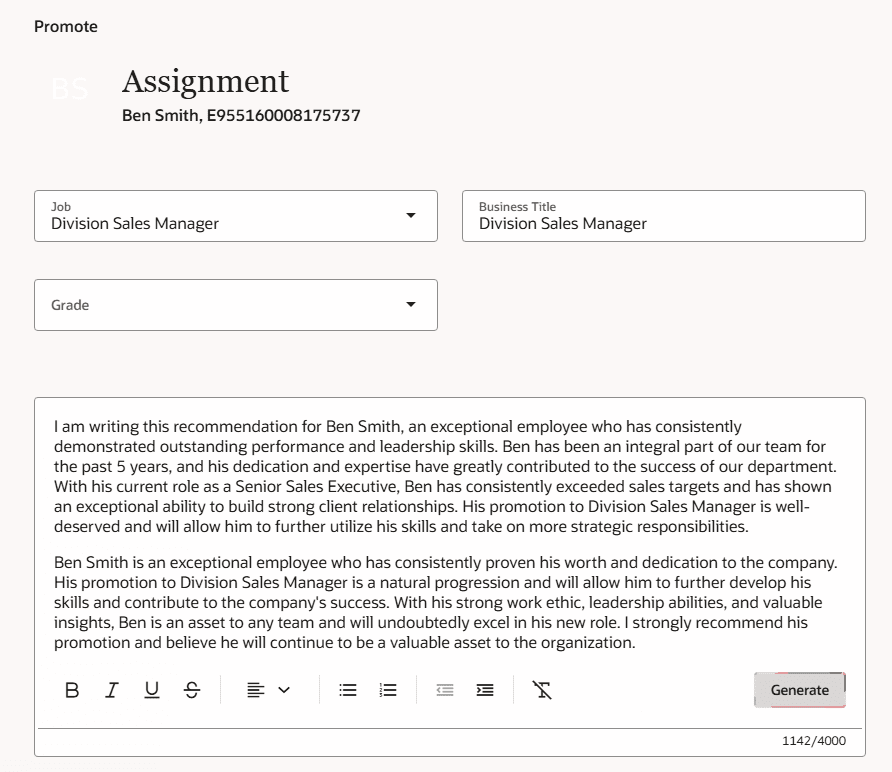
Enhancements around Gen-AI in the release assist with employment processing and configuration-specific content generation. Using AI Assist can support users during HR processing, saving them time and improving decision-making. Meanwhile, it can also support system users by providing tailored comments and descriptions..
3. Associate Job Subfamilies with a Job Family
Quick Notes:



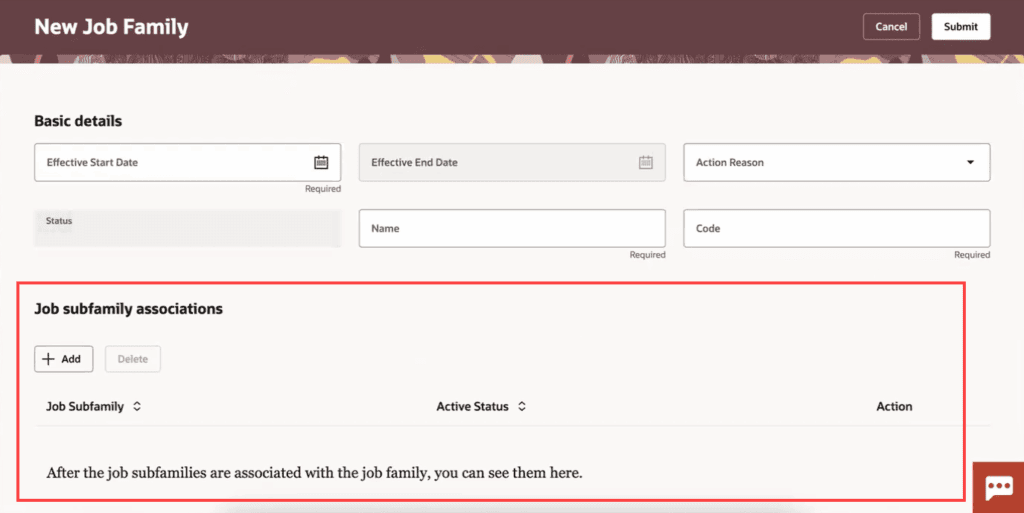
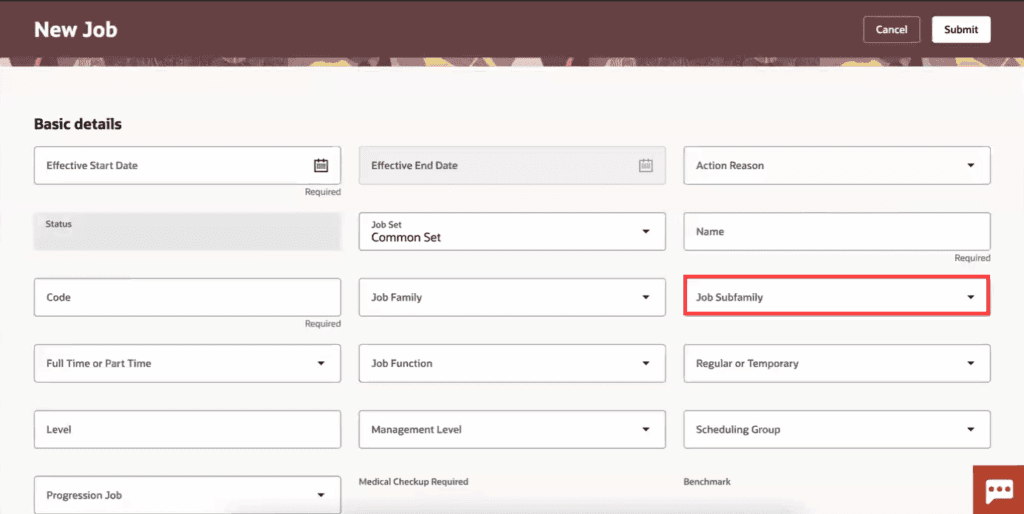
Create additional granularity within a Job Family through Job Subfamilies. Further categorizing using this new feature brings greater understanding to your workforce structures. You can define multiple subfamilies to a single Job Family. This enhancement encourages role alignment and accurate reporting.
- Job Subfamily – create and edit pages for job family
- Job Subfamily Meaning – view page for job family
4. Enhanced Redwood Style Notifications for Employment Flows
Quick Notes:
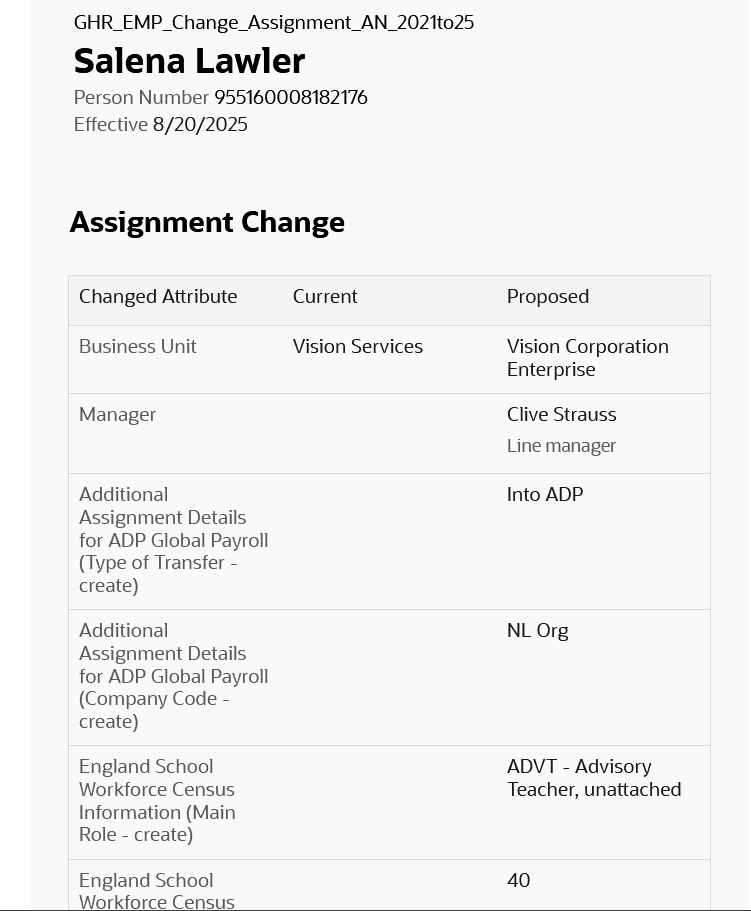
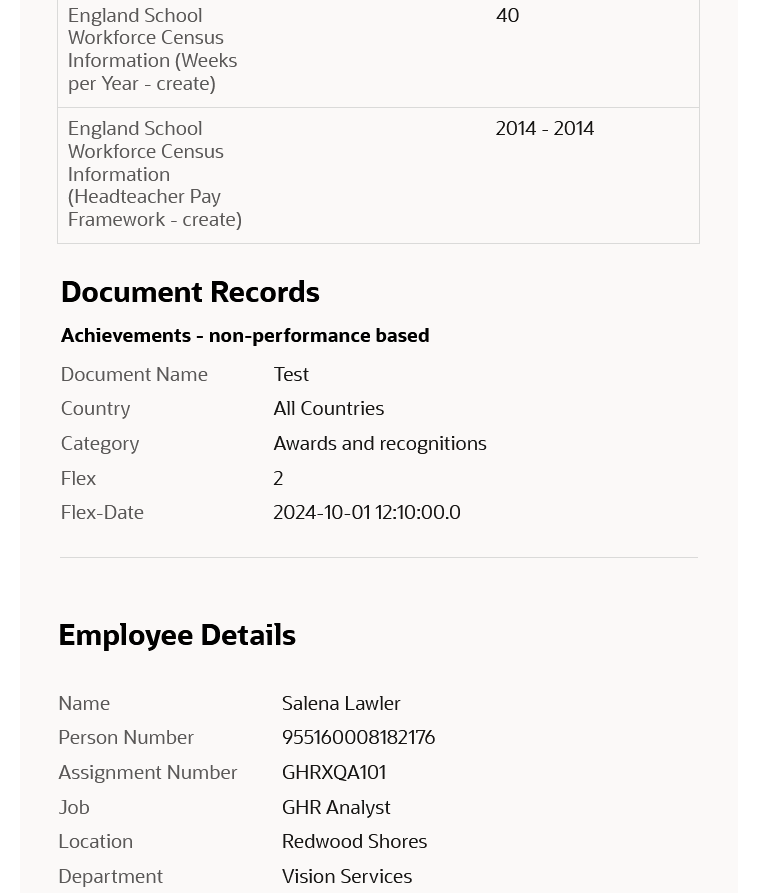
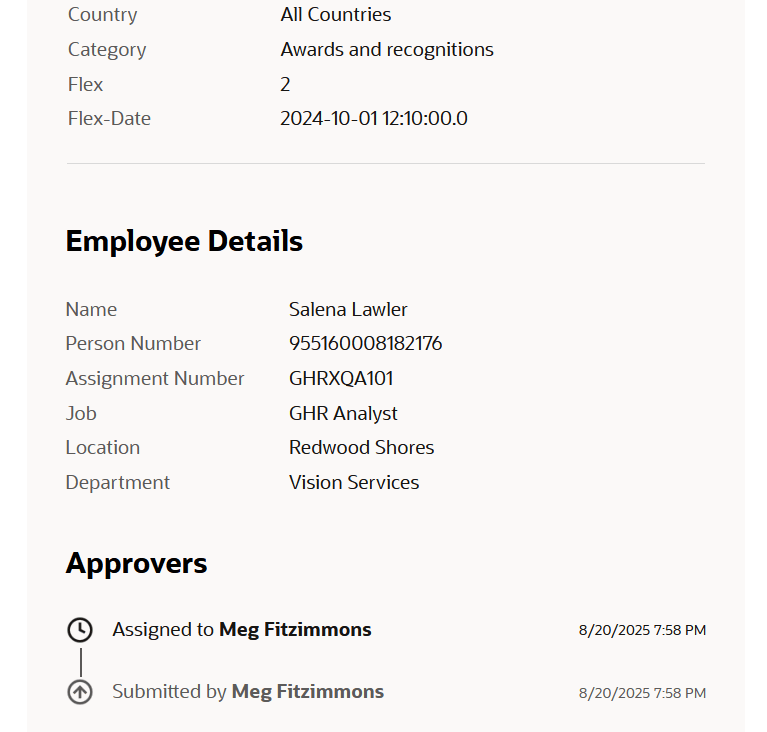
These Oracle updated notifications enhance user experience through a consistent, responsive interface while promoting extensibility across desktop, tablet, and mobile devices. The Redwood style notifications allow for effortless transition if you have made customizations, as the upgrade happens automatically across employment flows.
5. Enhancements to Redwood Employment Update Process
Quick Notes:
Oracle has further strengthened functionality to the Redwood employment update processes. Through additional validations, defaulting capabilities, and flexibility searching, users can fine tune and effectively perform their necessary tasks. This feature also allows approvers the ability to view document record attachments within approval notifications.