Oracle ERP Procurement Cloud 26B
Low

Feature Enablement
Redwood Features
Generative AI Features

26B Update Features Covered:
- Redwood Experience
- Generative AI
- AI Agent: Research Suppliers with AI
- AI Agentic App: Sourcing Command Center
- Allow Nonworkers to Create Requisitions as Preparers
- Search with Multiple Filters
- Add Approvers on Requisitions at Additional Positions During Shopping Checkout
1. Redwood Experience
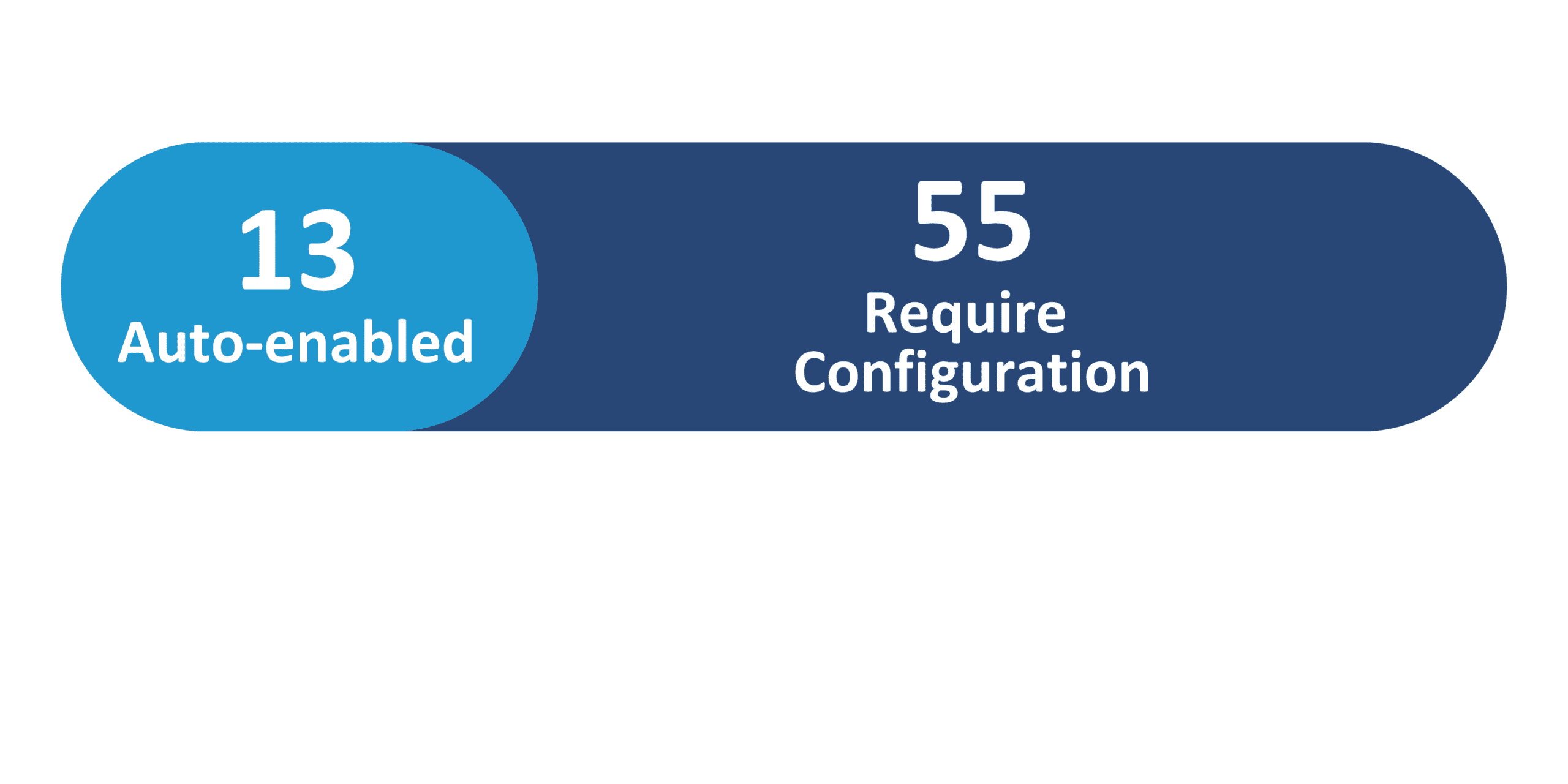
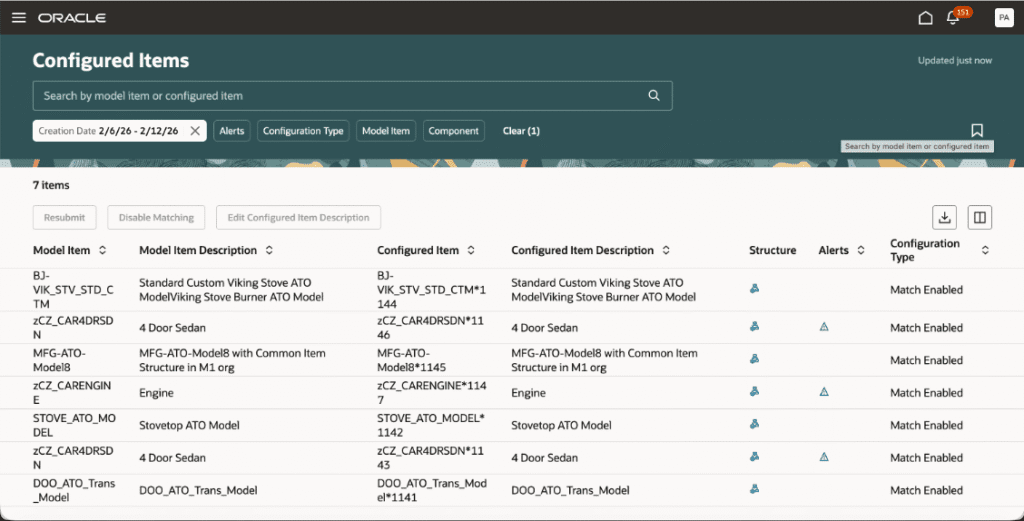
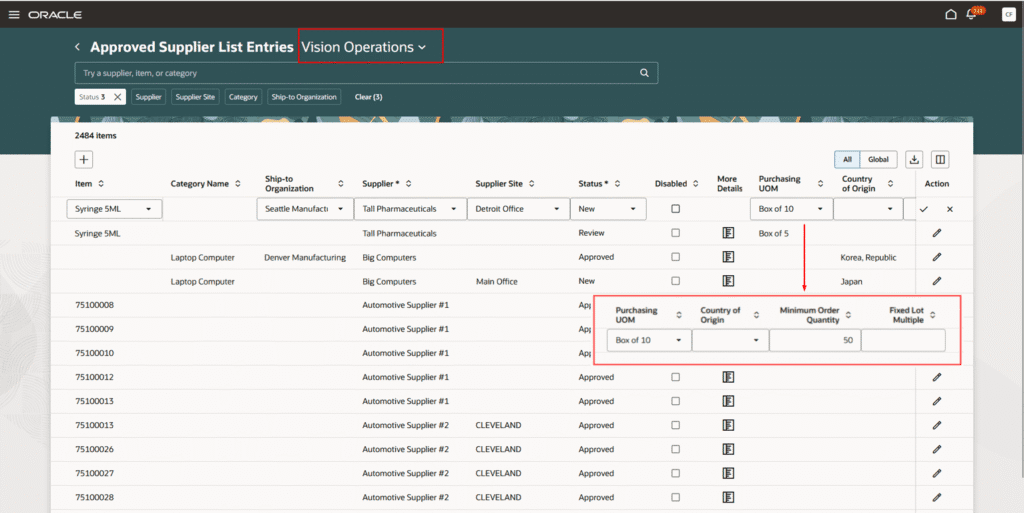
The Redwood enhancements introduced in the 26B release continue to improve the user experience across Oracle Procurement and sourcing processes. These updates expand Redwood capabilities for collaboration messaging, purchasing and contract management, supplier administration, and negotiation workflows through redesigned Redwood pages and enhanced configuration options. In addition, improvements across purchase order management, supplier collaboration, qualification initiatives, and supply chain orchestration provide users with improved visibility, streamlined workflows, and a more consistent Redwood interface across procurement operations.
2. Generative AI
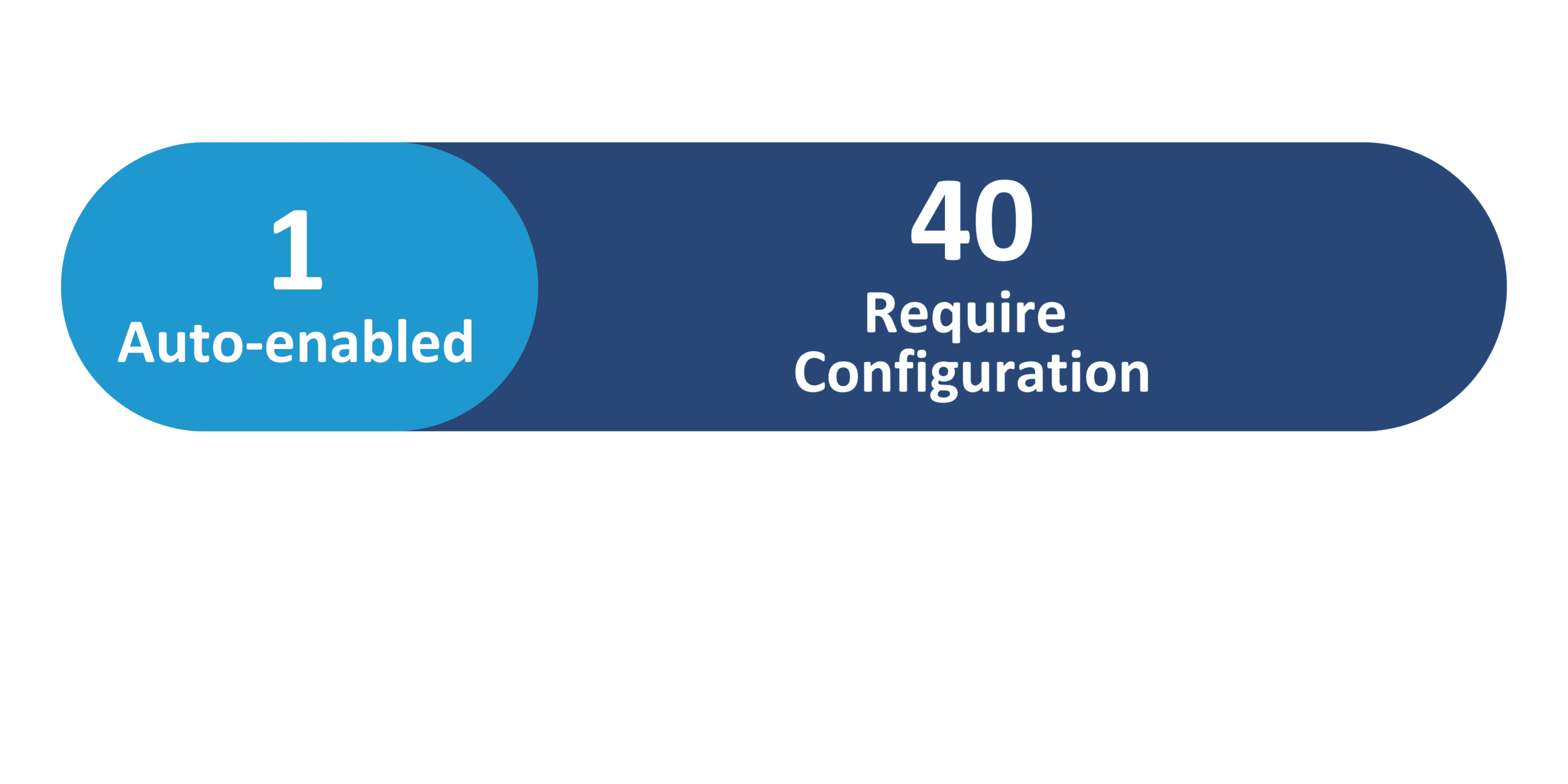
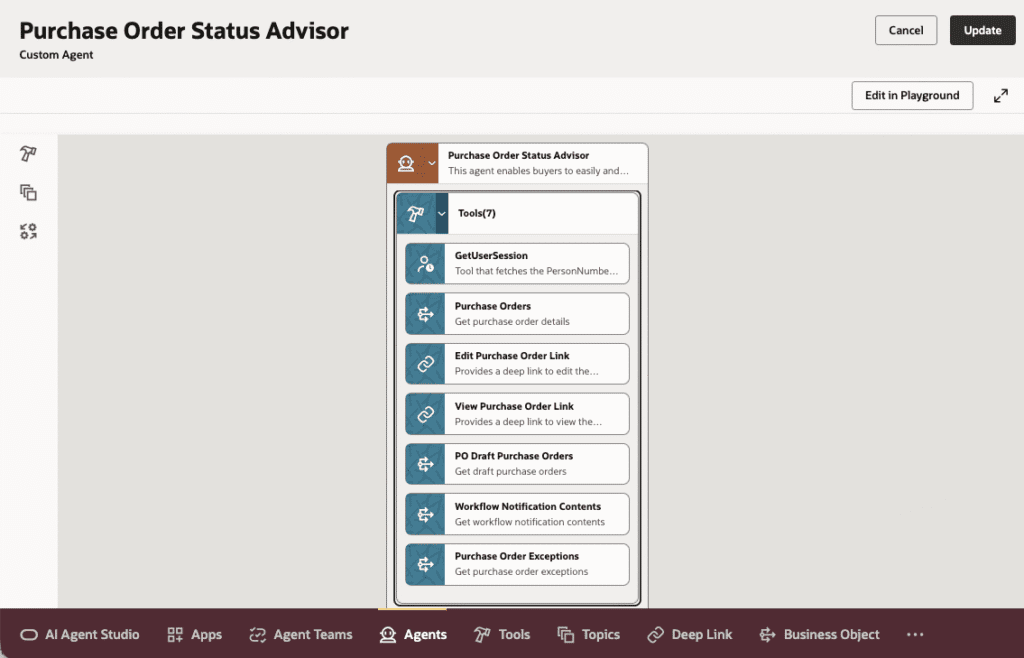
Oracle continues to expand its Generative AI capabilities in the 26B release with the introduction of several AI-powered agents designed to streamline procurement and sourcing processes. Agents such as the B2B Message Converter, Configuration Advisor, and Purchase Order Status Advisor help automate message conversions, guide configuration decisions, and provide real-time insights into purchase order status through conversational interactions. In addition, enhancements including the Autonomous Sourcing Assistant, AI-driven supplier research, and requisition-focused agents such as the Purchase Requisition Creation Guide and Status Advisor help improve sourcing efficiency, supplier discovery, and requisition management across procurement workflows.
3. AI Agent: Research Suppliers with AI
Quick Notes:


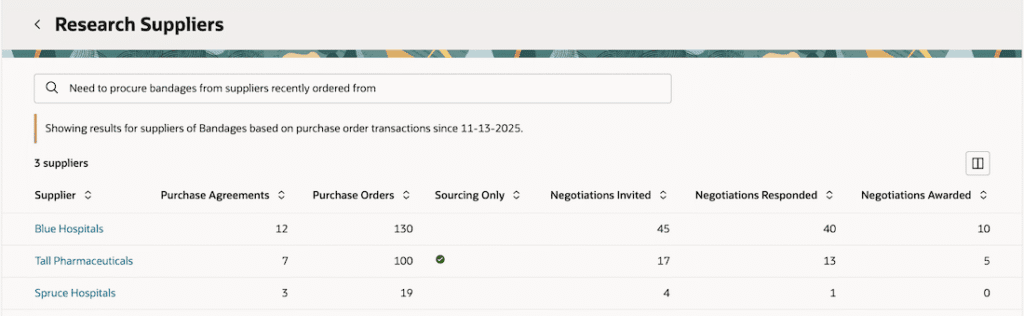
The AI agent will understand your search request and provide you a list of suppliers by searching in historical transactions, and the supplier profile. It will also present a summary of how it interpreted your search request to provide the supplier list.
The AI can understand queries about one or more of the following:
- Negotiation line Items and their descriptions
- Purchasing categories of items
- Supplier keywords:
- Supplier name
- Alternate name
- Parent supplier name
- Supplier number
- DUNS number
- Business classification of suppliers
The search is performed within purchase agreements, purchase orders, negotiations, and supplier profile records.
This capability provides a simple casual interaction for category managers when finding suppliers. They can use natural conversation with AI to describe their supplier need, and the AI interprets intent, applies the right criteria, and returns results instantly.
4. AI Agentic App: Sourcing Command Center
Quick Notes:
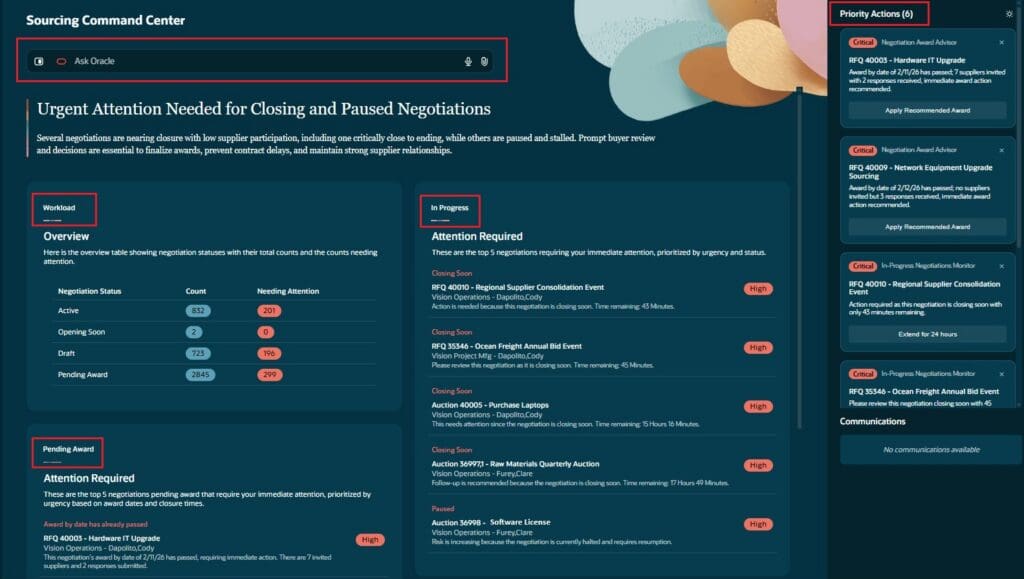
The Sourcing Command Center is an AI-powered agentic command center where specialist sourcing agents continuously analyze negotiations, supplier participation, award readiness, identify risks and opportunities, coordinate and execute priority actions to drive faster award decisions, stronger supplier engagement, and improved savings outcomes.
Key capabilities:
- Review AI-generated narrative summary highlighting urgent negotiations, risks, and recommended actions
- View workload overview to understand negotiation volume and items requiring attention
- Review Priority Actions to see the most critical sourcing issues and take recommended actions
- Execute AI-recommended actions directly from the Command Center without navigating away
- Review negotiations pending award and drill into an individual negotiation for a negotiation-centric view
The Sourcing Command Center is a goal-oriented decision engine where specialist AI agents own outcomes, apply expertise, and execute work safely within policy and human boundaries. By prioritizing actions and enabling faster, informed decisions, it accelerates sourcing and award cycles, strengthens supplier engagement, and maximizes savings.
Steps to Enable:
You need to enable these profile options.
- ORA_PON_SOURCING_AGENTIC_APP_ENABLED
5. Allow Nonworkers to Create Requisitions as Preparers
Quick Notes:
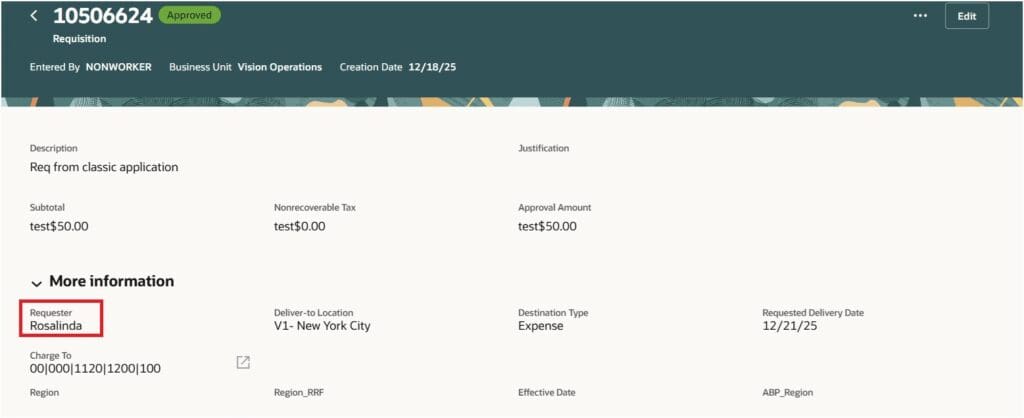
Users can now allow nonworkers to act as preparers to create purchase requisitions. Before this update, only users defined as Workers in HCM could do this.
Nonworkers can’t be assigned as requesters on a requisition. They always create requisitions on behalf of others. Hence, users that are assigned a configured job role must have the Create Requisition with Changes to Requester privilege to use this feature.
Steps to Enable:
You need to enable these profile options.
- ORA_POR_NONWORKER_ENABLED
6. Search with Multiple Filters
Quick Notes:
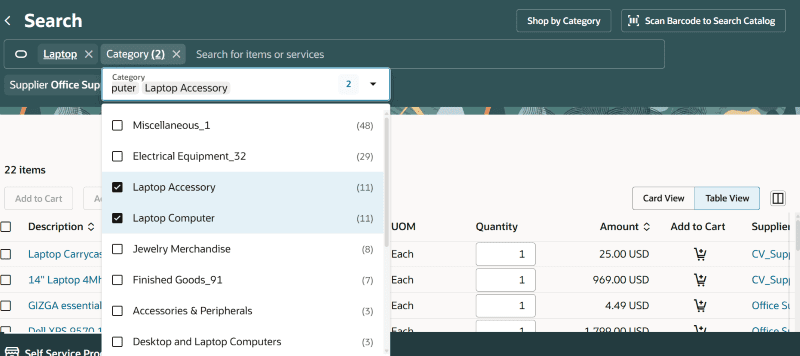
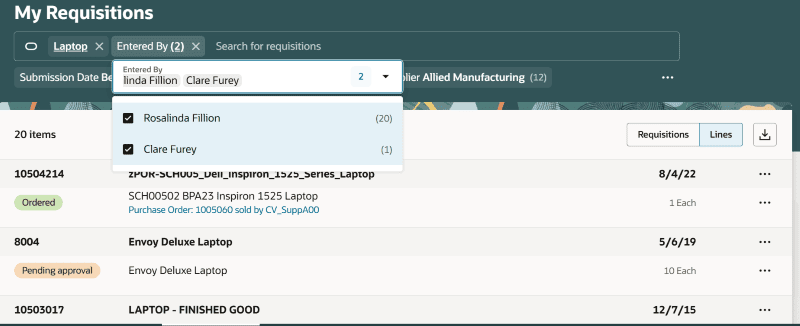
The filter-based search experience is now enhanced in both the Shopping Search and My Requisitions pages. Users can also search with keywords (using a ‘Contains’ search) within these filters to narrow down the list of values and select applicable ones within.
7. Add Approvers on Requisitions at Additional Positions During Shopping Checkout
Quick Notes:
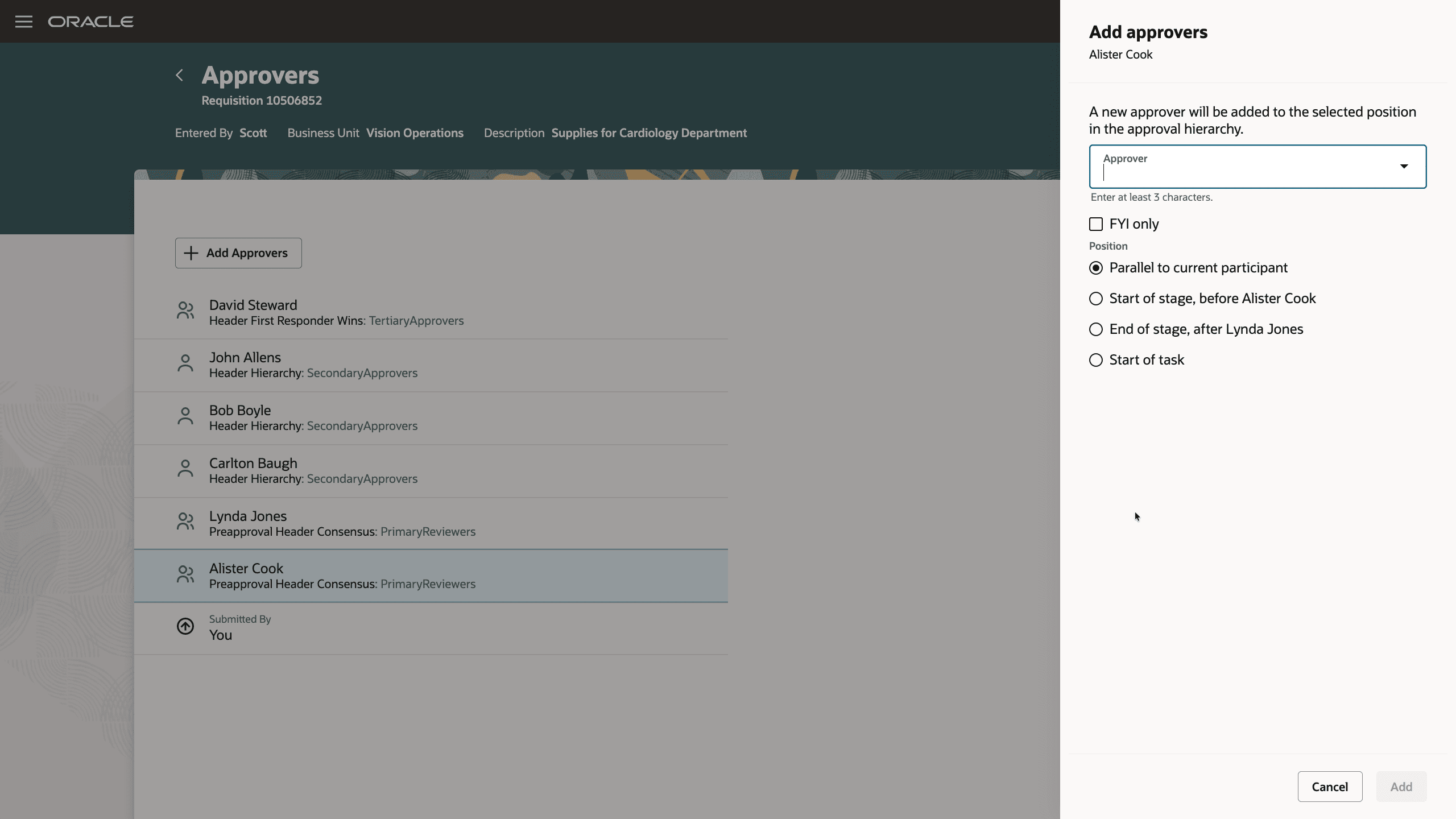
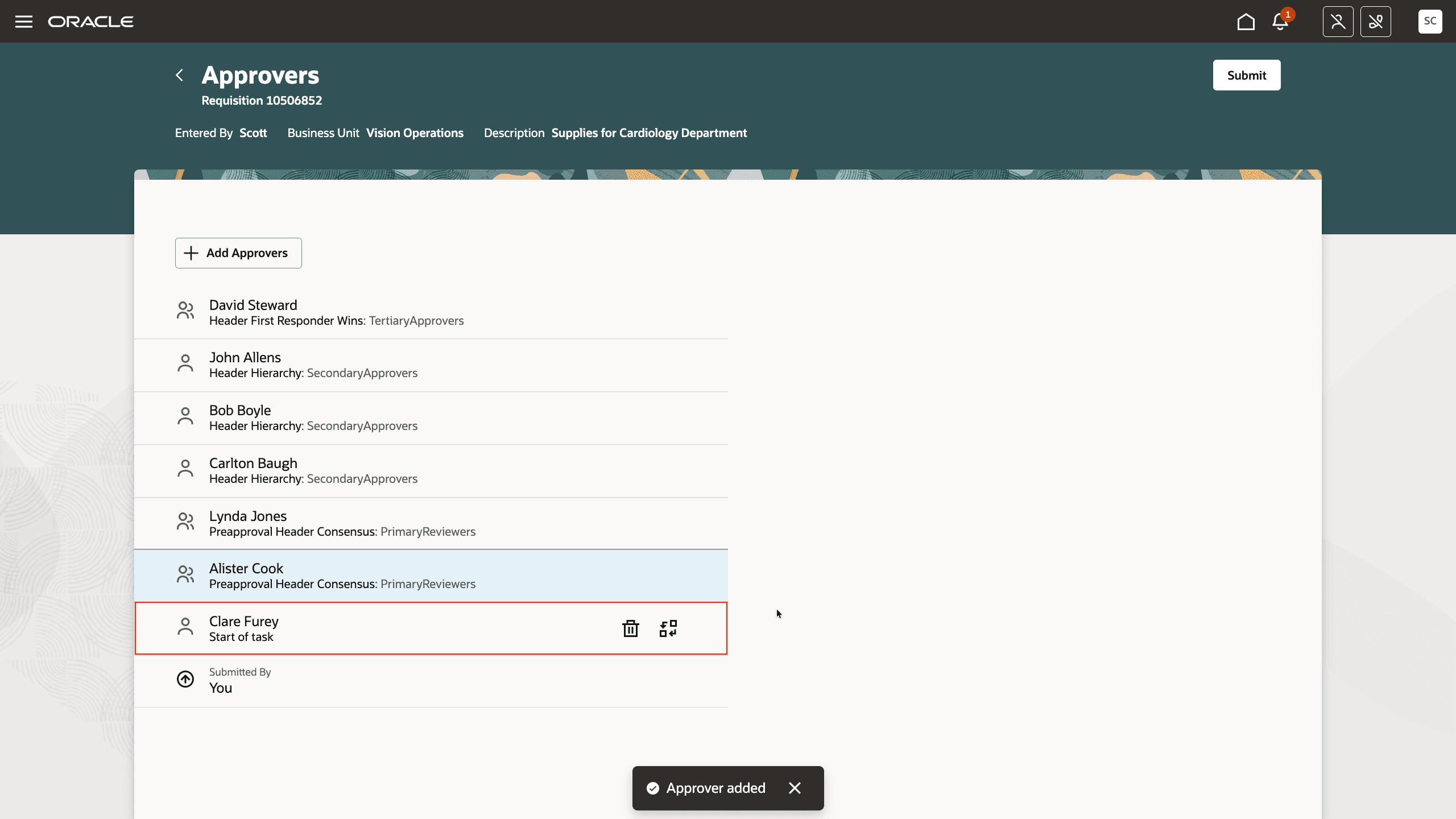
Users can now add and manage ad hoc approvers at additional positions in the default approval hierarchy during shopping checkout in the Redwood Self Service Procurement application.
To use this feature, add an approver in the required position from the View Approvers page on the shopping cart.
These new positions are now available:
- Start of task
- Start of stage
- End of stage
This feature is helpful when you want to add ad hoc approvers either before or after a group of parallel approvers.