Oracle HCM Learn Cloud 26B
Low

Feature Enablement
Redwood Features
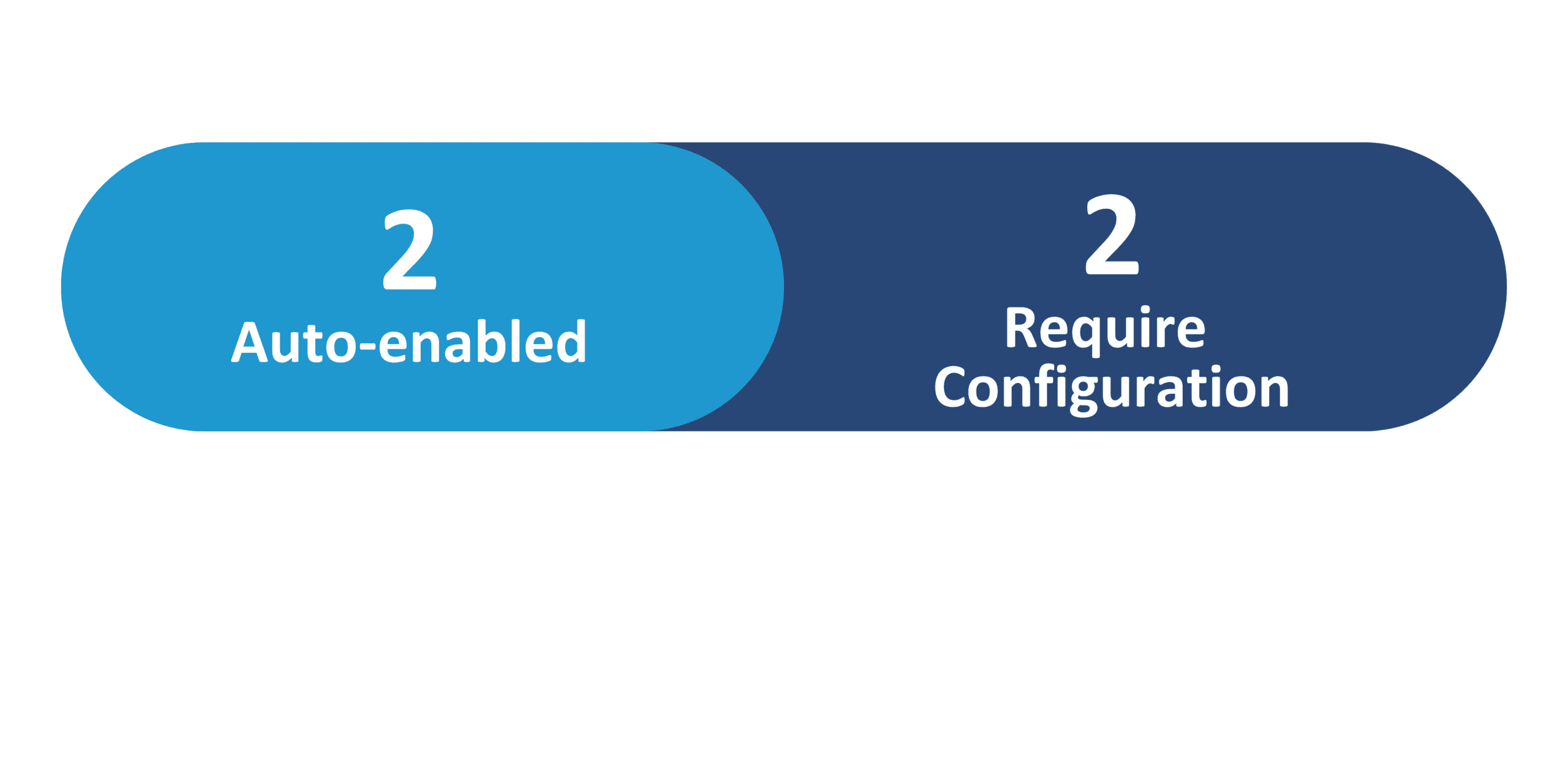
Generative AI Features
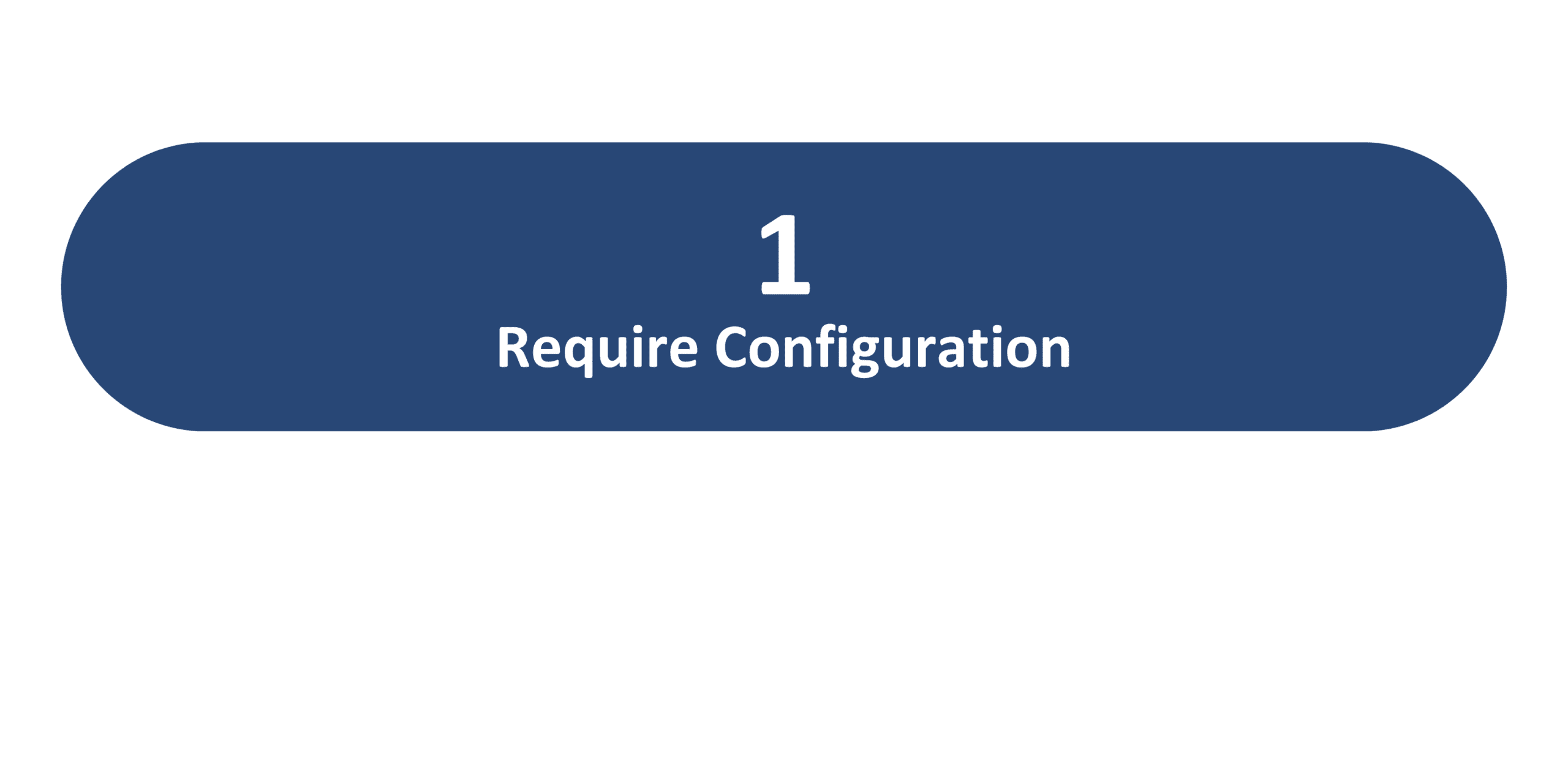
26B Update Features Covered:
- Redwood Experience
- Generative AI
- Online Meetings and Teams Breakout Rooms
- Virtual Meeting Recording Retrieval Control
- Learning Creation Assistant
- Udemy Learning Path Support
- Manual Content Processing for Self-Paced Learning Post Refresh
- Google Chrome Plugin
1. Redwood Experience
Oracle HCM Learning Cloud 26B delivers targeted enhancements across learning, skills, and career development to improve usability, insight, and operational efficiency. This release strengthens skills visibility and management, enriches career path discovery, expands content integrations, and enhances instructor-led and self-service learning experiences. With improved event management, browser-based learning access, streamlined administration, and greater control over content and recordings, 26B helps organizations drive engagement, simplify learning operations, and better align workforce development with business goals.
2. Generative AI
Oracle HCM Learning Cloud 26B introduces generative AI that enhances learning administration by simplifying and accelerating learning content creation. With the Enhanced Learning Creation Assistant, learning teams can use Generative AI to quickly draft, refine, and structure learning content with greater clarity and consistency. This reduces manual effort, improves content quality, and enables learning administrators to focus more on strategy and impact rather than creation overhead.
3. Online Meetings and Teams Breakout Rooms
Quick Notes:



Oracle has enhanced the Learning events functionality to expand how organizations create and manage online learning, enabling a more seamless virtual classroom experience. With integrated instructor accounts, online meetings are automatically created, participant access is simplified, and attendance and completion tracking are streamlined. New configuration options support automatic completions, flexible attendance thresholds, and Microsoft Teams breakout rooms, while embedded join links, real-time notifications, and centralized controls improve visibility and ease of use for both learners and instructors. These enhancements reduce manual effort for administrators while delivering a smoother, more engaging learning experience.
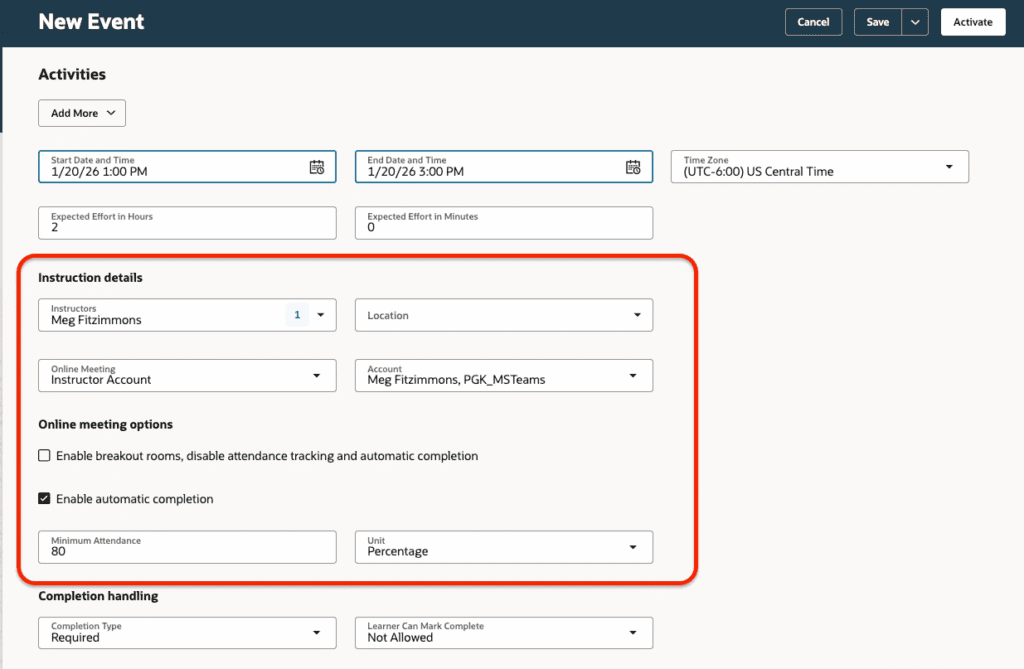
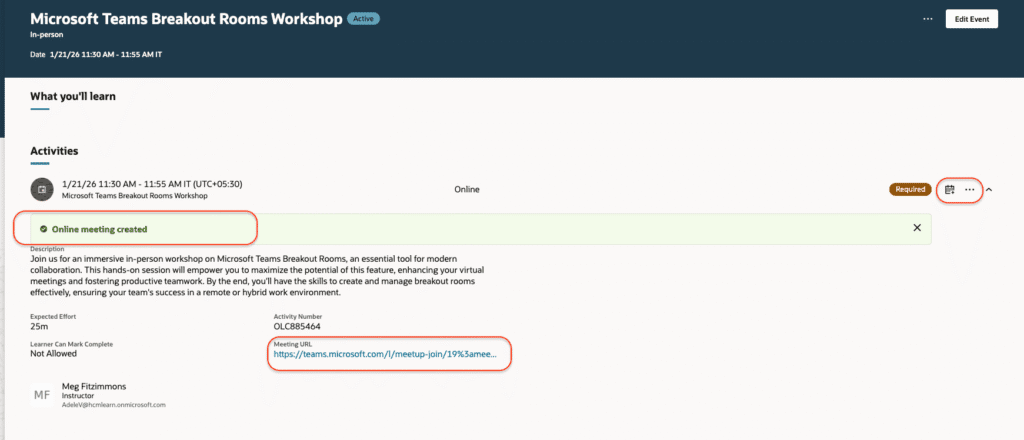
Steps to Enable: To set up this feature enable Learning Events.
4. Virtual Meeting Recording Retrieval Control
Quick Notes:
Oracle has introduced a new way to retrieve virtual meeting recordings by scheduling the Sync Instructor-Led Training for Learning process, giving organizations control over whether recordings are retrieved for virtual instructor-led activities. This enhancement provides learning departments with greater flexibility in managing meeting recordings and supports alignment with internal data privacy, content management, and compliance requirements, making it easier to meet governance standards with minimal administrative effort.
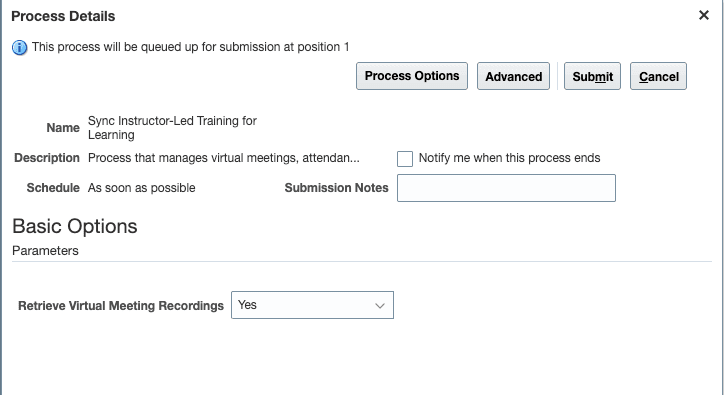
Steps to Enable: This feature is auto-enabled, but the Sync Instructor-Led Training for Learning process must be scheduled to retrieve recordings
5. Learning Creation Assistant
Quick Notes:
Accelerate learning creation with Generative AI–powered Learning Creation Assistant, now enhanced to accept instructions directly via email. Instructors and learning specialists can simply send requirements to a designated mailbox—using email text or attachments—and let the assistant automatically create draft learning content across multiple formats. With automated processing and confirmation emails linking directly to the new learning, this enhancement removes complexity, speeds up content development, and empowers teams to contribute knowledge effortlessly. The result is faster time-to-learning, reduced administrative overhead, and greater organizational agility.
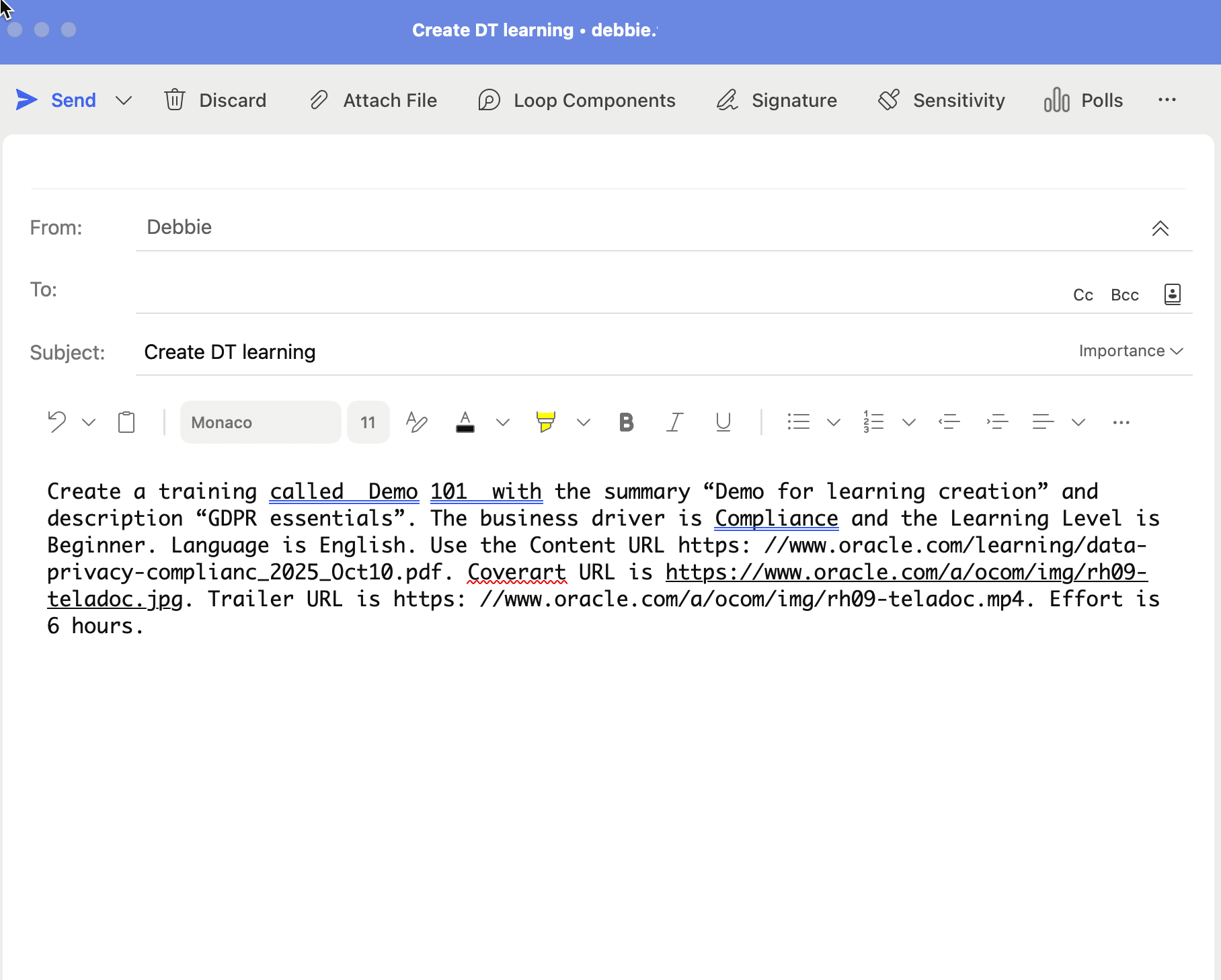
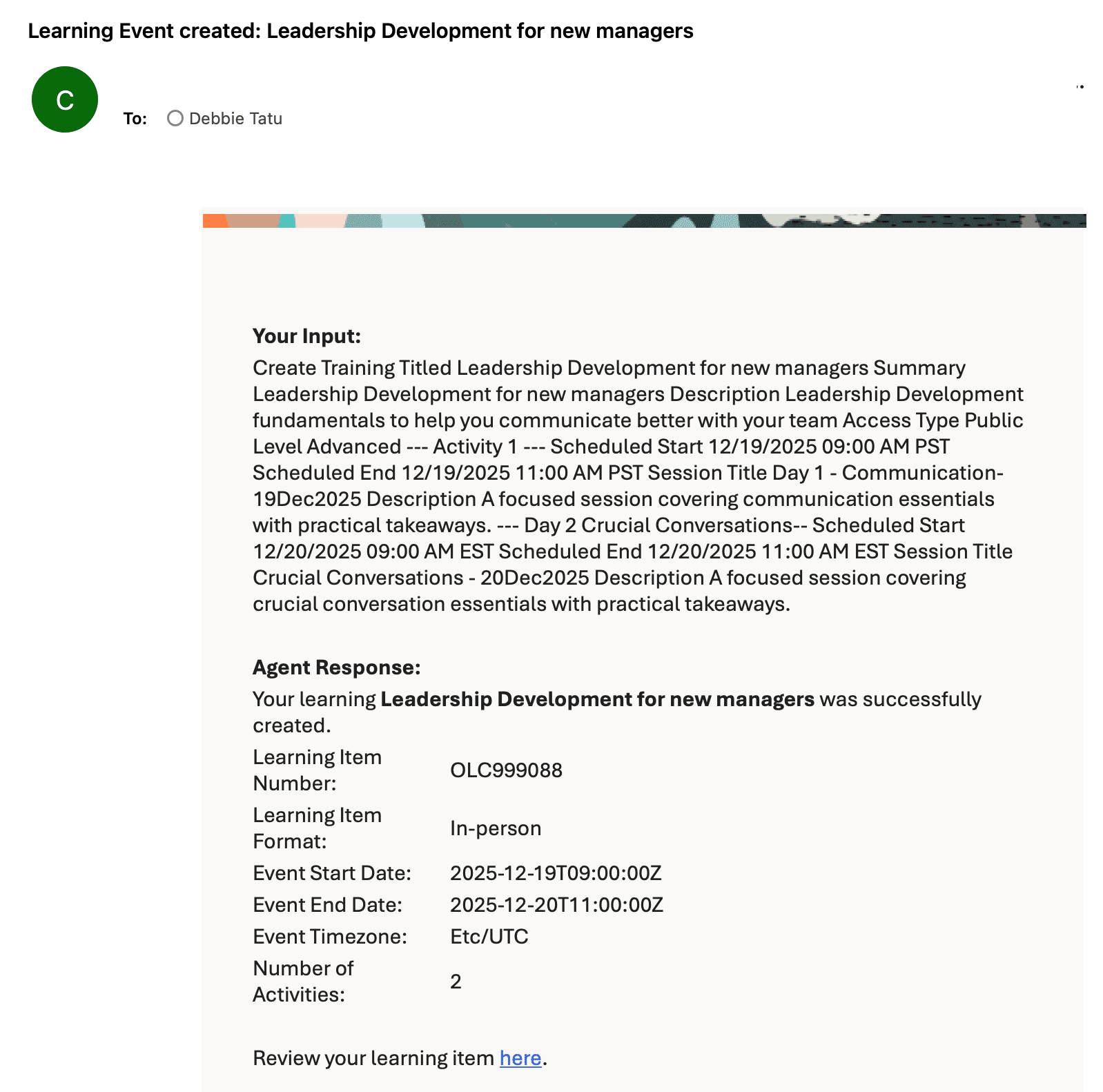
Steps to Enable: AI-Agent Studio needs to be available to configure this feature.
6. Udemy Learning Path Support
Quick Notes:
Oracle Learning now supports Udemy learning paths, enabling organizations to seamlessly enrich their learning catalog when the Udemy Business integration is enabled. Learning paths are automatically imported and managed, with built-in xAPI support ensuring real-time tracking of learner progress and completions. Learners benefit from uninterrupted access to curated Udemy content, while learning teams gain improved visibility, streamlined administration, and enhanced engagement through a more robust and integrated learning experience.
Steps to Enable: To use this feature, the Udemy Business integration must be enabled. Once enabled, the Load and Synchronize External Course Data process will automatically add available learning paths to the learning catalog when it runs.
7. Manual Content Processing for Self-Paced Learning Post Refresh
Quick Notes:
Keep your test environment running smoothly after a production-to-test refresh by easily reprocessing self-paced learning content. With a simple action available directly from an information banner on the learning details page, catalog administrators can quickly restore access to videos, SCORM packages, PDFs, and PowerPoint files for playback and validation. This enhancement simplifies testing, reduces manual workarounds, and ensures test environments accurately mirror production, allowing teams to validate content faster and stay focused on driving business value.
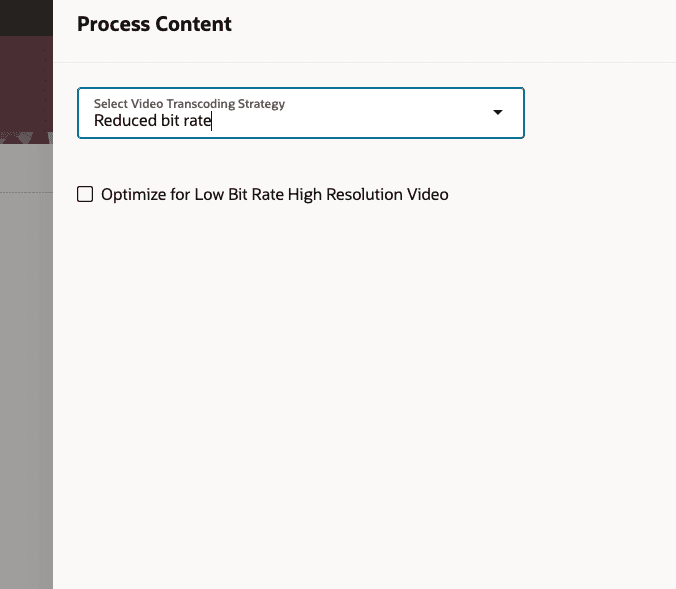
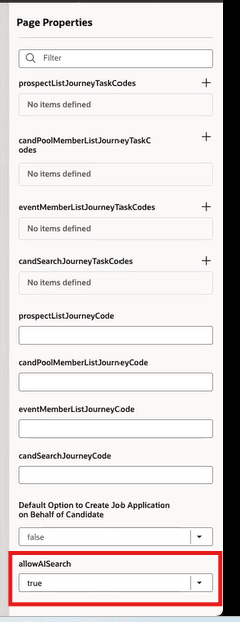
Steps to Enable: This feature is auto enabled.
8. Google Chrome Plugin
Quick Notes:
Oracle has introduced a new Google Chrome Extension for Fusion HCM Learning, enabling learners to access learning seamlessly in the flow of their work. Directly from the Chrome toolbar, learners can enrich Google search results with relevant Oracle Learning recommendations, capture external learning activities with minimal effort, and submit non-catalog learning requests using the same secure Oracle Fusion workflows. With flexible deployment options and built-in single sign-on integration, the extension brings Oracle Learning directly into the browser—driving adoption, reducing friction, and empowering learners to learn, track, and grow without leaving their daily workflow.
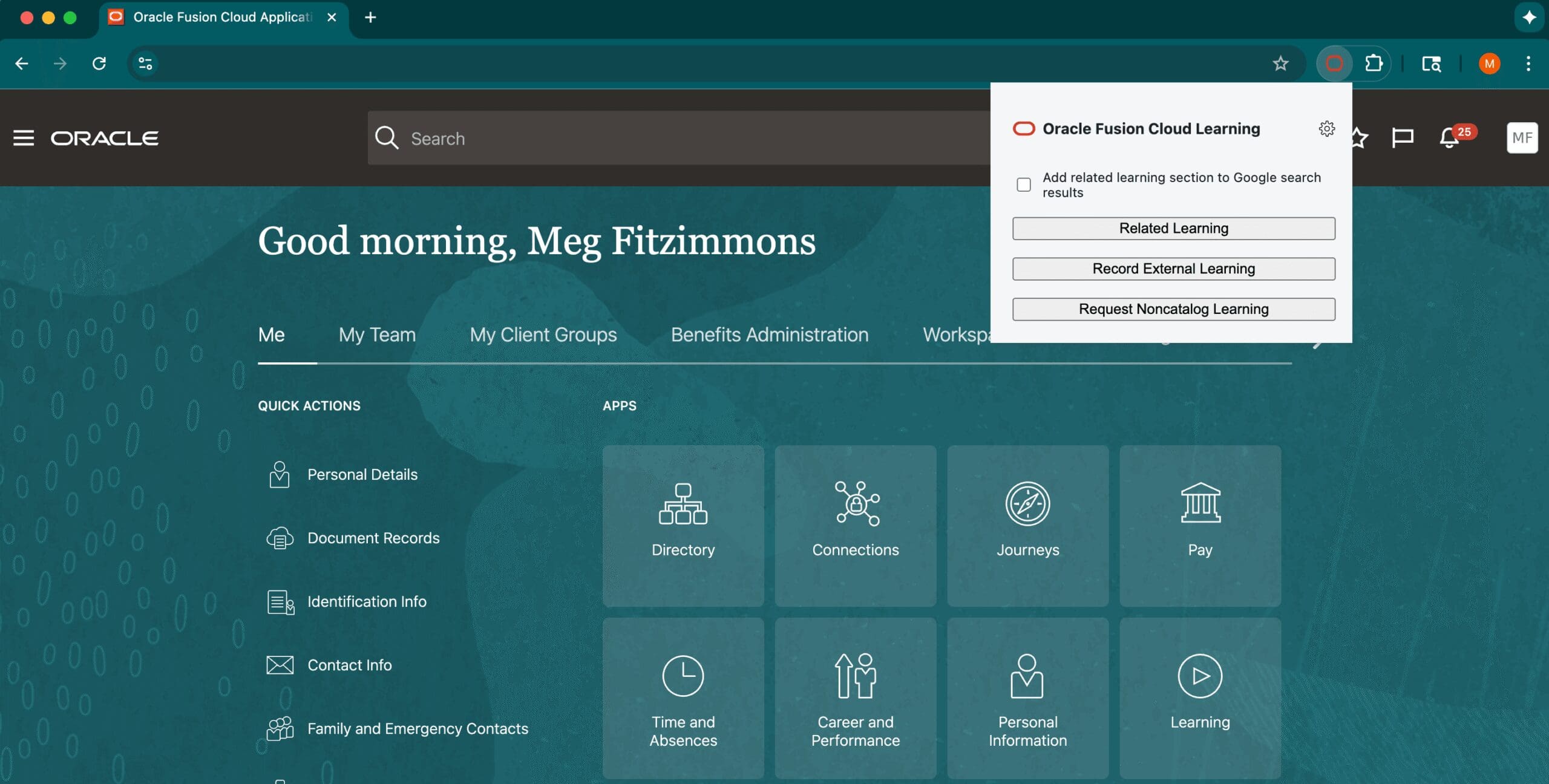
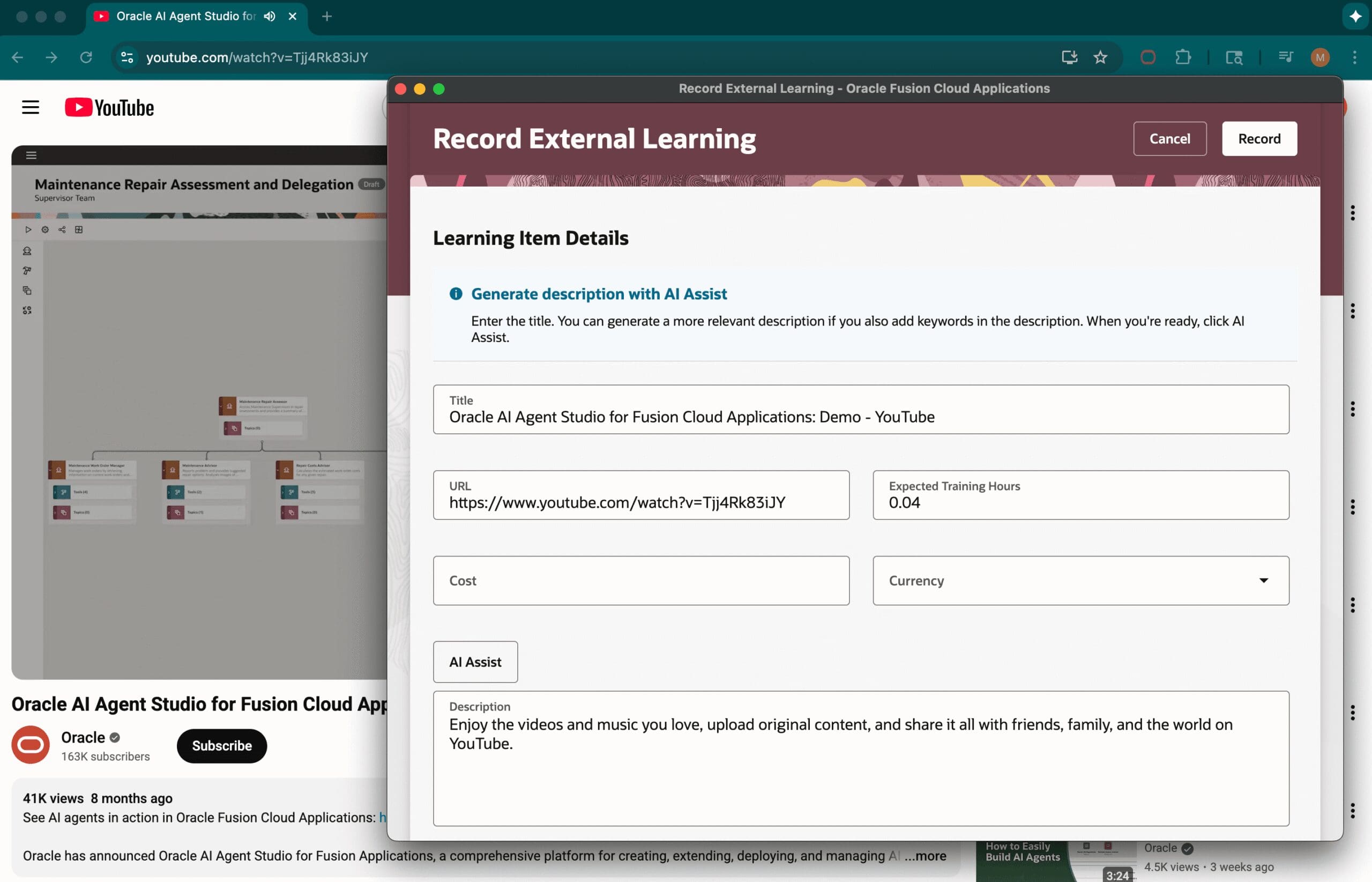
Steps to Enable: IT administrator can Optionally preconfigure the Fusion hostname in the settings.json file prior to packaging.