Oracle HCM Absence Management Cloud 26D
Low

Feature Enablement
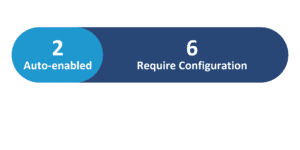
Redwood Features
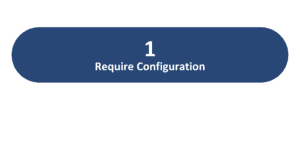
26D Update Features Covered:
- Redwood Experience
- Dedicated Security Role for Absences and Entitlements
- Duration Formula Support for Absence Types with Days UOM and Elapsed Schedules
- Organization Calendar Events in Calendar and Calendar Synchronization
1. Redwood Experience
The Oracle Cloud 26D Absence Management release advances the user experience by delivering enhanced Redwood administrative interfaces. Specifically, the introduction of the modern Redwood Leave Agreements page empowers absence administrators with streamlined search capabilities, flexible filtering, and centralized access to rules, entitlements, and certifications. Organizations benefit from a cohesive, efficient workspace that standardizes leave management across the enterprise, reduces administrative overhead, and delivers intuitive navigation for global HCM workflows.
2. Dedicated Security Role for Absences and Entitlements
Quick Notes:


Oracle Absence Management introduces a dedicated duty role designed to provide fine-grained security administration for the Absences and Entitlements page. Application administrators can assign this specific duty role to custom roles, allowing organizations to grant targeted page access in alignment with enterprise security frameworks. Previously, access to this functionality was tied broadly to standard human resource roles.
By separating page permissions into a standalone duty role, security teams can enforce the principle of least privilege. This capability ensures that access to sensitive employee absence and entitlement data remains strictly controlled and audit-compliant.
Business benefits:
- Enables precise control over access to employee absences and entitlement information.
- Supports custom security configurations without relying on broad default HR administrator roles.
- Strengthens compliance and security posture by enforcing least-privilege principles.
Steps to Enable:
You need to enable these profile options.
ORA_ANC_ABSENCE_AND_ENTITLEMENT_MANAGEMENT_DUTY
3. Duration Formula Support for Absence Types with Days UOM and Elapsed Schedules
Quick Notes:
Organizations can now use fast formulas to calculate partial-day absence durations other than a full day or half day — for absence types measured in days, for workers on an elapsed schedule. The formula can take the worker’s full-day or half-day selection as an input and calculate a more precise duration (up to a maximum of 1 day), and that original selection is retained and displayed correctly if the worker later edits the absence.
This gives organizations a way to capture absence durations more accurately for scenarios that don’t fit neatly into a simple full-day or half-day model, rather than forcing every partial absence into one of those two buckets.
Business benefits:
- Supports more accurate partial-day absence duration tracking
- Preserves the worker’s original full day/half-day selection when editing
- Gives HR and payroll teams flexibility to model duration rules via formula
- Applies to Redwood absence entry pages, keeping the experience consistent
4. Organization Calendar Events in Calendar and Calendar Synchronization
Quick Notes:
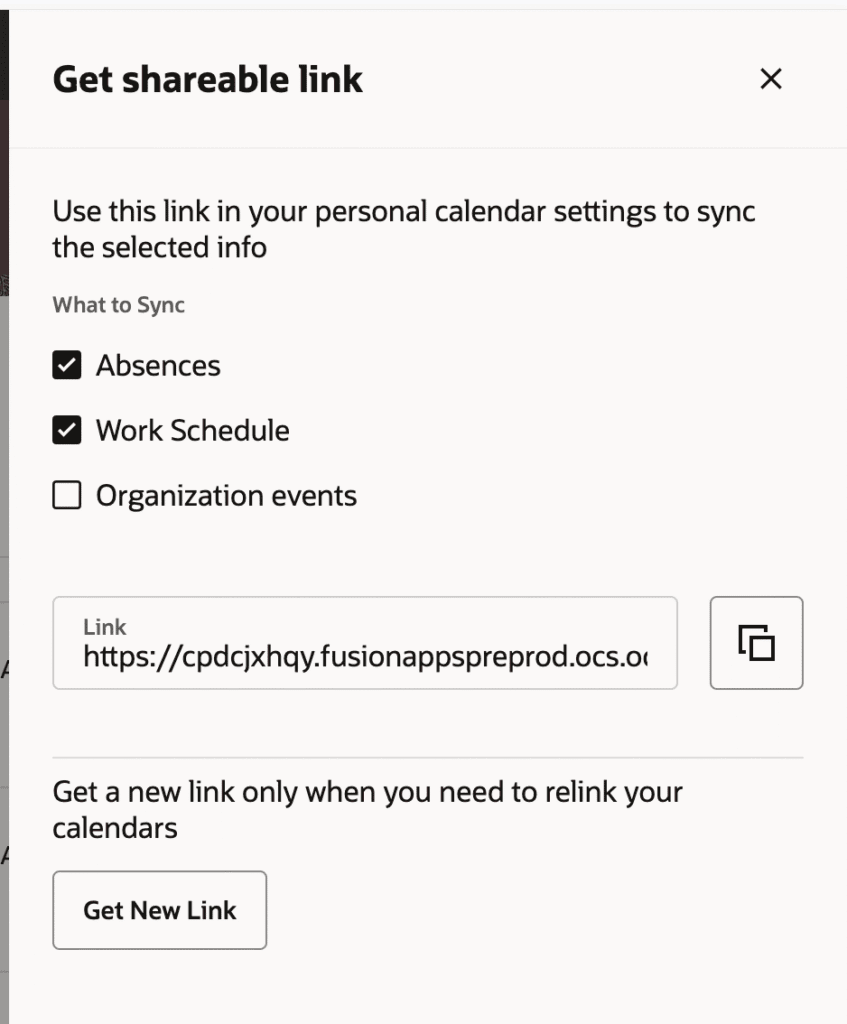
Workers can now select an organization-level calendar event (such as a company holiday, closure, or org-wide event) in the Redwood Calendar to view a read-only details drawer showing the event name, category, description, and dates. Workers can also choose to include these organization events when synchronizing their personal calendar via the “What to Sync” option, alongside their existing shifts and absences.
This gives workers a more complete, at-a-glance view of both their personal work schedule and broader organizational events, reducing confusion around planning and helping avoid scheduling conflicts.
Business benefits:
- Improves scheduling transparency by combining org events with personal shifts/absences
- Reduces planning confusion and scheduling conflicts
- Read-only drawers give quick access to event details without leaving the calendar
- Fits into existing one-way calendar sync setup with no disruption to current sync rules