Oracle HCM Benefits 26C
Low

Feature Enablement
Redwood Features
Generative AI Features
26C Update Features Covered:
- Redwood Experience
- Generative AI
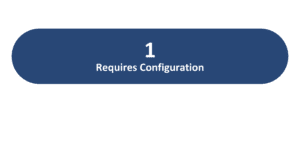
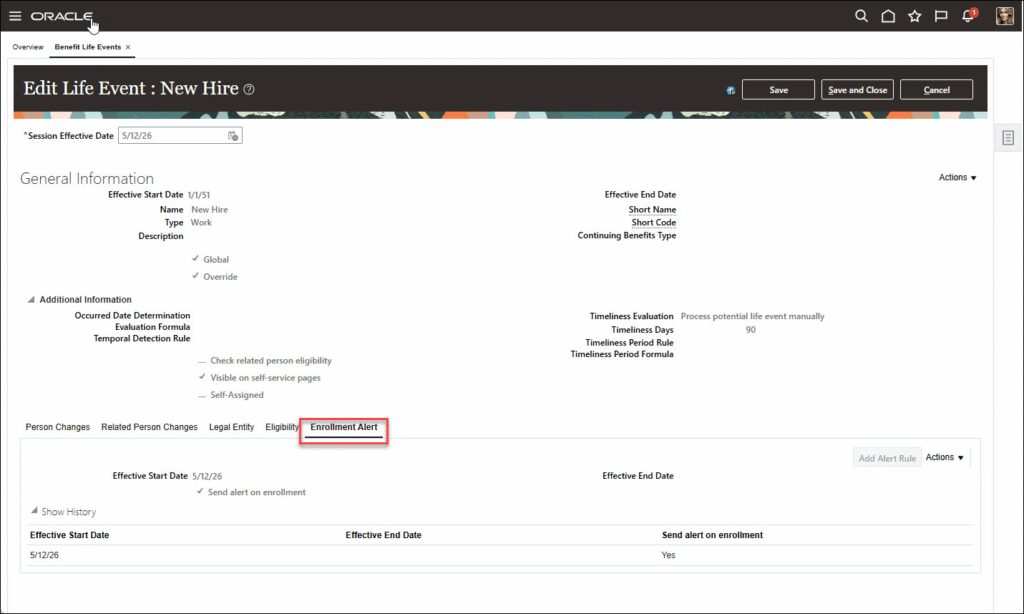
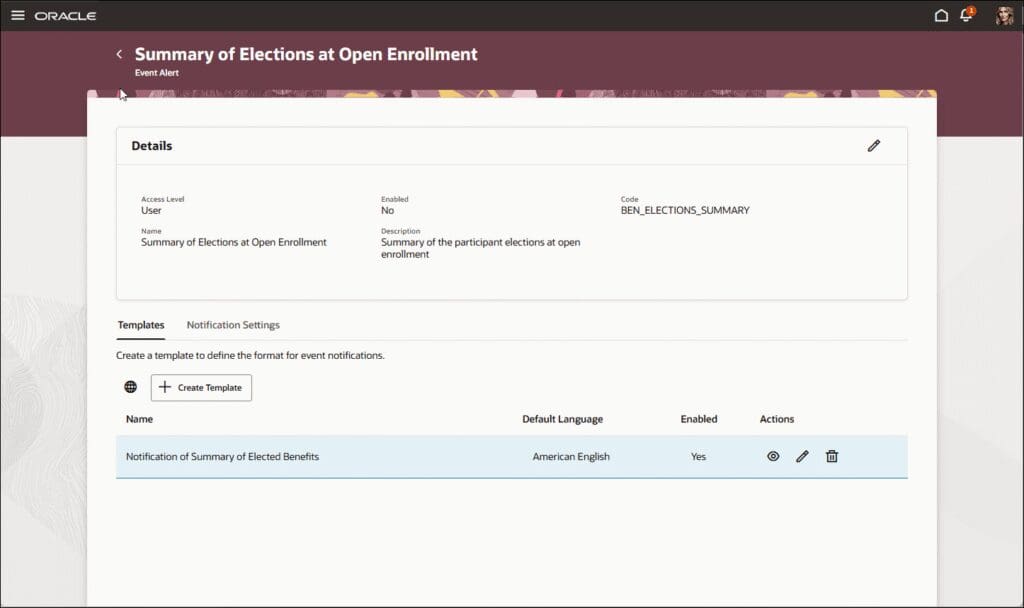
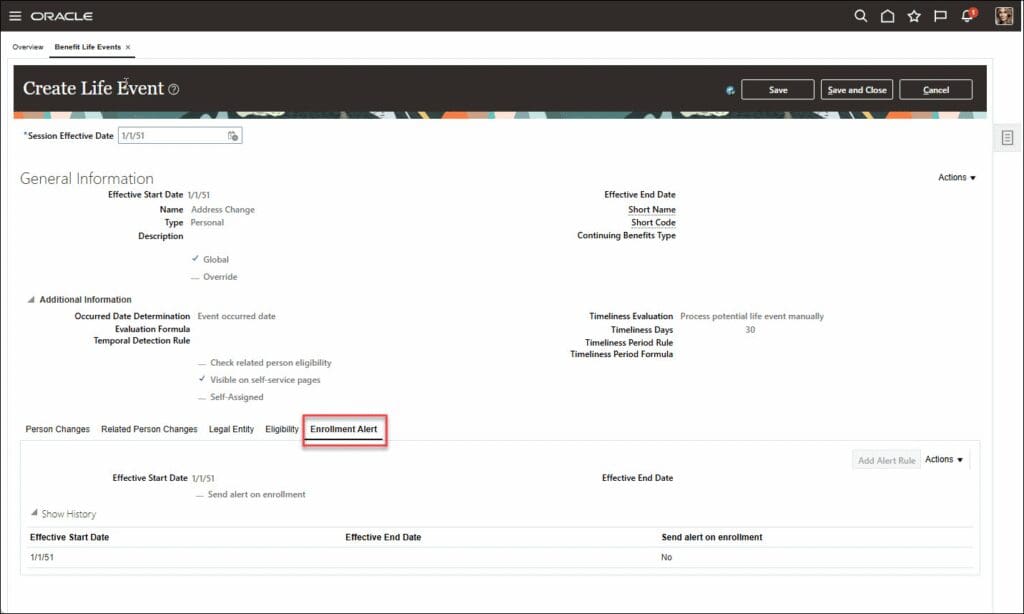
- Configure Enrollment Confirmation Alerts by Life Event
- Configure Rules for Benefits Redwood Page Properties
- Enable Redwood Experience for Benefits Plan Configuration Pages
- Simulate a Life Event for Benefits Administrators
1. Redwood Experience
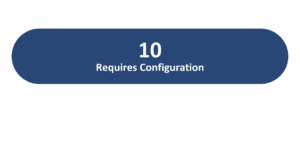
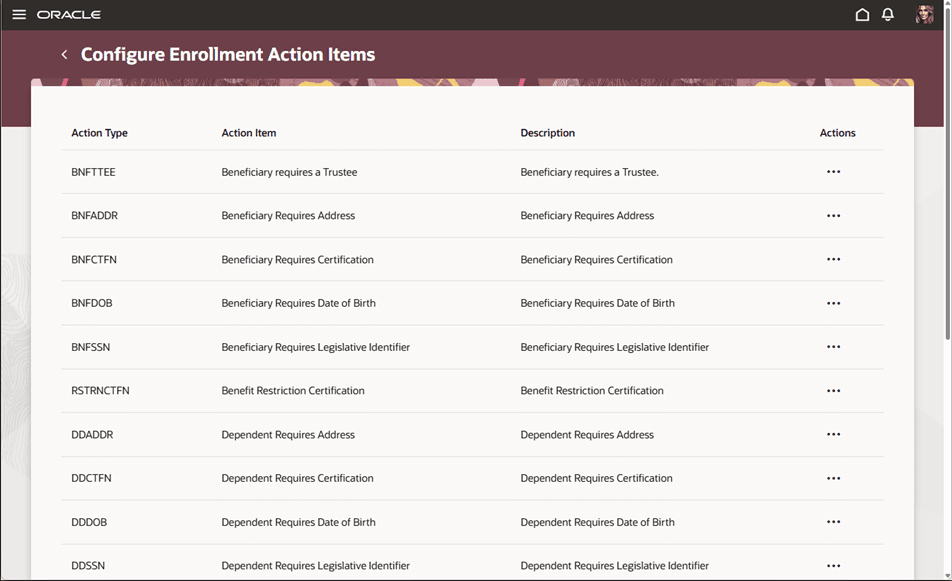
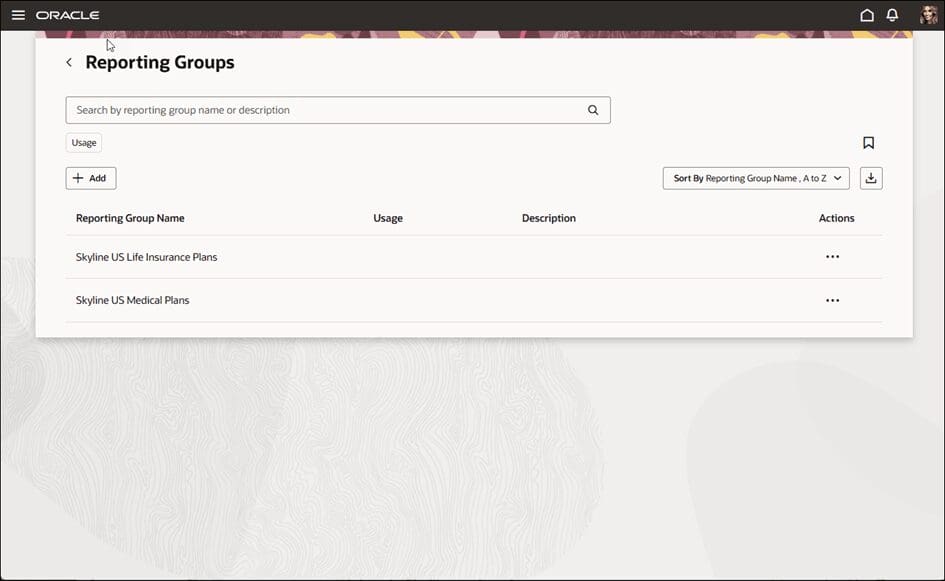
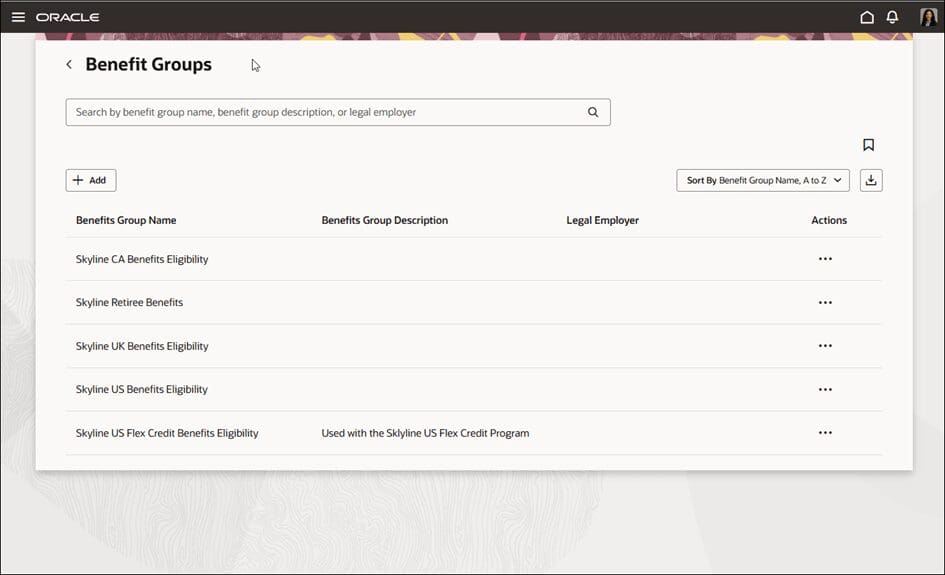
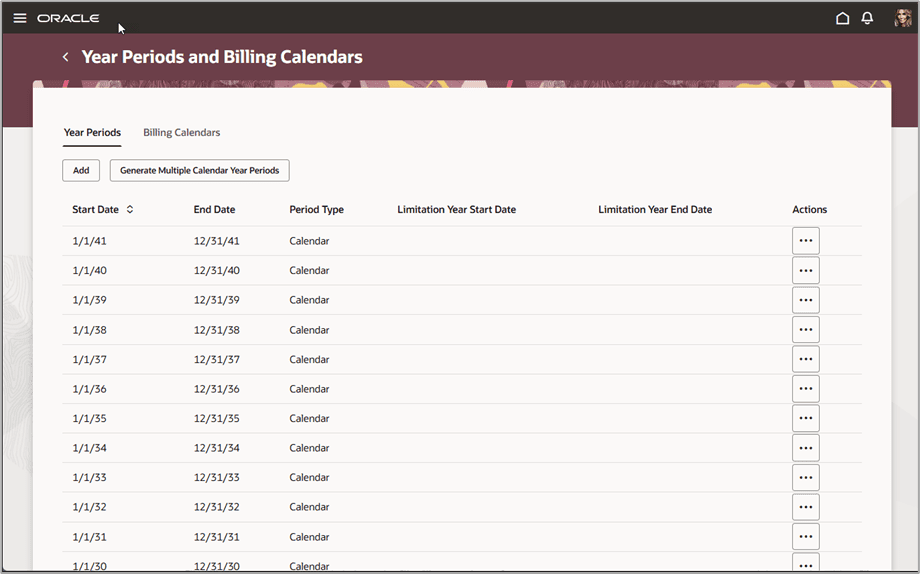
Update 26C delivers 2 Redwood features across Benefits. Eight Benefits plan configuration pages — including Self-Service Configuration and Survey, Configure Enrollment Action Items, Benefit Balances, Benefit Groups, Reporting Groups, Regulations, Year Periods and Billing Calendars, and Plan Types — are now available in the Redwood experience, continuing the Benefits Redwood adoption journey. In addition, Benefits Redwood page properties can now be configured with conditional rules in Visual Builder Studio, allowing administrators to tailor the Benefits experience based on legal entity, business unit, country, legislation code, or role.
2. Generative AI
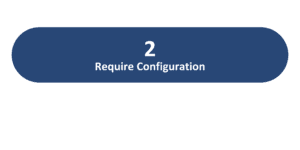
Update 26C introduces 1 Generative AI feature across Benefits. The Enhanced Benefits Analyst Agent for Flex Credits and Benefits Representatives extend the Analyst Agent capabilities to support queries about flex credits and provide guided assistance for benefits representatives
3. Configure Enrollment Confirmation Alerts by Life Event
Quick Notes:


This feature ensures that users can clearly see which life event is associated with their current benefits enrollment. It ensures contextual guidance by displaying the relevant life event name during the enrollment process, ensuring employees understand the reason for their benefit changes, reducing confusion and supporting more accurate selections throughout the enrollment process
4. Configure Rules for Benefits Redwood Page Properties
Quick Notes:
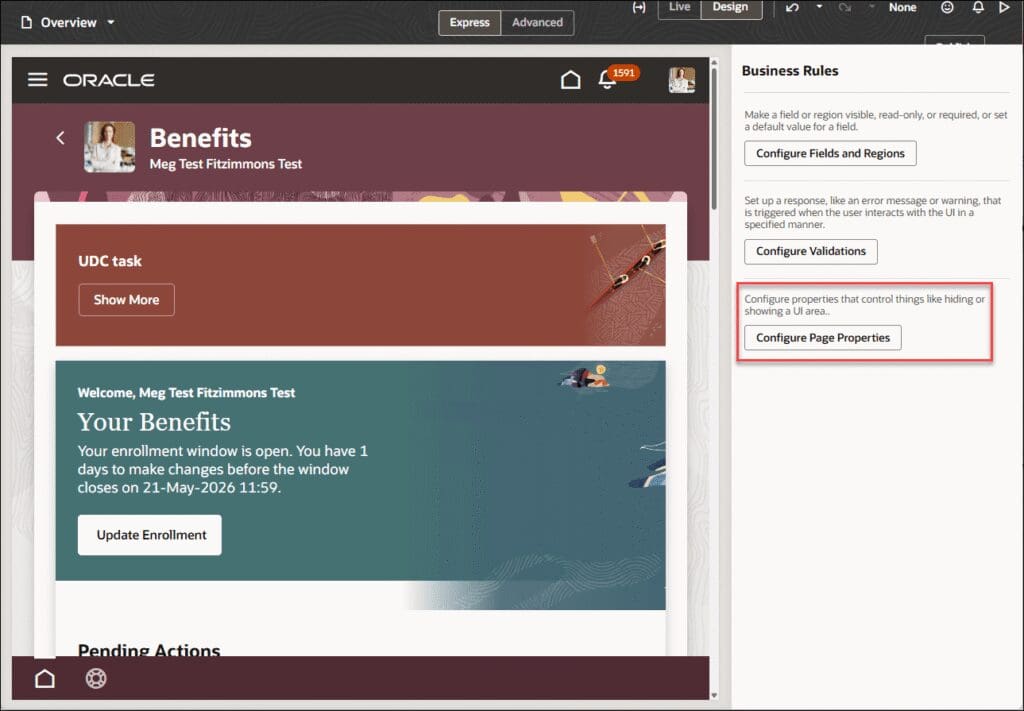
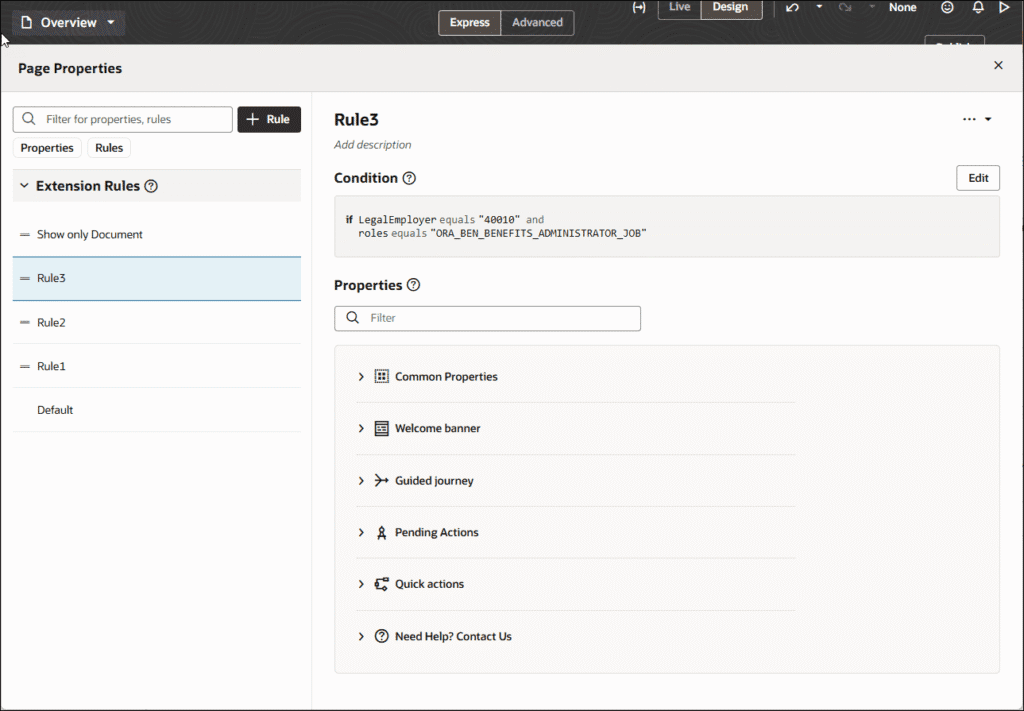
Benefits Redwood page properties can now use rules in Visual Builder Studio. Administrators can create rules that allow page properties to display conditionally based on context such as legal entity, business unit, country, legislation code, or role.
- The Business Rules side panel now includes a Configure Page Properties button — opening a grouped property experience by page area: Common Properties, Welcome Banner, Guided Journey, Pending Actions, Quick Actions, and Need Help
- Display a welcome banner, guided journey, or other page property based on role, legal entity, business unit, country, or legislation code
- Guided journey properties use a list of values so administrators can select from predefined guided journeys
- Rule behavior follows the order defined in Business Rules when more than one rule matches the same context
5. Enable Redwood Experience for Benefits Plan Configuration Pages
Quick Notes:
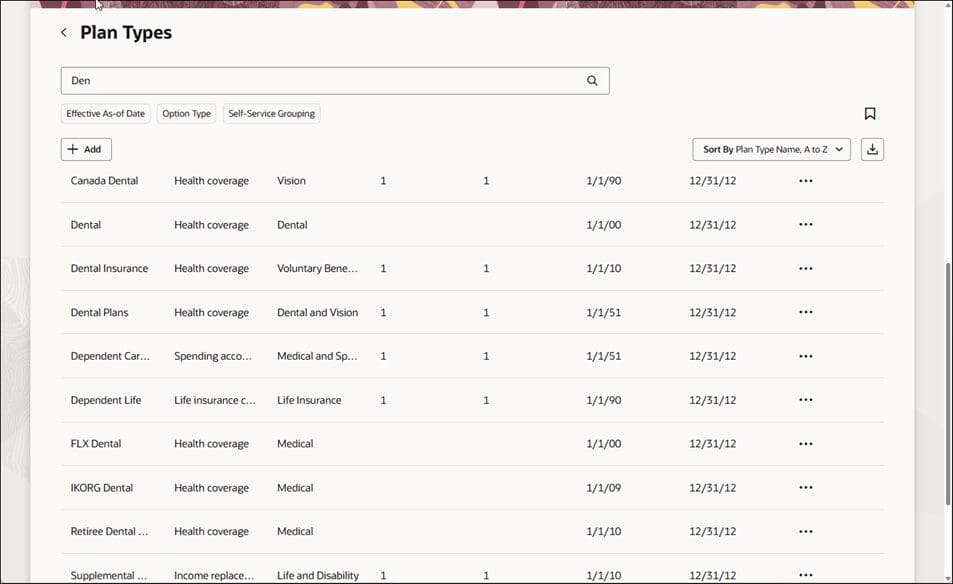
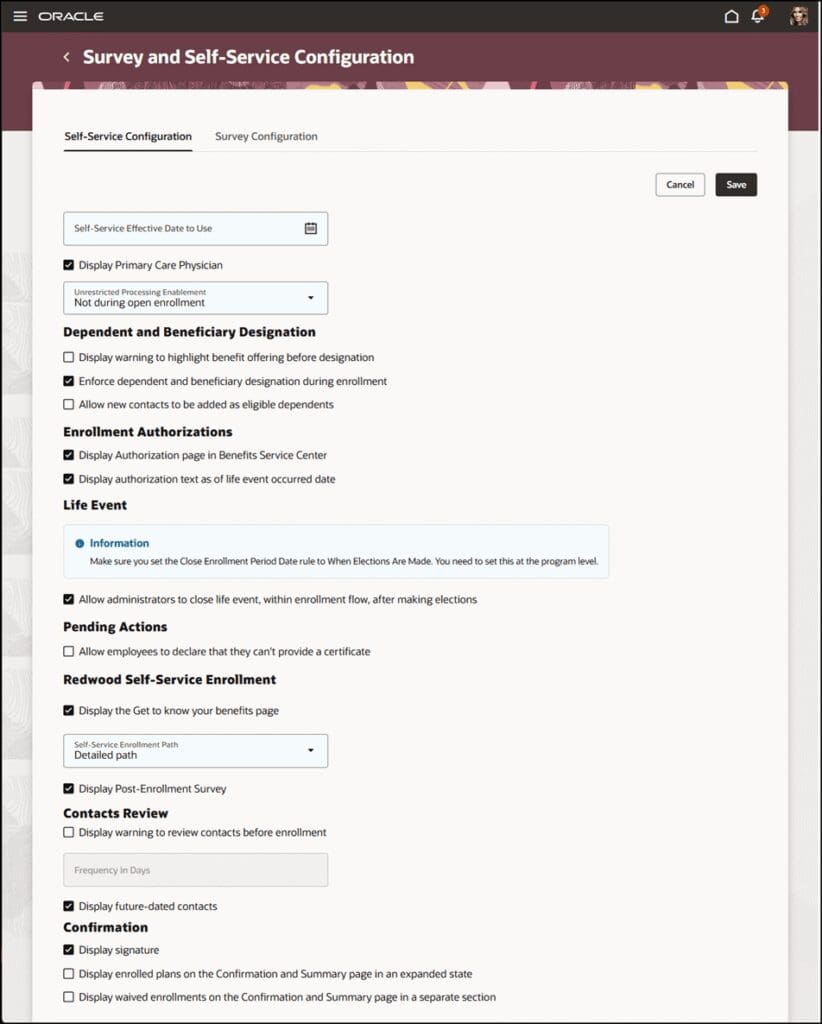
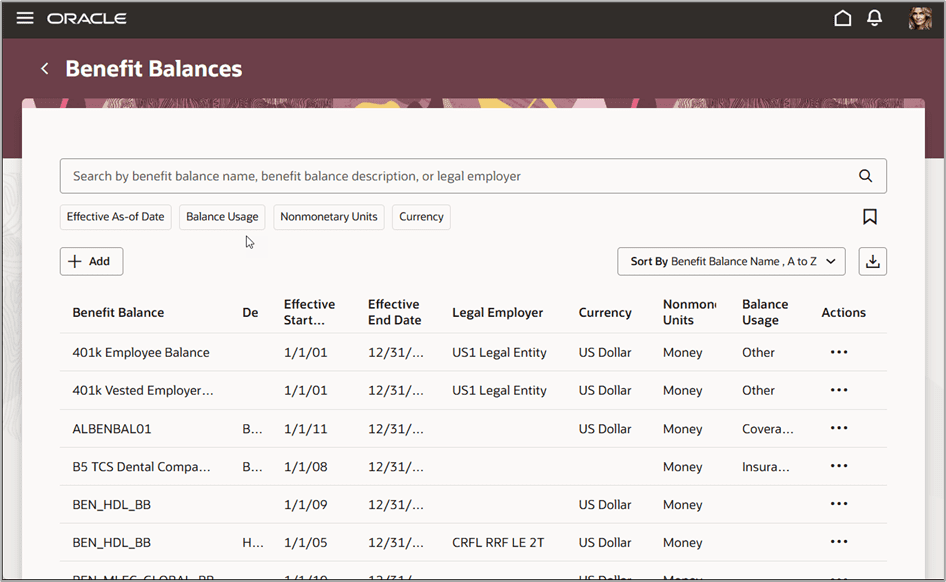
Eight Benefits plan configuration pages are now available in the Redwood user experience as part of the ongoing Benefits Redwood adoption, supporting existing configuration activities in a modernized experience.
- Self-Service Configuration and Survey — now available in Redwood
- Configure Enrollment Action Items — now available in Redwood
- Benefit Balances and Benefit Groups — now available in Redwood
- Reporting Groups and Regulations — now available in Redwood
- Year Periods and Billing Calendars — now available in Redwood
- Plan Types — now available in Redwood
- Classic pages remain available from the Plan Configuration work area
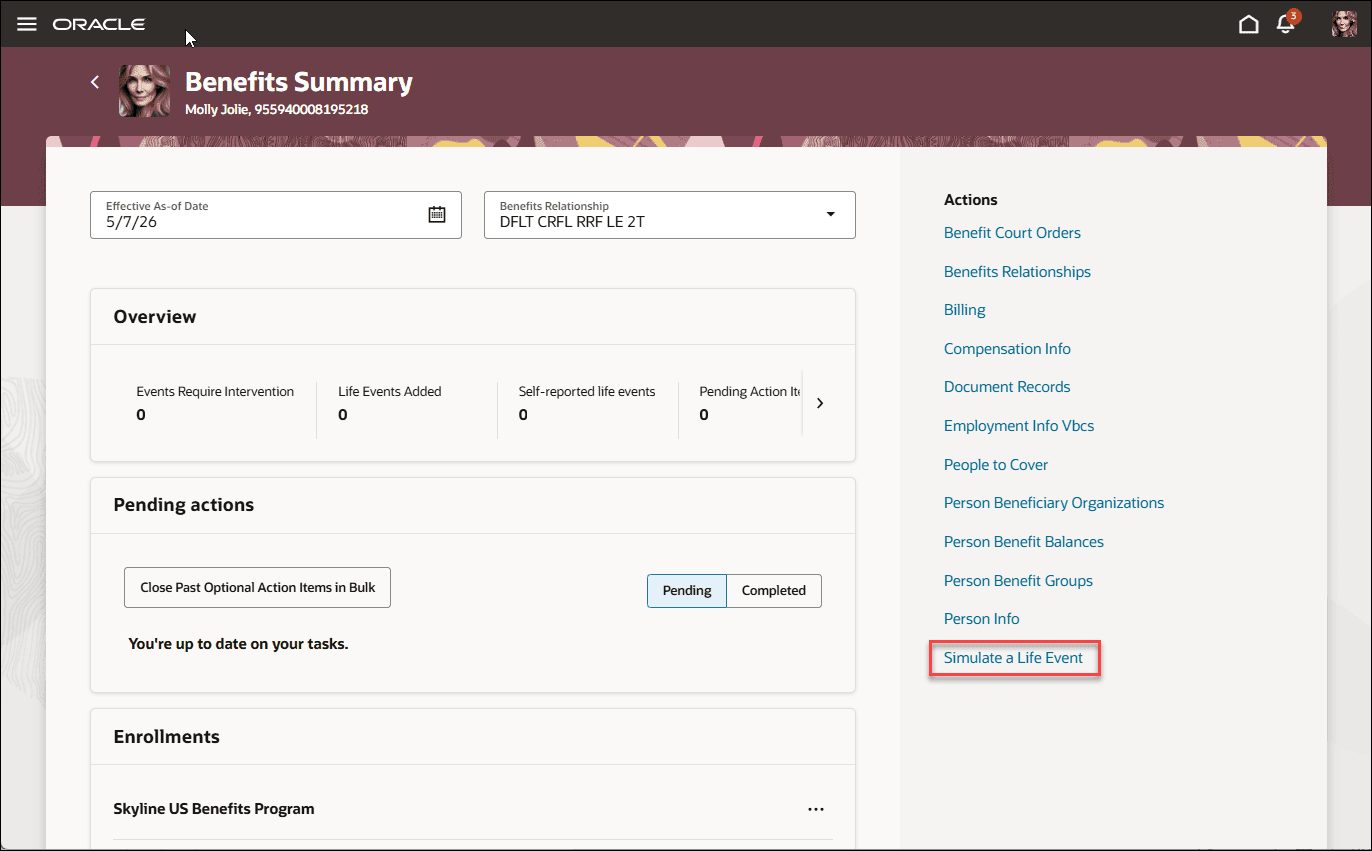
6. Simulate a Life Event for Benefits Administrators
Quick Notes:
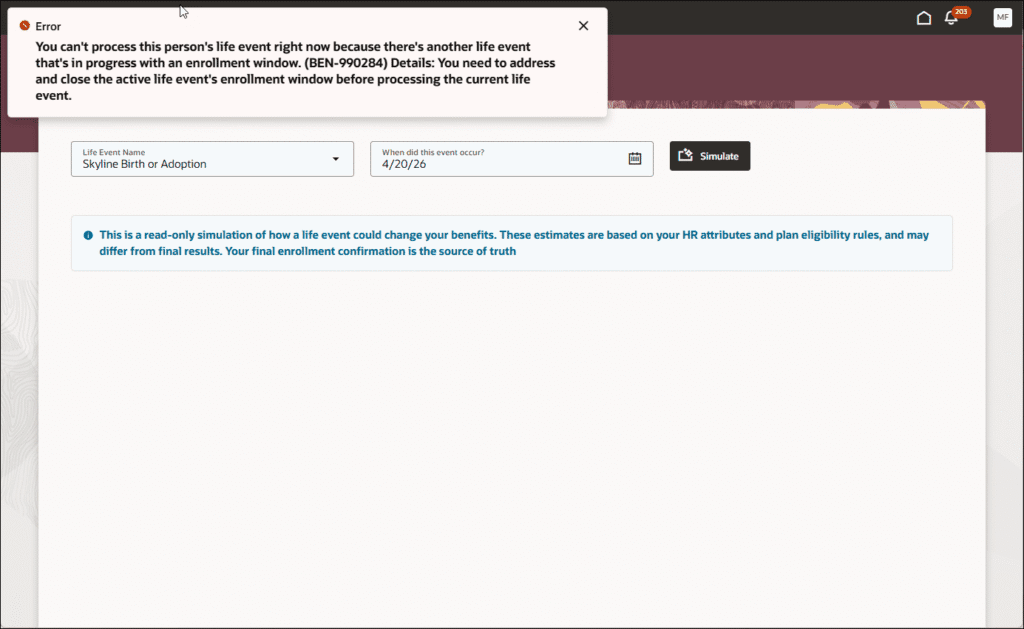
Benefits administrators can now simulate a life event for a person from the Benefits Summary page. The simulation is read-only — it does not create enrollment results or save transaction data.
- Select a life event and event date to simulate — compare the life event against current benefits eligibility
- Review estimated eligibility and rate results after the simulated event without affecting actual enrollment records
- Only primary rates are simulated — post-enrollment rates cannot be simulated
- The simulation will not run if another life event is already in progress with an open enrollment window