Oracle HCM Common Cloud 26B
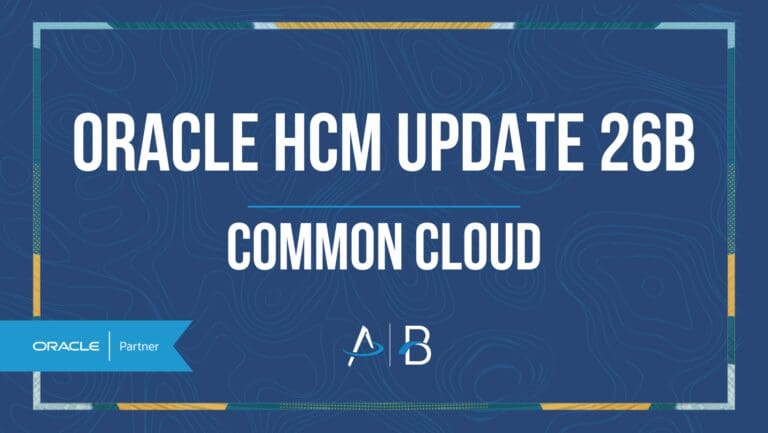
Low

Feature Enablement
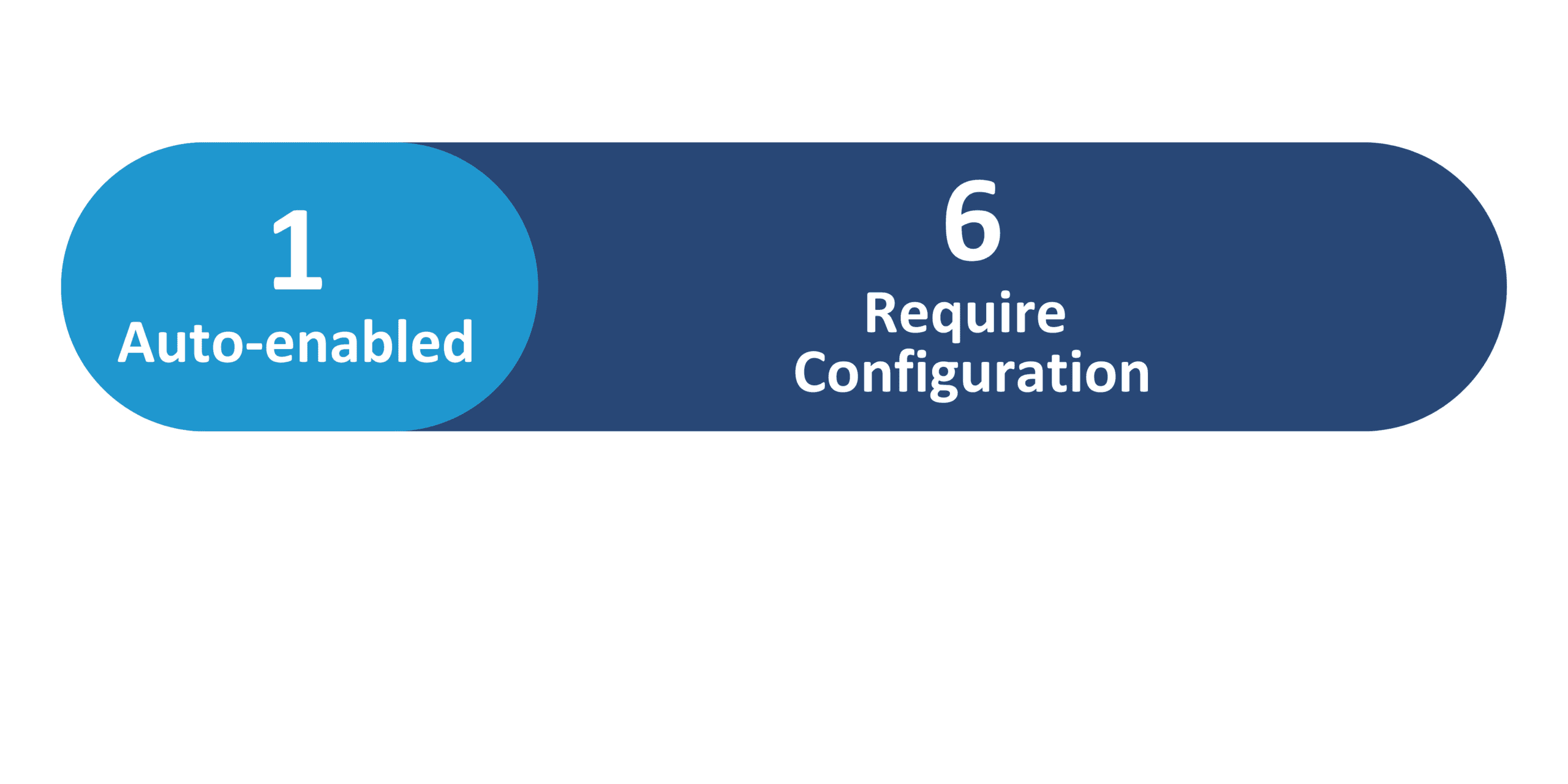
Redwood Features
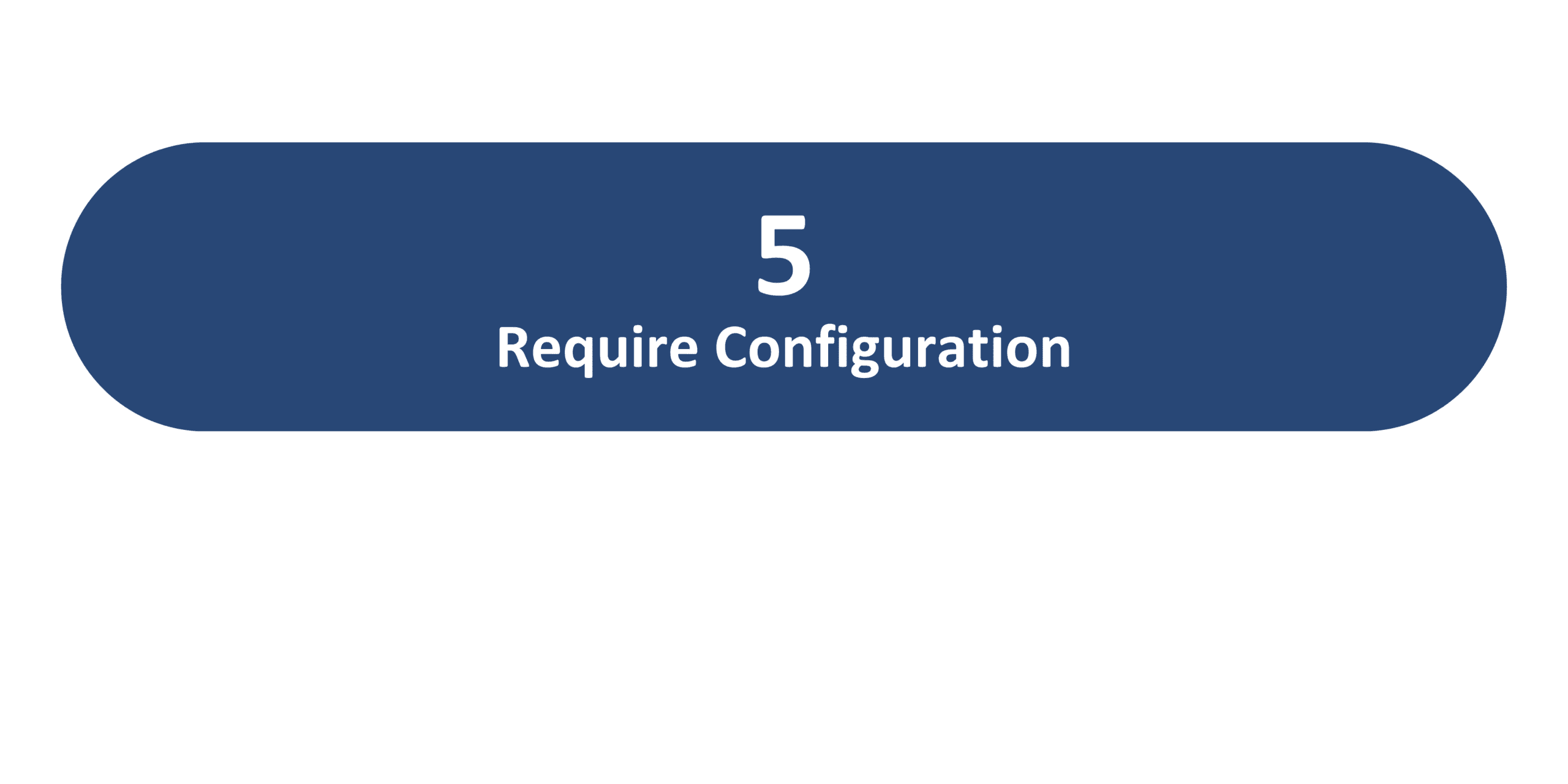
26B Update Features Covered:
- Redwood Experience
- Redwood Experience for Users and Roles Quick Action
- Display Optional Regions in Compact Guided Process Redwood Template Pages
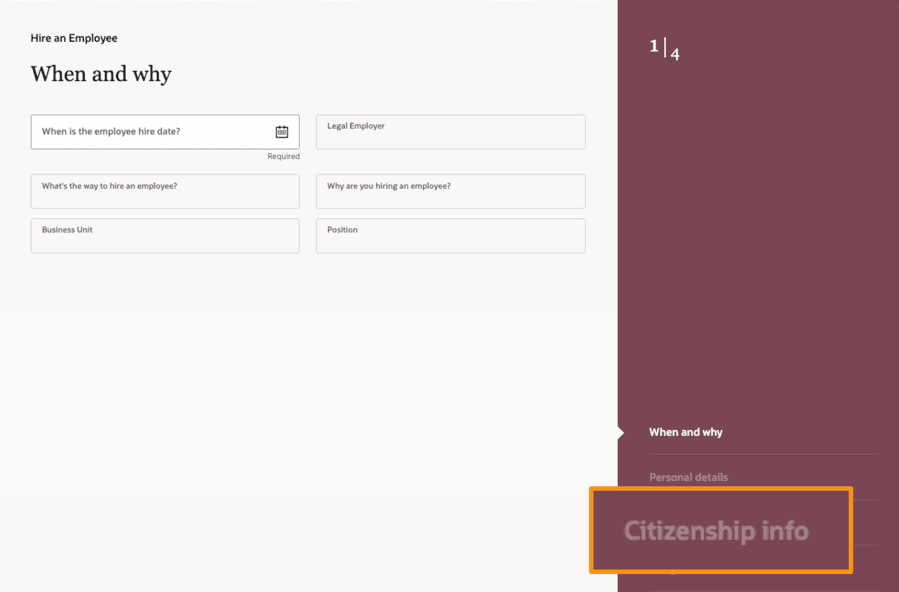
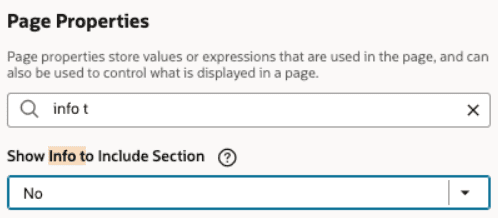
- Hire an Employee process displays Citizenship Info section that’s optional when Info to Include is hidden
1. Redwood Experience
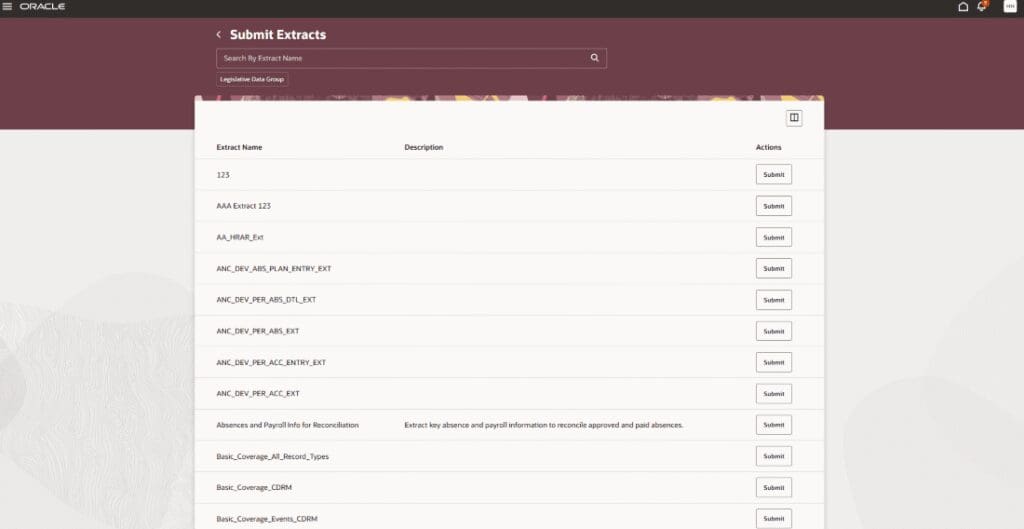
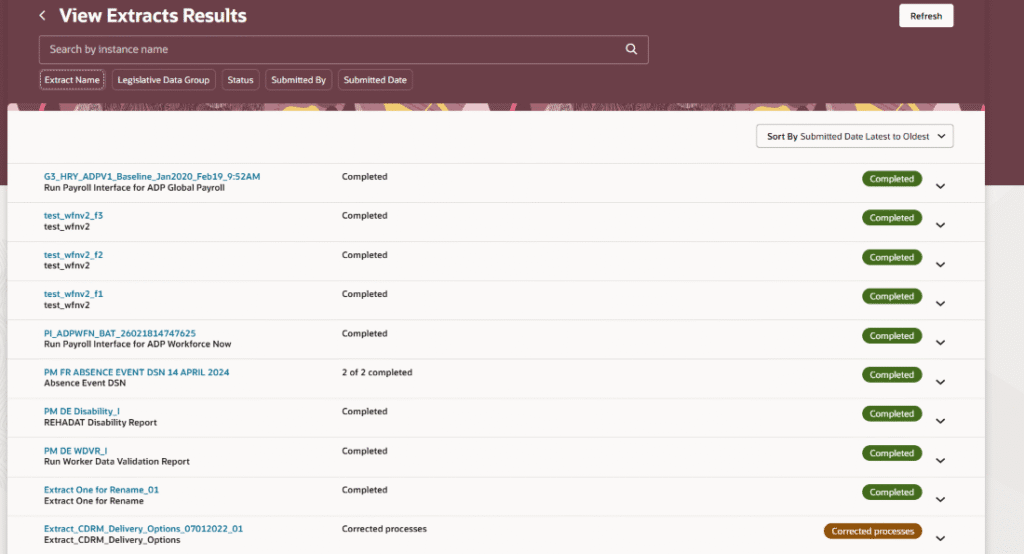
In 26B, Oracle continues to upgrade HCM Common application areas to the new Redwood UI with a focus on the HCM Extracts pages. The Submit Extracts, View Extract Results, and HCM Spreadsheet Data Loader pages all receive Redwood UI updates, providing a more streamlined, intuitive user experience.
2. Redwood Experience for Users and Roles Quick Action
Quick Notes:


The Users and Roles pages under My Team are now available in Redwood under the new Users and Roles quick action, built using Visual Builder Studio (VBS). This enhancement is a continuation of Oracle’s Redwood rollout for HCM Common pages, focusing on streamlining navigation and improving user experience.
This Redwood page may be turned on by setting the ORA_PER_USERS_AND_ROLES_ENABLED profile option to Yes.
3. Display Optional Regions in Compact Guided Process Redwood Template Pages
Quick Notes:
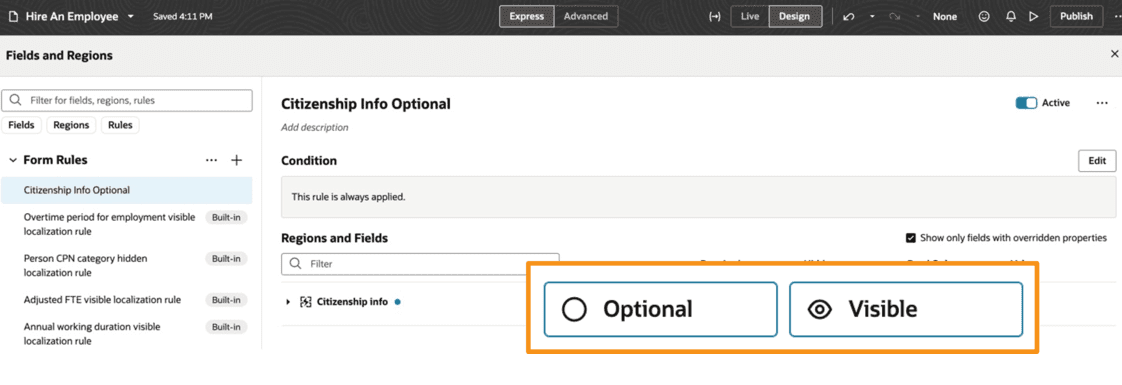
Optional regions can now be displayed automatically in Redwood Compact Guided Process (CGP) template pages without requiring them to be made mandatory when Info to Include is hidden. To have these regions appear automatically in the steps, they must be marked as both Optional and Visible in the Configure Fields and Regions area of Visual Builder Studio (VBS).
This enhancement aligns Redwood CGP template page behavior with that of the previous responsive CGP template pages. To enable this enhancement, the ORA_HCM_DISPLAY_OPTIONAL_REGIONS_ENABLED profile option must be set to Yes.
4. Migration of Specific Extracts to the Enhanced Version.
Quick Notes:
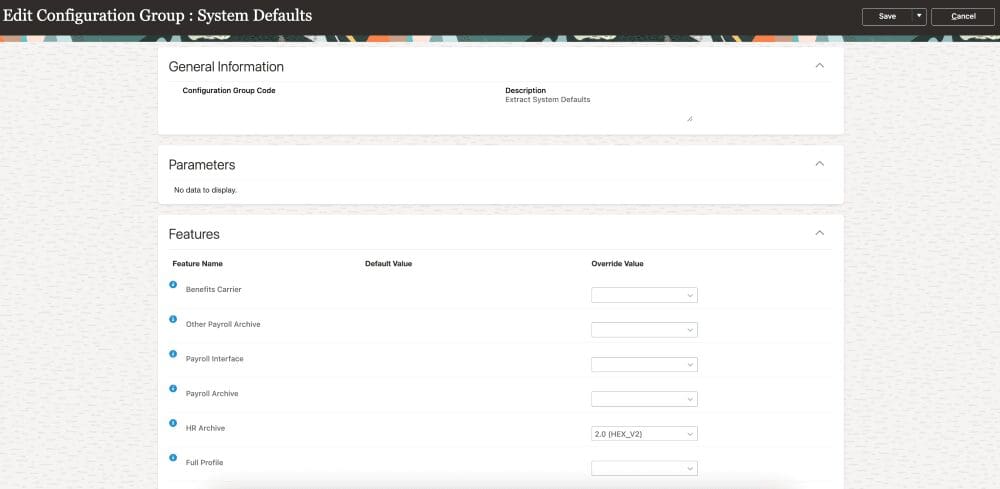
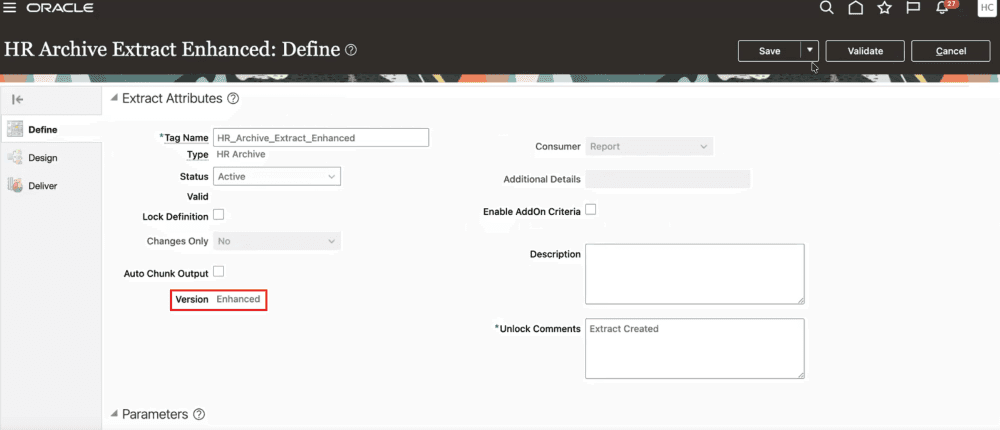
Starting in 26B, certain extracts can be upgraded to an enhanced version to improve system performance and optimize storage management. Currently, the extract types that are eligible to be enhanced include:
- Benefits Carrier
- HR Archive
- Other Payroll Archive
- Payroll Interface
- Full Profile
- Recruitment Archive