Oracle HCM Learning and Development 26C
Medium

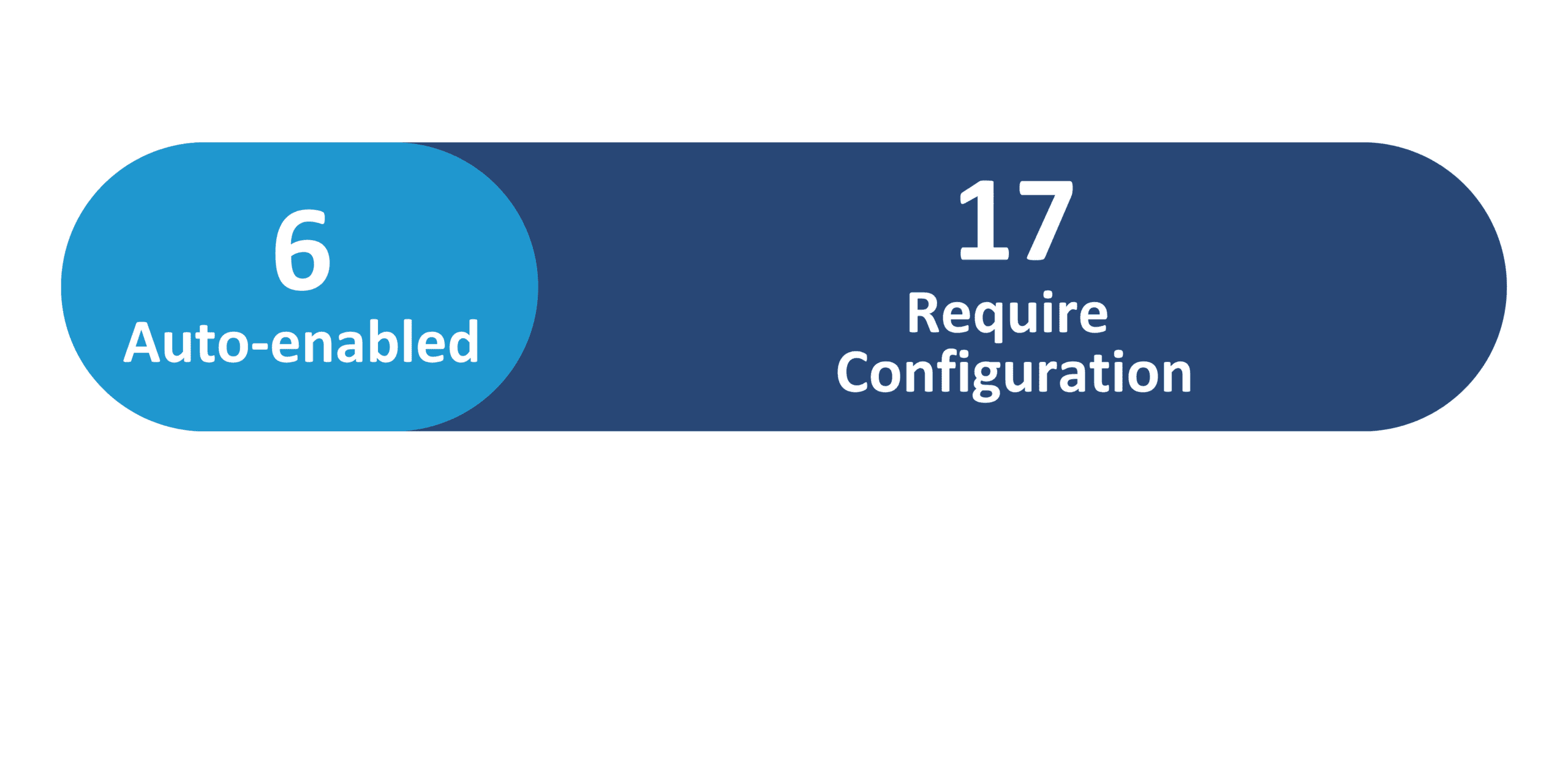
Feature Enablement
Redwood Features

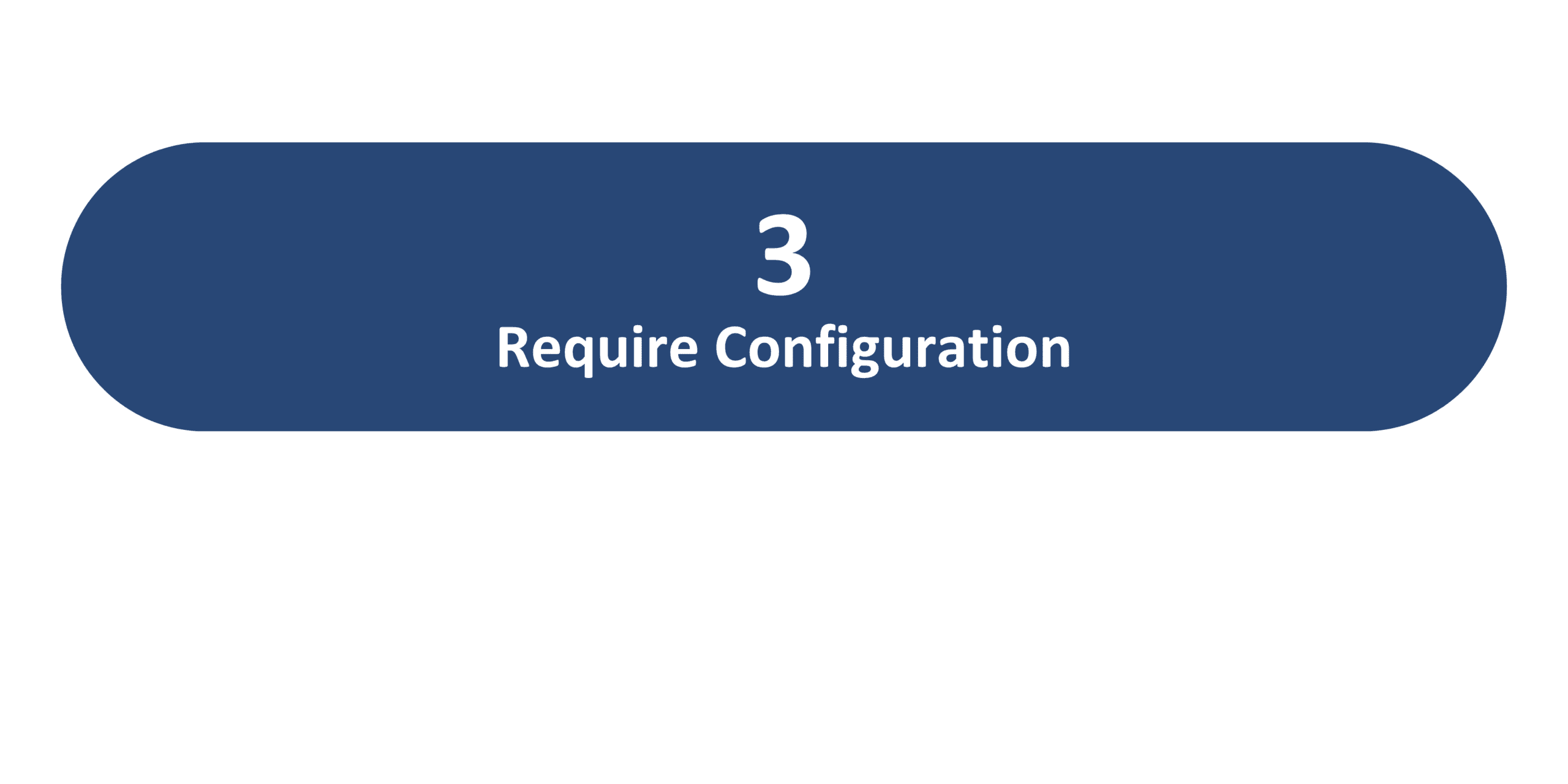
Generative AI Features
26C Update Features Covered:
- Redwood Experience
- Generative AI
- My Learning and Learning Catalog Calendars for Learners
- My Learning Training Hours
- Introducing Agentic Courses
- Learning Catalog Calendar for Specialists
- Multiple Instructors Support for Microsoft Teams Events
- Online Meeting Improvements
- Usage Details for Events, Courses, and Learning Paths
1. Redwood Experience
Update 26C delivers 3 Redwood features across Learning and Development. These include Redwood Media Player Updates, Redwood Category and Topic Management, and Redwood Specialization Management — all in the Learning Experience and Management module. These features continue the Learning Redwood adoption journey for specialists managing learning catalog content.
2. Generative AI
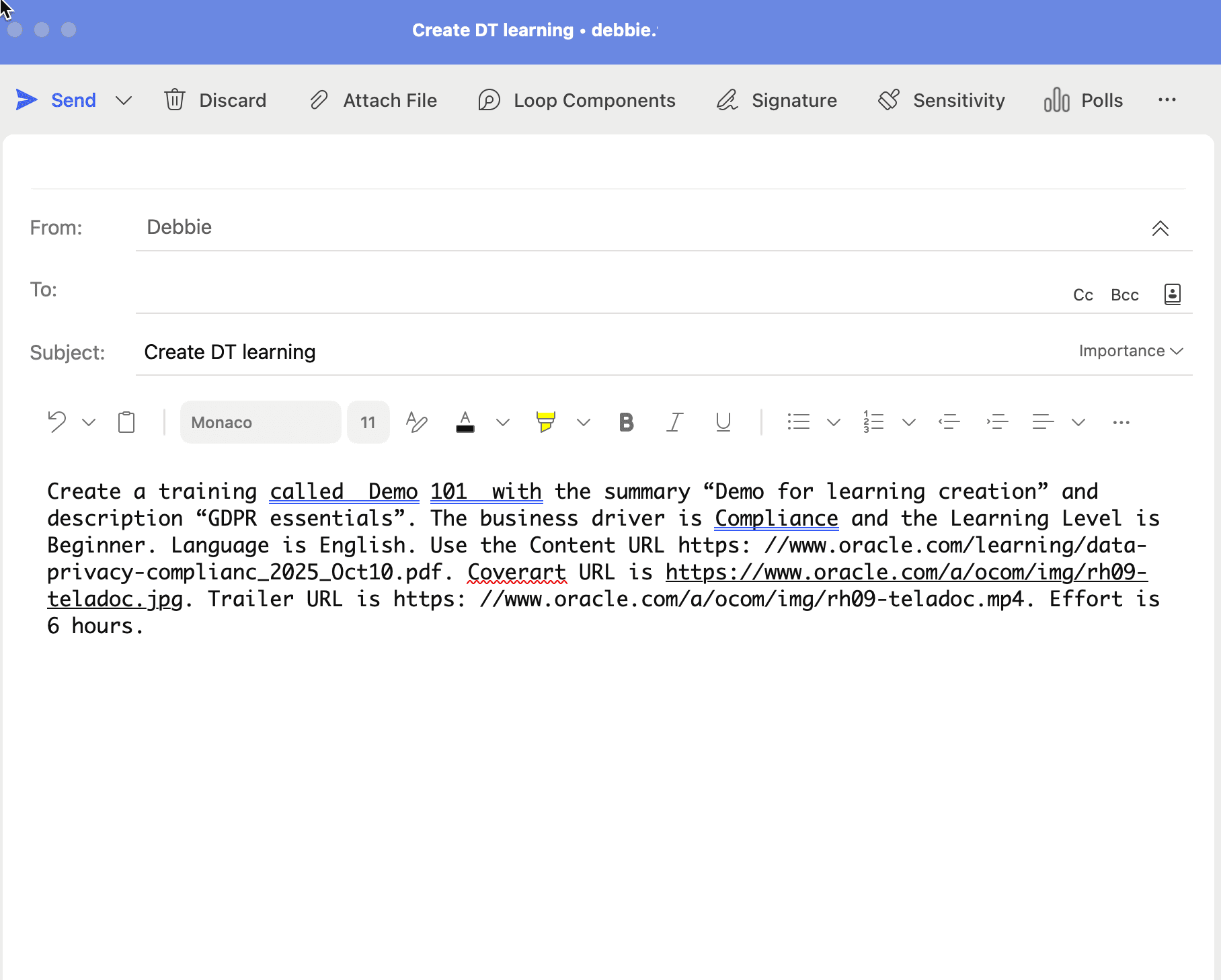
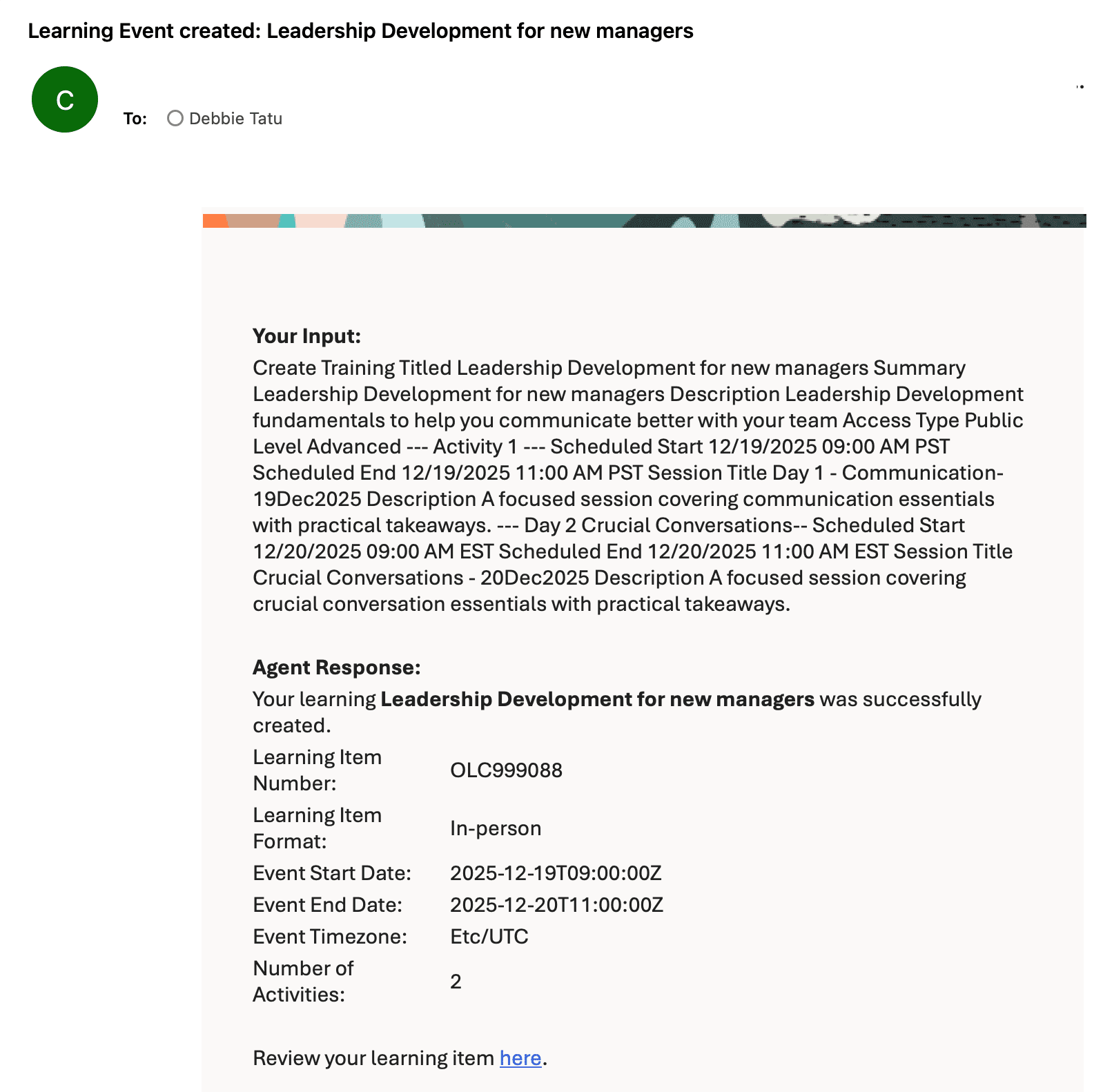
Update 26C introduces 3 Generative AI features across Learning and Development. The standout feature is Introducing Agentic Courses — a new type of self-paced learning that uses AI agents to teach from curated materials while adapting to each learner’s pace, checking understanding, remediating gaps, and identifying completion.
The Summary and Description Generator has also been updated with new capabilities for generating content descriptions. The Personalized Learning Guidance Using Grow Coach feature provides AI-powered coaching for career and skill development.
3. My Learning and Learning Catalog Calendars for Learners
Quick Notes:



Learners can now see available instructor-led training and the learning they are enrolled in on the Me > Learning > Calendar page. Month, week, day, and list views help learners find relevant learning quickly, with drawers providing details and in-context actions without leaving the calendar.
- Browse available instructor-led training in the learning catalog directly from the calendar view
- View enrolled learning alongside available catalog events in a single unified calendar
- Enroll in learning, request enrollment, join waitlists, and view registrations directly from calendar detail drawers
- Switch between month, week, day, and list views — the calendar remembers the last view used in each browser
4. My Learning Training Hours
Quick Notes:
The My Learning Experiences page now includes a scoreboard that helps learners track their learning progress over time. The scoreboard displays training hours, enrollments, required learning, and learning still to complete for the current and previous year.
- See training hours, enrollment counts, required learning, and outstanding learning for the current and previous year in a clear scoreboard
- Show and hide individual scoreboard cards to tailor the display to personal tracking needs
- Scoreboard values remain static and are not affected by search or filter selections on the page, ensuring reliable year-based metrics
- Training hours are calculated from either actual or expected effort, based on configuration, and include only assignments with Complete or Bypass Completed status
- Learning path assignments contribute to training hours only when their status is Bypass Completed

5. Introducing Agentic Courses
Quick Notes:
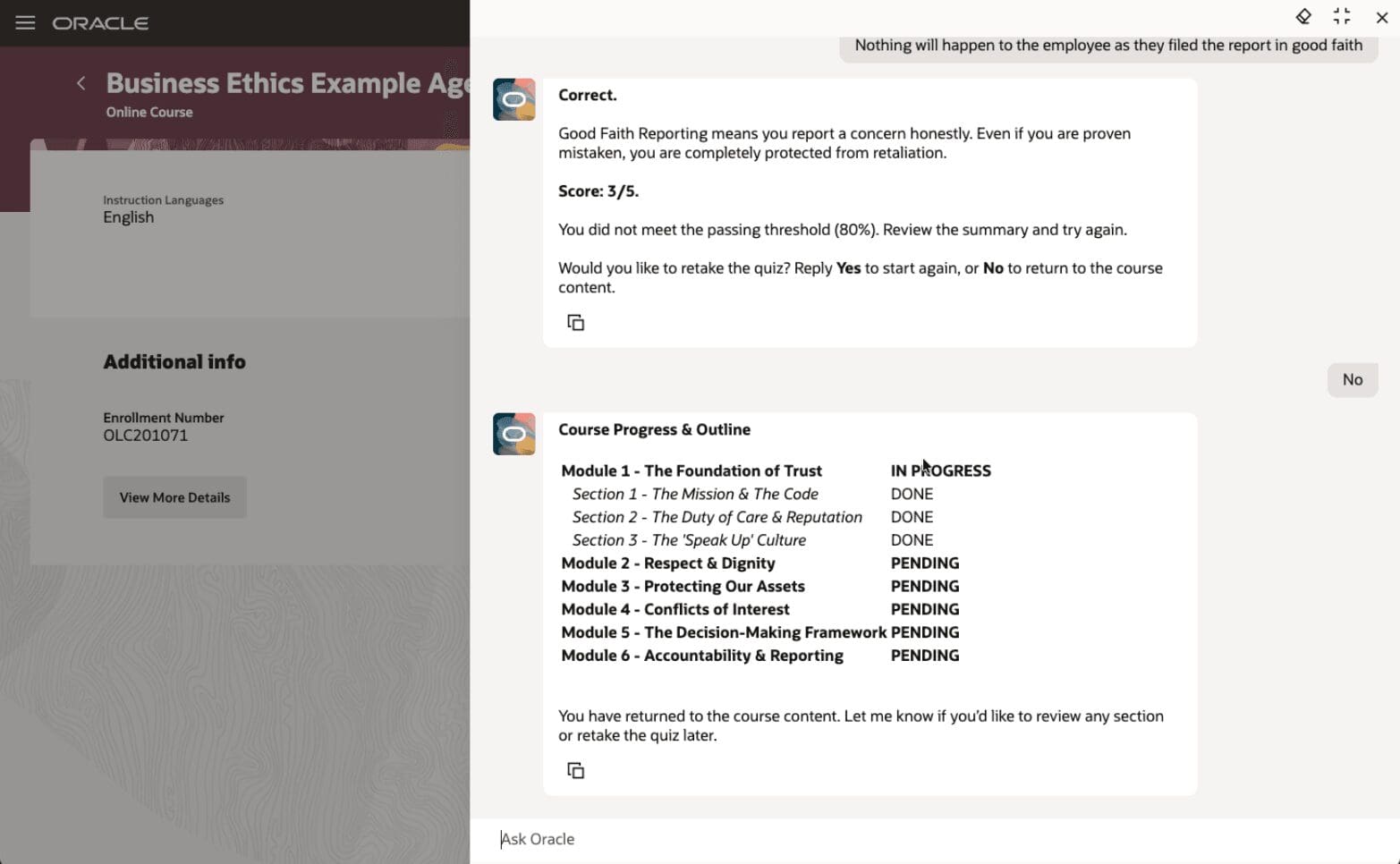
Agentic courses are a new type of self-paced learning that uses AI agents to teach from curated learning materials while adapting to each learner’s pace and needs. Learning specialists can now deploy personalized instruction at scale, allowing each learner to have an adapted experience for the training objective.
- Learning specialists select published AI agents tagged with Learning Content as the content type when creating self-paced learning
- Learners interact with the content through an AI agent chat experience on the Redwood Enrollment Details page
- The agent teaches in chunks, checks understanding, remediates gaps, recaps learning, and identifies completion
- A delivered Business Ethics Example Agentic Course is included to demonstrate the agentic learning pattern
- Gives teams a reusable agentic learning template instead of building from scratch, improving training effectiveness while preserving required outcomes

6. Learning Catalog Calendar for Specialists
Quick Notes:
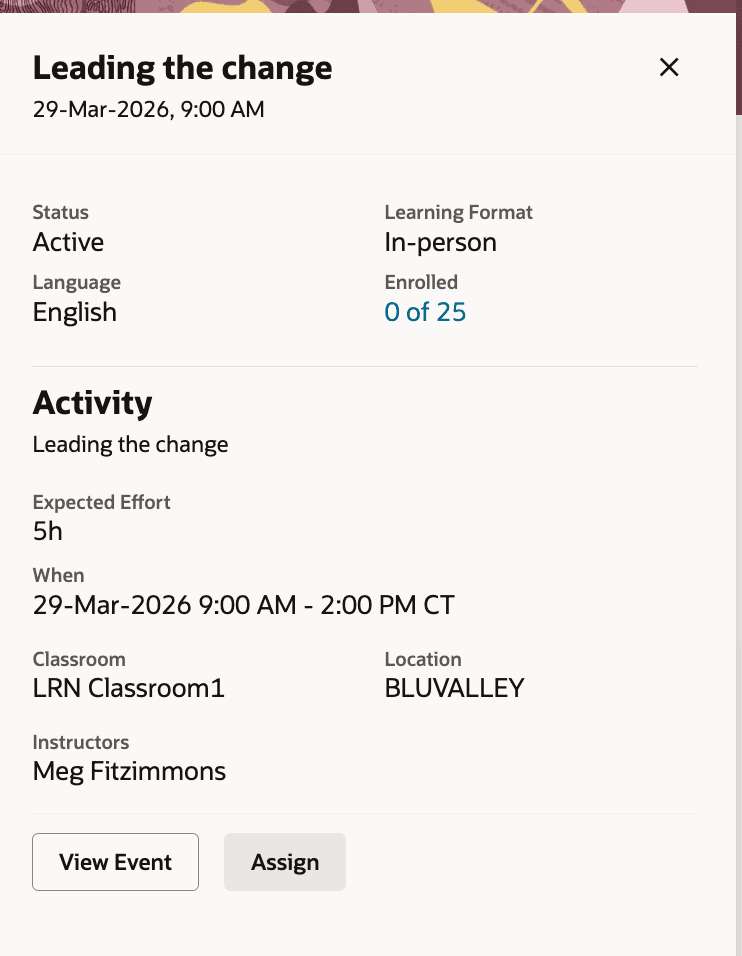
Learning specialists can now use the Learning Calendar task to view and manage instructor-led training in one central place. The calendar provides a single workspace for monitoring schedules, reviewing details, and managing enrollments across events.
- Monitor instructor-led training schedules in month, week, day, or list views with search and filter capabilities
- Review offering and event details, dates and times in the configured format and time zone
- Open the event to the Assignments tab directly by clicking enrolled or waitlisted counts in the panel
- Assign and manage training directly from the calendar — details panels show schedules, locations, enrollment counts, and waitlist indicators
- Configure keyword search, columns, and available filters in the Admin Catalog Calendar Search view

7. Multiple Instructors Support for Microsoft Teams Events
Quick Notes:
You can now add multiple instructors to Microsoft Teams online meetings for learning events. Instructors who meet the account or email criteria are added as co-organizers, improving reliability for VILT sessions with multiple facilitators.
- Add multiple instructors to Microsoft Teams learning events — each eligible instructor is added as a co-organizer
- Added instructors receive a join URL in event alerts or Outlook notifications and can start or join the meeting from the event activity page or Instructor Activity Center calendar
- Configure when online meetings end on the Microsoft Teams setup page — options include When Primary Instructor Leaves or When Last Instructor Leaves
- A default 15-minute reminder is now added to Microsoft Outlook calendar Invites for learners and instructors for new events and events updated after the feature becomes available

8. Online Meeting Improvements
Quick Notes:
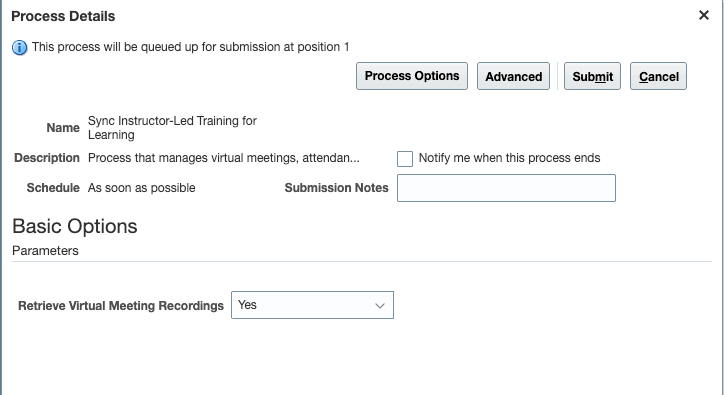
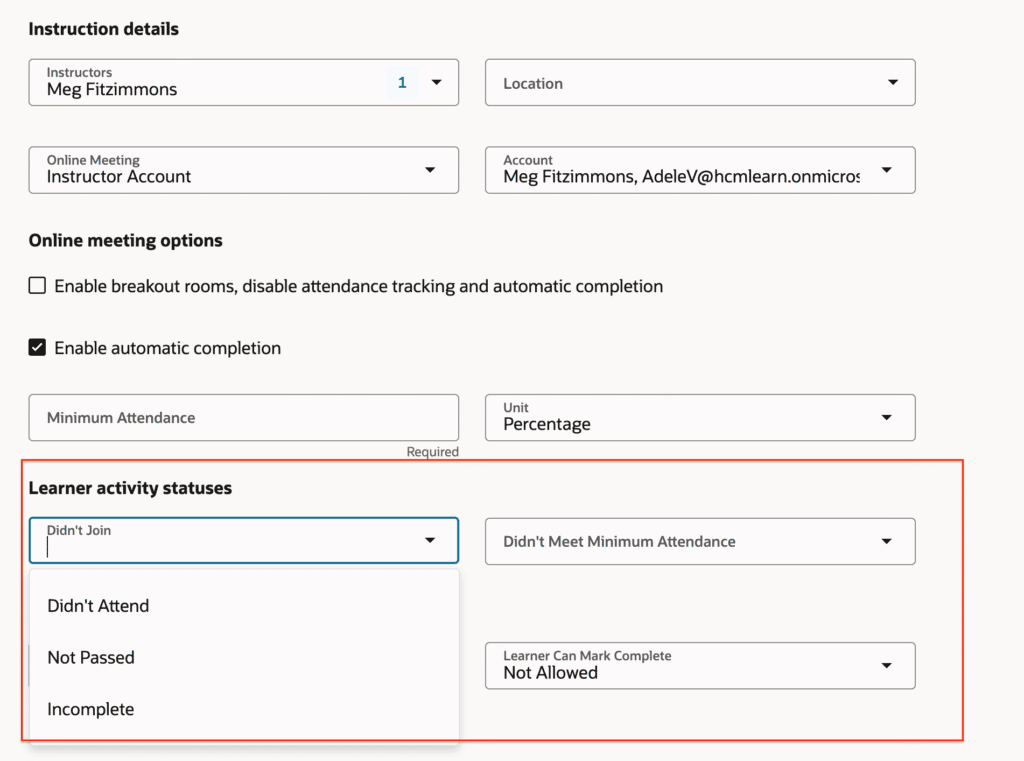
Online meeting attendance processing has been improved to help learning teams manage learner attendance more efficiently — automatically updating learner activity statuses from provider attendance data and producing clearer, more relevant attendance reports.
- Configure learner activity statuses for provider-based online meetings when learners do not join or do not meet the minimum attendance requirement — supported providers: Microsoft Teams, Zoom, and Adobe
- Attendance reports now show join and leave times in the activity time zone, display duration in minutes, and include an instructor column
- Microsoft Outlook calendar invites for learners and instructors now include a default 15-minute reminder for new events and events updated after the upgrade
- Online meeting URLs no longer appear directly on the learner enrollment page — learners should use the Join button to access the meeting

9. Usage Details for Events, Courses, and Learning Paths
Quick Notes:
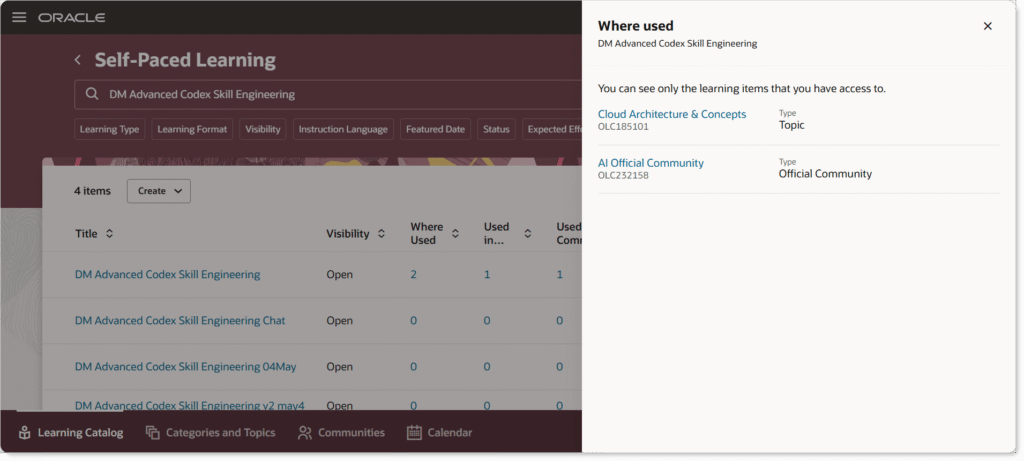
The Learning Catalog page now makes it easier to review relationships across events, courses, and specializations. The Where Used columns are now clickable, allowing administrators to open related entities directly, and related learning appears in organized sections that match the details page layout.
- Where Used columns in the Learning Catalog are now clickable — open related entities such as events, courses, and specializations directly from the catalog page
- Related learning appears in organized sections that match the learning details page layout, improving consistency and navigation
- Improves visibility into relationships and dependencies across catalog learning, supporting more consistent catalog management